NUMBERS | Brain training
NUMBERS | Brain training is made and published by Romiick LLC. AppBrain is an independent app data site and isn't affiliated with Romiick LLC. The app name, icon, screenshots and description belong to Romiick LLC and are shown as published on the App Store.
AppBrain's verdict
- Last updated
- February 1, 2026
Rankings
App Store top chartsApp Store Rankings for NUMBERS | Brain training
Competitors
Similar apps and more from Romiick LLCAlternatives to NUMBERS | Brain training
More from Romiick LLC
Releases
Updates seen on the App Store- Version
- 1.1.3
- Launched
- July 2024
No changelog data
User feedback
Ratings and reviews on the App StoreComments on NUMBERS | Brain training for iOS
We don't have enough comments to show example comments. Please check back later.
Technology
Found in the app by AppBrain- Price
- Free
- App size
- 21.0 MB
- Content rating
- Everyone
Technologies used by NUMBERS | Brain training
About the app and developer
About NUMBERS | Brain training
NUMBERS | Brain training is a games app developed by Romiick LLC.
User Ratings
The app has no ratings yet.
App Information
NUMBERS | Brain training is freely available from the App Store. The app size is 21.01 MB. The latest version available is 1.1.3. The last update was on February 1, 2026.
Technical Requirements
The app has a content rating of Everyone. The app has been available on the App Store since July 2024.
Developer information for Romiick LLC
Address:
Store listing
By Romiick LLC, from the App StoreDescription by Romiick LLC Written by the developer, not by AppBrain. Click to read.
Numbers is an engaging and brain-stimulating puzzle game designed to test your logic and strategic thinking skills.
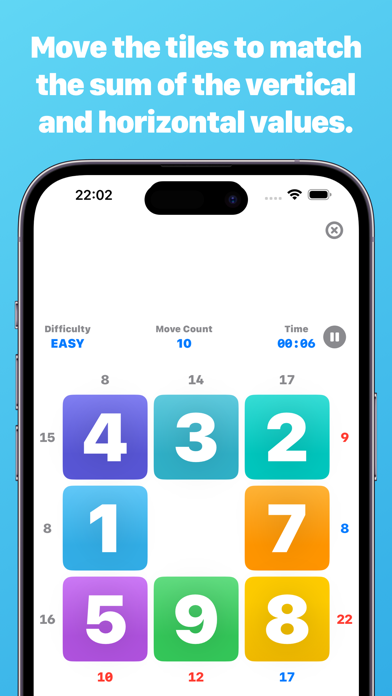
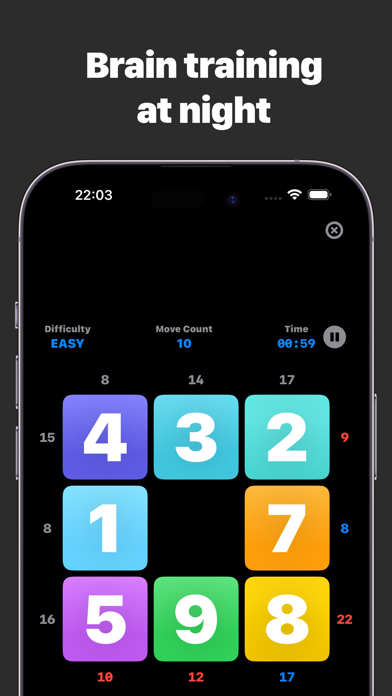
In this game, the numbers must be arranged so that the sums of the given rows and columns match.
With difficulty levels ranging from a simple 3x3 to a more complex 5x5, the game offers fun and mental exercise for puzzle fans of all ages.
■How to play
Select a difficulty level:
Choose a difficulty level from the home screen
- Easy (3x3)
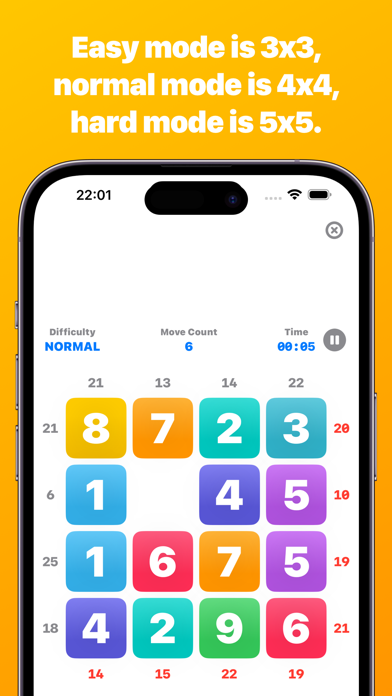
- Normal (4x4)
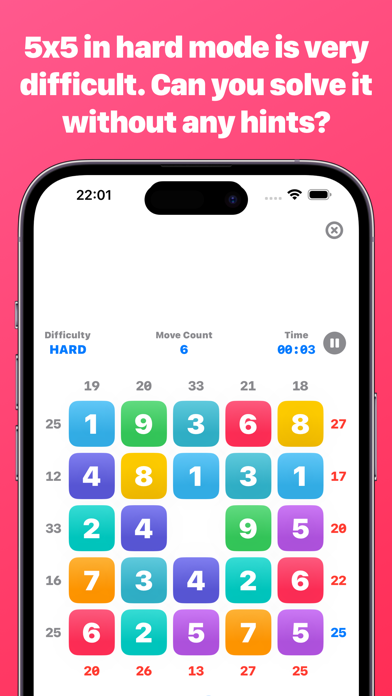
- Difficult (5x5)
If you clear the easy mode, you can try the normal mode, and if you clear the normal mode, you can try the hard mode.
Game Winning Conditions:.
At the start of the game, the target total of vertical and horizontal values is calculated.
The game is cleared when all the vertical and horizontal totals are matched by moving the numbered squares.
Moving a tile:
Tap a tile adjacent to an empty square to move it to an empty space.
Continue moving tiles until the numbers in each row and column match the specified total.
Hint Function:.
If you get stuck, you can use the hint button to find the correct position of a single tile. Hints are temporarily displayed by changing the color of the tiles.
The number of times you can use the hint is limited depending on the difficulty level of the game.
Drag function:.
If you want to swap this tile with another tile, you can use the drag function.
You can swap tiles by pressing and holding a tile and dragging it.
Undo function: Use the Undo button to undo a previous move.
The Undo button allows you to undo a previous move. You can restore the game to its initial state.
■Checking game play statistics
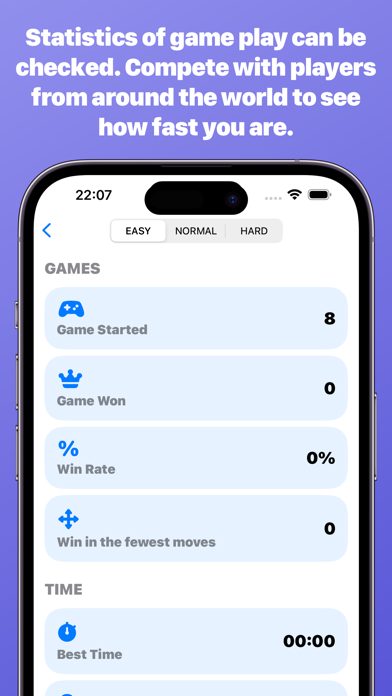
Displays game play statistics such as number of games, number of wins, win percentage, shortest moves to win, best time, average time, current win streak, best win streak, etc.