

Offline Cloud Video Player Max
Offline Cloud Video Player Max is made and published by 莹 李. AppBrain is an independent app data site and isn't affiliated with 莹 李. The app name, icon, screenshots and description belong to 莹 李 and are shown as published on the App Store.
AppBrain's verdict
Established- Rating on App Store
- 3.72
- 53 ratings
- Last updated
- October 12, 2022
It doesn't have enough ratings yet to judge what users think.
Rankings
App Store top chartsApp Store Rankings for Offline Cloud Video Player Max
Competitors
Similar apps and more from 莹 李Alternatives to Offline Cloud Video Player Max






More from 莹 李








Releases
Updates seen on the App Store- Version
- 2.0
- Launched
- July 2019
No changelog data
User feedback
Ratings and reviews on the App StoreComments on Offline Cloud Video Player Max for iOS
We don't have enough comments to show example comments. Please check back later.
Technology
Found in the app by AppBrain- Price
- Free
- App size
- 63.4 MB
- Content rating
- Everyone
Technologies used by Offline Cloud Video Player Max
About the app and developer
About Offline Cloud Video Player Max
Offline Cloud Video Player Max is a music app developed by 莹 李.
User Ratings
Offline Cloud Video Player Max is rated 3.72 out of 5 stars. The rating is based on 53 ratings.
App Information
Offline Cloud Video Player Max is freely available from the App Store. The app size is 63.44 MB. The latest version available is 2.0. The last update was on October 12, 2022.
Technical Requirements
The app has a content rating of Everyone. The app has been available on the App Store since July 2019.
Developer information for 莹 李
Address:
Store listing
By 莹 李, from the App Store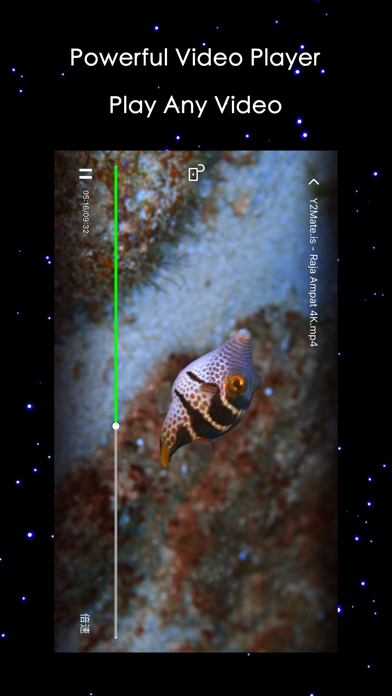
Description by 莹 李 Written by the developer, not by AppBrain. Click to read.
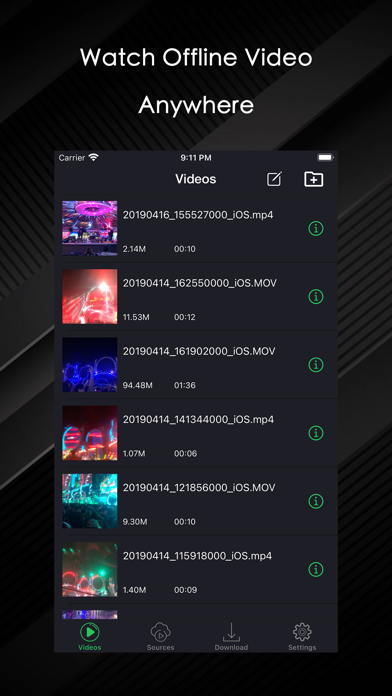
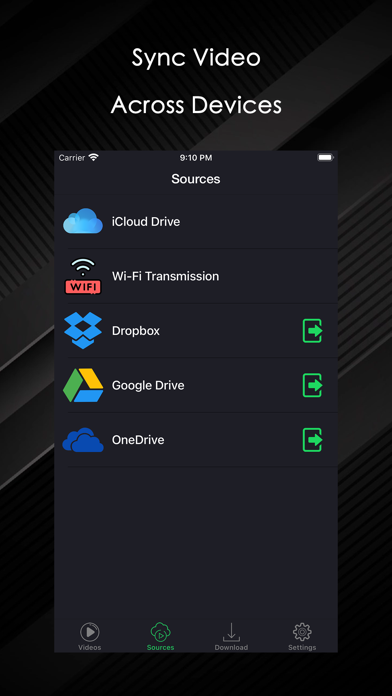
Import Videos from WiFi transfer(PC/Mac), iTunes file sharing.
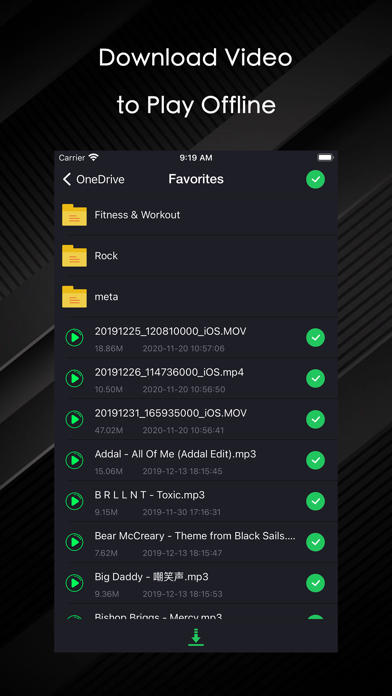
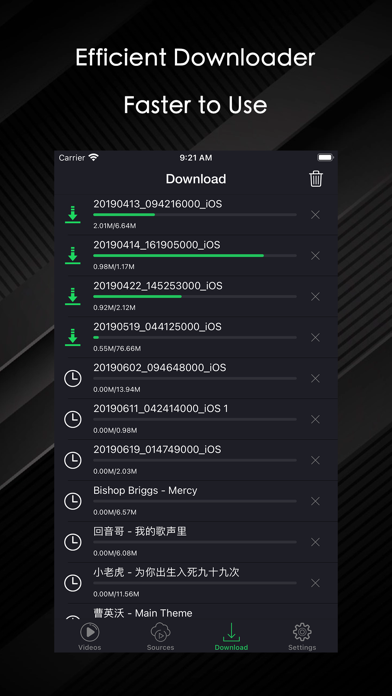
Download your Videos from Google Drive, DropBox, and OneDrive.
Support almost all video formats AVI, FLV, m3u8, 3gp, RTMP, RTSP, MKV, RMVB, WMV, mp4, MOV, etc.
Automatic Induction Rotation.
Support gestures to change the screen's brightness (left half of the screen).
Support gestures to change volume (right side of the screen).
Support gesture sliding fast forward and fast backward, drag Slider fast along and fast backward, click Slider to jump to click position to play.
Support for skipping directly to a certain point in time.
Support full-screen locking.