OKCU Digital Banking is an overall app developed by Oklahoma Employees Credit Union.
Download Statistics
User Ratings
OKCU Digital Banking is rated 4.60 out of 5 stars. The rating is based on 1.6 thousand ratings.
App Information
OKCU Digital Banking is FREE to download. The APK download size is 55.94 MB. The latest version available is 6.0.260300. The last update was on March 25, 2026.
Technical Requirements
The app has a content rating of Low Maturity. The app has been available on Google Play September 2020.
Description
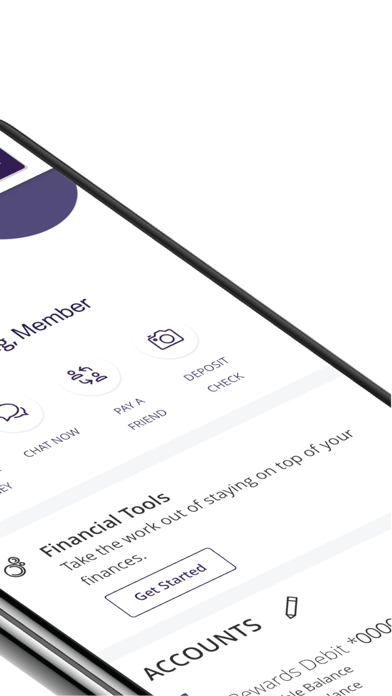
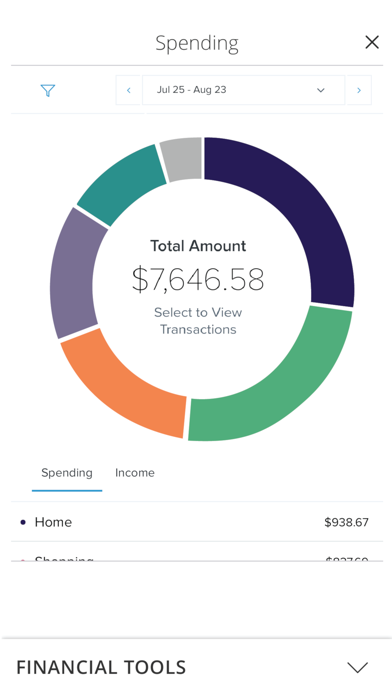
Digital Banking with OKCU is the modern way to manage your money from the comfort of your home or office. Make deposits, create a budget, schedule payments, transfer funds and check your balances. Have accounts with other banks or credit unions? You can now add accounts from other financial institutions to your OKCU Digital Banking app. Helping you do more with your money is easier when all your accounts are visible in one place.
What to expect from digital banking:
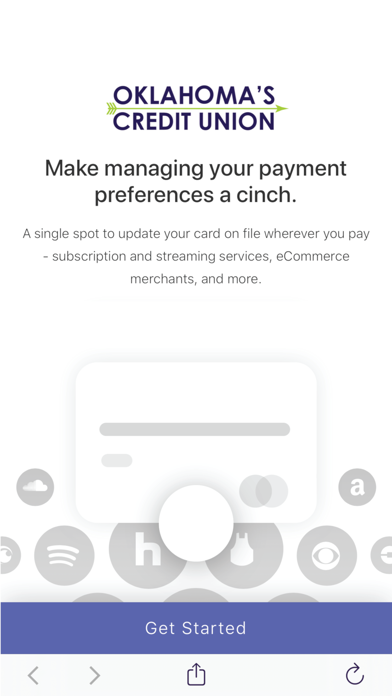
• Enhanced Security – Temporary access codes allow you to securely manage your money without having to remember or enter security questions. • Link Accounts from other Banks and Credit Unions – View balances and transactions from any other bank or credit union on your OKCU Digital Banking homepage dashboard. • Pay a Friend – Use digital banking to send a payment to anyone, even if they’re not a member at OKCU. • Personalized Views – If you have more than one account with OKCU or add accounts from other banks or credit unions, you can customize which accounts appear on your home page, the order they appear and create nicknames. • Text to Chat – Shoot us a text message instead of calling or sending an email. • Account Alerts – Customize alerts for your accounts, including security alerts and balance alerts. You can also choose how to receive your alerts (text, call or email). • Transfer Between Banks – Add accounts from other financial institutions and make transfers to them. • Text Banking – Initiate banking activity with a text message, including balance inquiries and transfers. • Stop Payments – Stop a payment on a check from digital banking. • Card Swap – If your debit or credit card is compromised or you get a new card, you can enter the new card number in one place and it automatically updates your payment information for all subscriptions attached to the previous card. • Mobile Deposit - Mobile deposit is quick and easy. Just snap a photo of the front and back of your check, and within seconds, your deposit information will be sent directly to us.
Each subscription will automatically renew 3 days before the expiration date for
the same time period. Subscriptions can be cancelled at any time before the renewal.