

OLED Clock is made and published by Christian Moeller. AppBrain is an independent app data site and isn't affiliated with Christian Moeller. The app name, icon, screenshots and description belong to Christian Moeller and are shown as published on the App Store.
AppBrain's verdict
Established- Rating on App Store
- 3.93
- 15 ratings
- Last updated
- December 27, 2025
- Size
- 10.1 MB
It doesn't have enough ratings yet to judge what users think.
User feedback
Ratings and reviews on the App StoreComments on OLED Clock for iOS
We don't have enough comments to show example comments. Please check back later.
Store listing
By Christian Moeller, from the App Store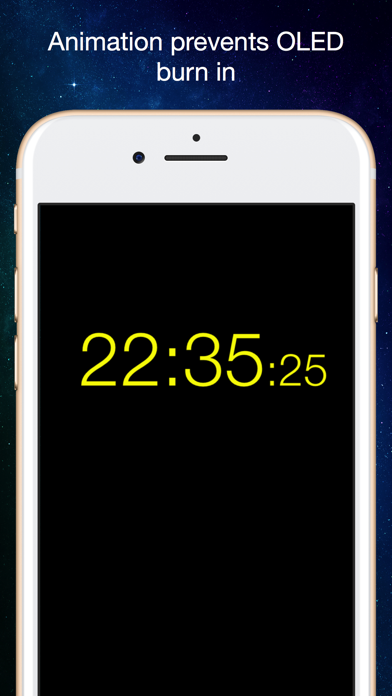
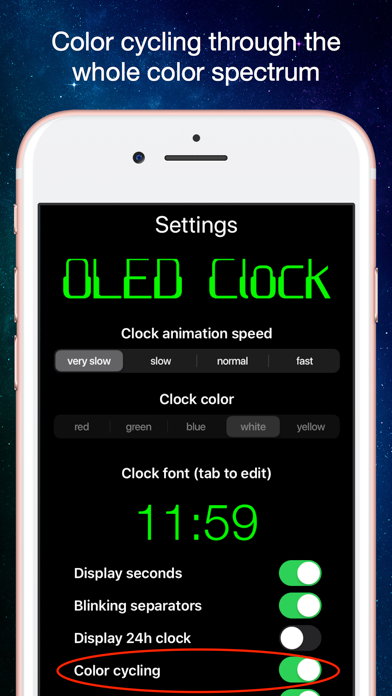
Description by Christian Moeller Written by the developer, not by AppBrain. Click to read.
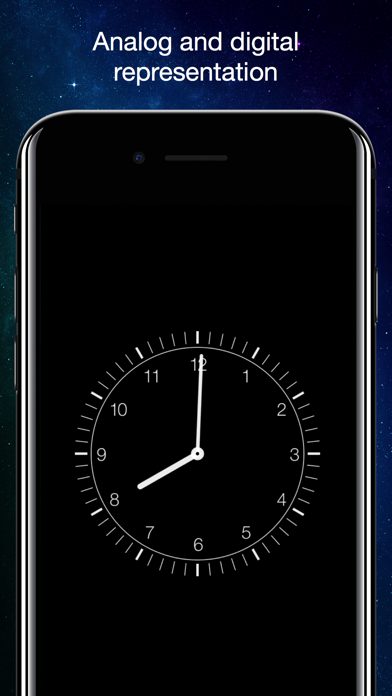
- NEW: digital and analog representation of the clock. You choose!
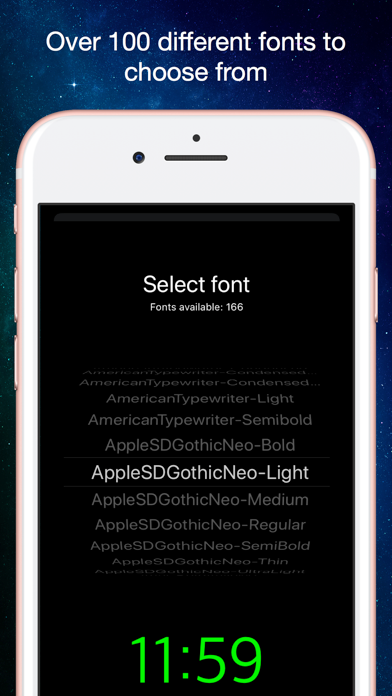
- choose between a huge number of nice looking fonts to display the actual time
- adjust clocks size just by using the pinch gesture on main screen
- use automatic color changes "color cycling" (recommended on iPhone x, can be switched off in settings)
- adjust the clocks brightness by using scroll up and down gesture on the main screen
- tap on the main screen to show tab bar at the bottom of the screen, here you will be able to switch between analog and digital view, call settings, help and about page
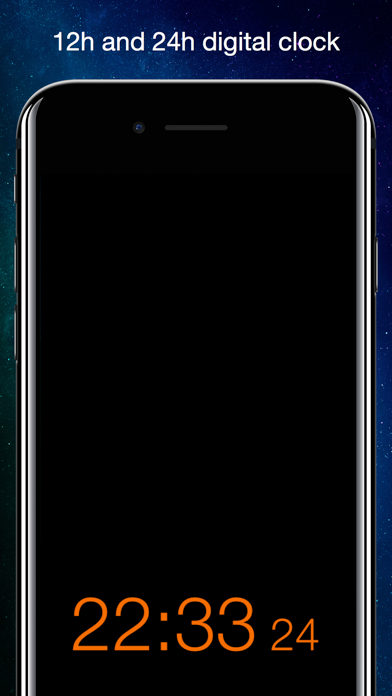
- on settings page you can change font, color and animation speed as well as switch on/off seconds, blinking separators, 24h display, autosize and color cycling
- all adjustments are permanent! OLED clock remembers them on the next time you use it!
- use OLED clock in portrait or landscape mode. On digital mode, OLED clock remembers your preferred font size depending on device orientation
- help page provides necessary information about usage
- fully localized in english, german, hebrew, french and japanese (new!)
Safety and technology
Found in the app by AppBrain- Price
- Free
- App size
- 10.1 MB
- Content rating
- Everyone
Technologies used by OLED Clock
Releases
Updates seen on the App Store- Version
- 2.1.7
- Launched
- May 2018
No changelog data
Alternatives
Similar apps and more from Christian MoellerAlternatives to OLED Clock




More from Christian Moeller


Rankings
App Store top chartsApp Store Rankings for OLED Clock
About the app and developer
About OLED Clock
OLED Clock is an utilities app developed by Christian Moeller.
What is the rating of OLED Clock?
OLED Clock is rated 3.93 out of 5 stars, based on 15 ratings.
Is OLED Clock free?
OLED Clock is free. The app size is 10.12 MB. The latest version available is 2.1.7. The last update was on December 27, 2025.
What are the requirements for OLED Clock?
The app has a content rating of Everyone. The app has been available on the App Store since May 2018.
Developer information for Christian Moeller
Address:
Frequently asked questions about OLED Clock
Is OLED Clock free?
Yes. OLED Clock is free on the App Store.
Is OLED Clock still available?
Yes. OLED Clock is on the App Store, and the last update we saw was on December 27, 2025.
How large is OLED Clock?
OLED Clock is 10.12 MB.
Is OLED Clock suitable for children?
App Store rates the content of OLED Clock as suitable for everyone.
How do people rate OLED Clock?
OLED Clock scores 3.93 out of 5 stars, from 15 ratings on the App Store.
Who made OLED Clock?
OLED Clock was developed by Christian Moeller. It is listed in the utilities category on the App Store.
What are the best alternatives to OLED Clock?
People looking at OLED Clock also look at these utilities apps: Bedside Clock - Digital/Analog, Flip Clock - Digital Clock, Huge Digital Clock - Bed Side, Big Red Clock, LED Clock-Pure Color Clock.