

Opencart Hyperlocal App
Opencart Hyperlocal App is made and published by Mobikul. AppBrain is an independent app data site and isn't affiliated with Mobikul. The app name, icon, screenshots and description belong to Mobikul and are shown as published on the App Store.
AppBrain's verdict
- Last updated
- September 17, 2026
Rankings
App Store top chartsApp Store Rankings for Opencart Hyperlocal App
Competitors
Similar apps and more from MobikulAlternatives to Opencart Hyperlocal App








More from Mobikul


Releases
Updates seen on the App Store- Version
- 1.5
- Launched
- June 2023
No changelog data
User feedback
Ratings and reviews on the App StoreComments on Opencart Hyperlocal App for iOS
We don't have enough comments to show example comments. Please check back later.
Technology
Found in the app by AppBrain- Price
- Free
- App size
- 157.0 MB
- Content rating
- High
Technologies used by Opencart Hyperlocal App
About the app and developer
About Opencart Hyperlocal App
Opencart Hyperlocal App is a shopping app developed by Mobikul.
User Ratings
The app has no ratings yet.
App Information
Opencart Hyperlocal App is freely available from the App Store. The app size is 157.01 MB. The latest version available is 1.5. The last update was on September 17, 2026.
Technical Requirements
The app has a content rating of High Maturity. The app has been available on the App Store since June 2023.
Developer information for Mobikul
Address:
Store listing
By Mobikul, from the App Store
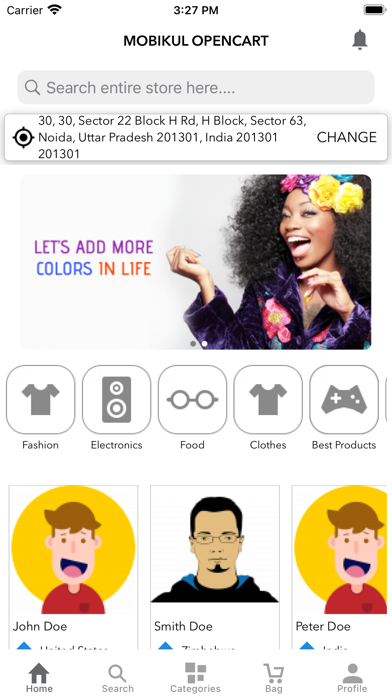

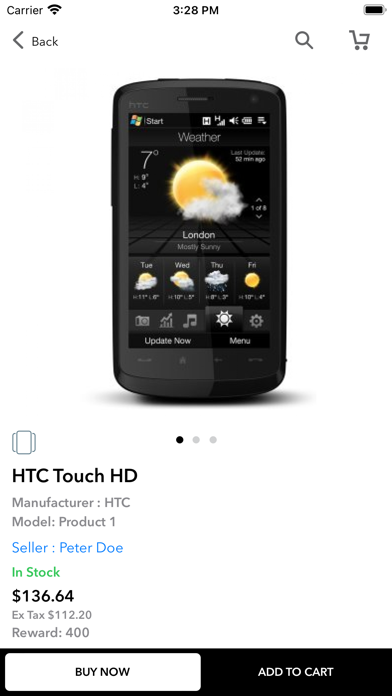


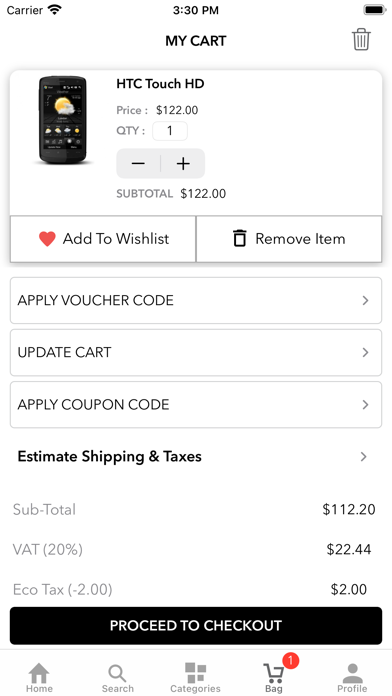
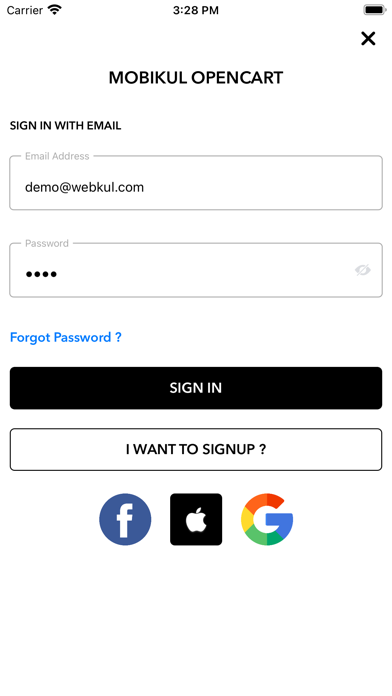
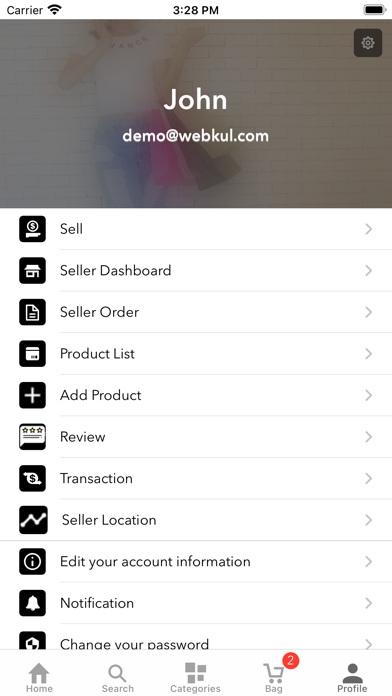
Description by Mobikul Written by the developer, not by AppBrain. Click to read.
Opencart Mobikul will provide your customers maximum features that they experience the web, from featured product listing to customer account and to checkout, cart, etc
Currently all the products, customer, category, etc (including all the data visible on mobile)
are synced with the website https://oc.webkul.com/mobikul/Network/index.php
You can log in here to see the admin panel https://oc.webkul.com/mobikul/Network/admin/
Store link: https://store.webkul.com/Opencart-Mobile-App.html
You can check the synchronization between the app and the website by:
1. Creating a customer account.
2. Adding product to cart and proceed with Checkout.
3. Wishlist, and many other activities.
For the customization of this app drop us mail at support@webkul.com