

AppBrain's verdict
EstablishedLoved by users- Rating on App Store
- 4.50
- 4,427 ratings
- Last updated
- March 10, 2025
- Size
- 102.3 MB
Users love it: 4.5 stars from 4,427 ratings.
User feedback
Ratings and reviews on the App StoreComments on OPlayer Lite - media player for iOS
We don't have enough comments to show example comments. Please check back later.
Store listing
By Suzhou Totoro Network Technology Co., Ltd., from the App StoreDescription by Suzhou Totoro Network Technology Co., Ltd. Written by the developer, not by AppBrain. Click to read.
"Best video player on the App Store"
OPlayer has been rated as "iPhone Apps Plus Best"!
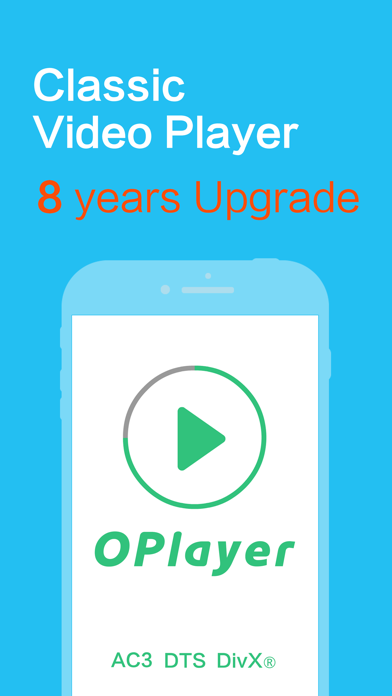
OPlayer has been around for 9 years, continuous improvement in video playback and feature enhancements, has made it the first choice for millions of the users. With positive endorsements and feedback from our users we endeavor to make it even better with each upgrade.
========================================
Support Dolby Digital Audio (AC3)
Official AVI/DivX license (In App Purchase)
Official DTS license (In App Purchase)
========================================
【Supported Formats】
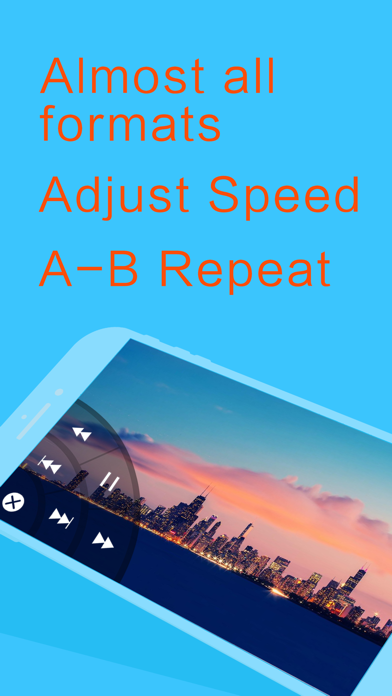
- Video: mkv, wmv, avi, divx, xvid, rmvb, rm, flv, mp4, 4k, mov, 3gp, m4v, blu-ray, ts, m2ts, swf, asf, vob, h265 (hevc), webm...almost all movie file formats.
- Audio: mp3, wma, wav, dts, ac3, eac3, aac, flac, ape, cue, amr, ogg vorbis, lossless music...almost all audio file formats.
- Subtitle: srt, ass, smi, sub...almost all subtitle file formats.
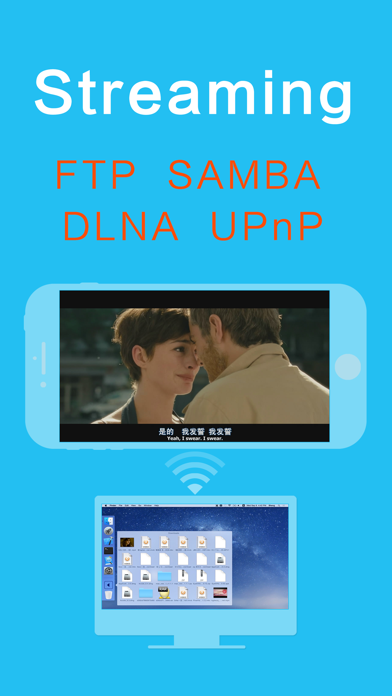
- Stream: http, ftp, samba, rtp, rtsp, mms...
- Widely devices support: Optimized for all iPhones running iOS 6.0 and later, including iPhone 6s (Plus).
【Key features】
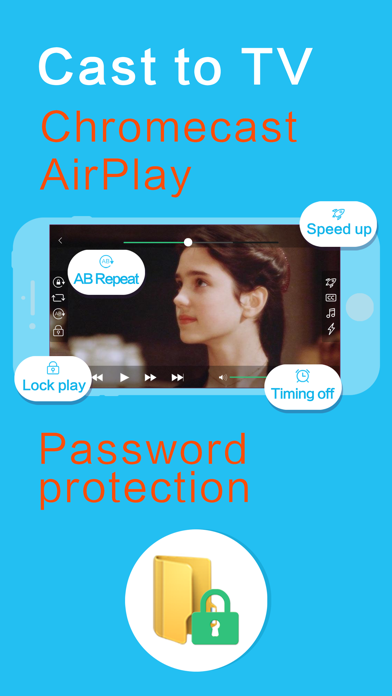
• Adjust playback speed: 0.1x ~ 4.0x
• A-B repeat: play from start point (A) to end point (B) repeatedly
• Background play: continue playing videos when app enters background
• Landscape play: useful when iPhone turned on 'Portrait Orientation Lock'
- SAMBA/FTP/HTTP/UPnP/DLNA client
- Multiple transfer ways: 1. USB transfer (support folder) 2. Wi-Fi transfer
- Play files in PC remotely without downloading
Share folders on PC, then you can stream files by OPlayer.
- Privacy protect: support password for app and folders, hide password-protected folders, Touch ID
- Excellent performance: support 1080P HD video on iPhone 5 and newer devices
- Less battery consumption: hardware decoding mp4/mp3 files by default
- Single hand mode: you can control playback with one hand
【Basic functions】
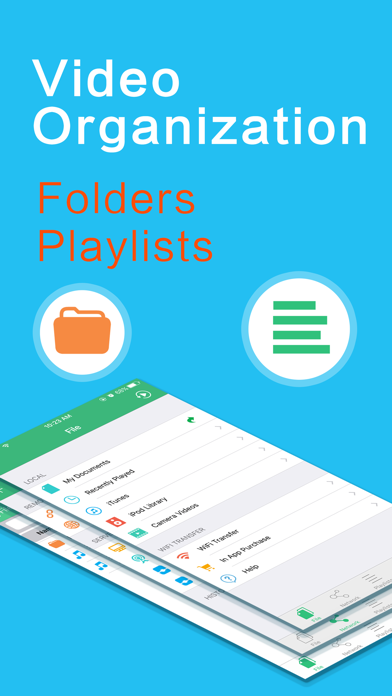
- File Manager: new folder/rename/move/delete/search/sort/open in with
- Built in web browser
- Support NAS, Router, Dropbox...network storage
- Support text file: TXT, WORD, EXCEL, PPT, PDF...
- Compress/Decompress (In App Purchase): support zip, rar, 7z (with password)
- Playlist: enjoy music by our powerful playlist functions
- Gesture: seek (forward, backward), brightness, volume, pause/resume, subtitle position and size
- Repeat/Loop mode: repeat all, repeat once, shuffle...
- Remember playback time: resume from last played position
- Render on TV (TV Out): support AirPlay, mirror, HDMI wire...
- Lock playing window: avoid unintended touch when watching movies
- Timing off: stop playing after the specified time
- Adjust aspect ratio: you can set any aspect ratio, for example 16:9
- Play 3d movies in 2d mode
- Deinterlace
- Flip horizontal and vertical
- Use headphones to control playback
- Audio boost
- Photo viewer (In App Purchase): 1. Support gif animation,png,jpg,bmp... 2. Slide show photos 3. Import from Photos
【Audio Features】
- Support left and right channel switch
- Audio tracks switch and save your settings
- Adjust audio delay
【Subtitle Features】
- Support embedded subtitles in movies
- Auto load the subtitle whose name is the same with the movie
- Select subtitle files manually
- Auto detect the encode of subtitle files
- Gesture: single touch and move to adjust position, pinch to adjust size
- Customizable subtitle font, colors
- Adjust subtitle delay
【Support】
- We will check reviews on App Store frequently
- Skype: oplayer_help@outlook.com
- Mail: olimsoft@gmail.com
- Twitter: @OLIMSOFT
- Website: www.edavs.com
Safety and technology
Found in the app by AppBrain- Price
- Free
- App size
- 102.3 MB
- Content rating
- High
Technologies used by OPlayer Lite - media player
Releases
Updates seen on the App Store- Version
- 4.8
- Launched
- August 2010
No changelog data
Alternatives
Similar apps and more from Suzhou Totoro Network Technology Co., Ltd.Alternatives to OPlayer Lite - media player


More from Suzhou Totoro Network Technology Co., Ltd.



 AirPlayer - video player and network streaming app


Rankings
App Store top chartsApp Store Rankings for OPlayer Lite - media player
About the app and developer
About OPlayer Lite - media player
OPlayer Lite - media player is an utilities app developed by Suzhou Totoro Network Technology Co., Ltd.
What is the rating of OPlayer Lite - media player?
OPlayer Lite - media player is rated 4.50 out of 5 stars, based on 4.4 thousand ratings.
Is OPlayer Lite - media player free?
OPlayer Lite - media player is free. The app size is 102.26 MB. The latest version available is 4.8. The last update was on March 10, 2025.
What are the requirements for OPlayer Lite - media player?
The app has a content rating of High Maturity. The app has been available on the App Store since August 2010.
OPlayer Lite - media player is made and published by Suzhou Totoro Network Technology Co., Ltd. AppBrain is an independent app data site and isn't affiliated with Suzhou Totoro Network Technology Co., Ltd. The app name, icon, screenshots and description belong to Suzhou Totoro Network Technology Co., Ltd. and are shown as published on the App Store.
Developer information for Suzhou Totoro Network Technology Co., Ltd.
Frequently asked questions about OPlayer Lite - media player
Is OPlayer Lite - media player free?
Yes. OPlayer Lite - media player is free on the App Store.
Is OPlayer Lite - media player still available?
Yes. OPlayer Lite - media player is on the App Store, and the last update we saw was on March 10, 2025.
How large is OPlayer Lite - media player?
OPlayer Lite - media player is 102.26 MB.
Is OPlayer Lite - media player suitable for children?
App Store gives OPlayer Lite - media player a high maturity rating. It is meant for adults.
How do people rate OPlayer Lite - media player?
OPlayer Lite - media player scores 4.50 out of 5 stars, from 4,427 ratings on the App Store.
Who made OPlayer Lite - media player?
OPlayer Lite - media player was developed by Suzhou Totoro Network Technology Co., Ltd. It is listed in the utilities category on the App Store.
What are the best alternatives to OPlayer Lite - media player?
People looking at OPlayer Lite - media player also look at these utilities apps: Outline App, Orbot, RostamVPN: Mobile Security VPN, V2Box - V2ray Client, RYN VPN: Secure Ray VPN Master.