OrangeWorkForce is an overall app developed by ORANGEFIN ASIA SDN. BHD..
Download Statistics
User Ratings
The app has no ratings yet.
App Information
OrangeWorkForce is FREE to download. The APK download size is 45.47 MB. The latest version available is 1.1.7. The last update was on September 3, 2025.
Technical Requirements
The app has a content rating of Everyone. The app has been available on Google Play August 2020.
Description
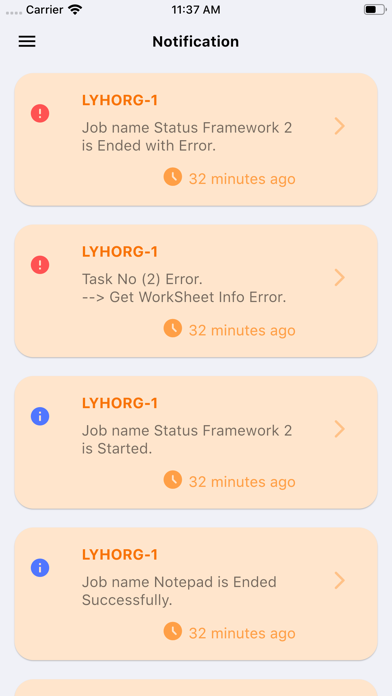
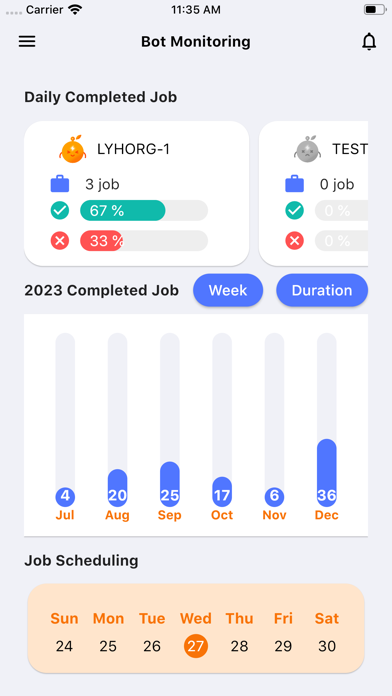
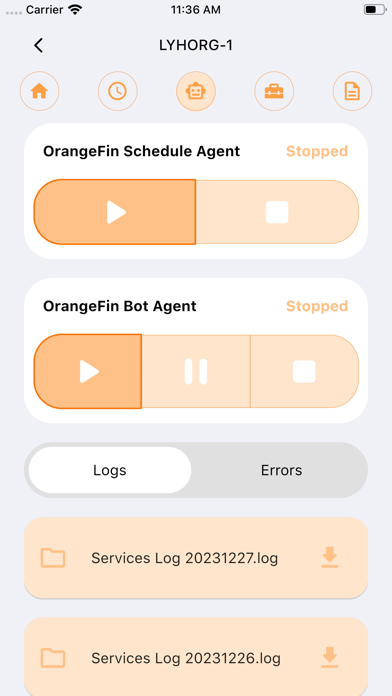
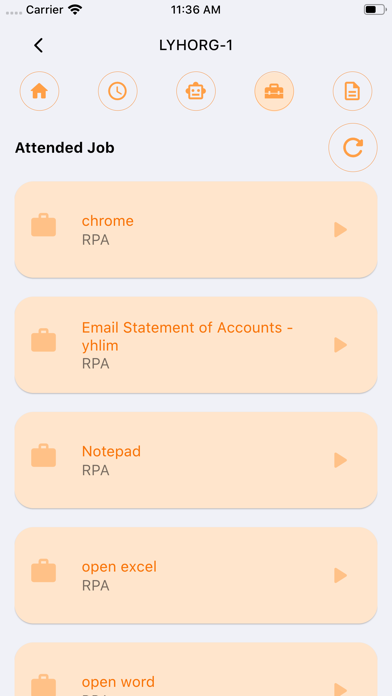
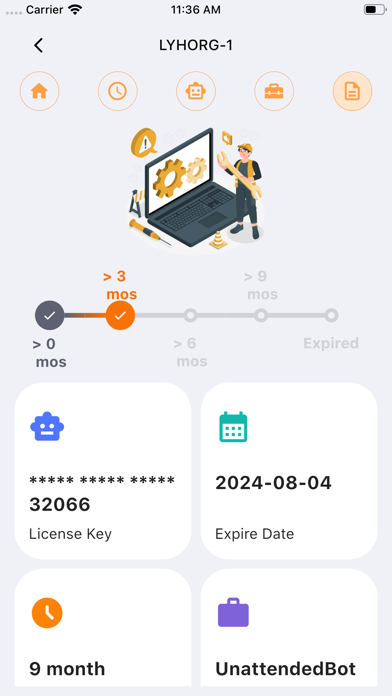
Version 1.0.5 - Feature Release OrangeMobile - App icon changed - Login issue fixed - Tutorial screen issue fixed Notification Screen (Update) - New layout - View notification details - Pop-up notification Bot Monitoring Screen (Update) - Change text-based buttons to icons Bot Agent Screen (New) - Start and stop schedule agent - Start, pause and stop bot agent - View log and error files - Download log and error files Attended Job Screen (New) - View published jobs - Run published job Bot License Screen (New) - View bot license details
Version 1.0.7 - Feature Release - Schedule and bot agent status issue fixed. - Filter job history by job name, job status and datetime. - Relogin after short period issue fixed. - Bot status issue fixed. - New design for tablet.
Version 1.0.8 - Feature Release - Language selection for english and thai before login. - Change language in navigation menu after login. - Show version code at side navigation.
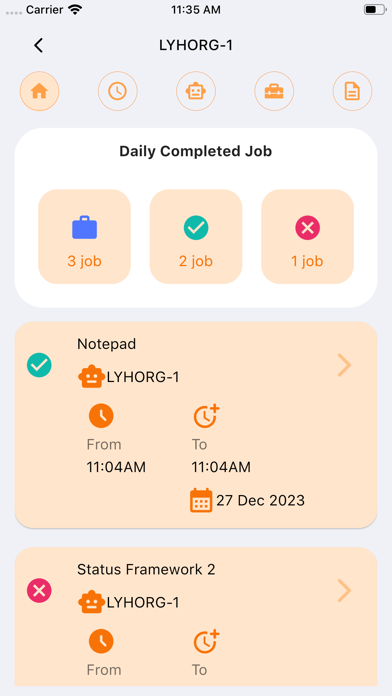
Version 1.0.9 - Feature Release - Monthly, weekly & daily bot completed jobs. - Average, min, max & total of job completion time. - New button, tabs & list for agent screen. - New button & list for attended job. - New timeline & gridview for bot license. - Half calendar with job scdeduling list. - New list, gridview for notification & detail screen.
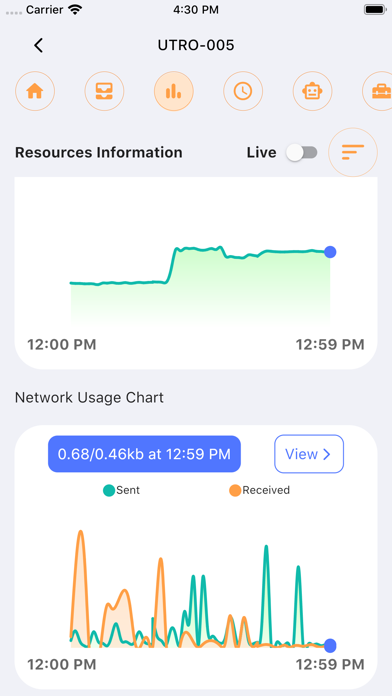
Version 1.1.0 - Feature Release - Pie chart for storage drive C, D and E. - CPU, RAM, network usage in container with bar. - Line chart for CPU, RAM and network usage. - Show a list of usage below line chart. - Filter line chart by date and time. - Show download progress status. - Download error image and json from daily, weekly completed job and notification.
Version 1.1.1 - Feature Release - Show top performing bots in bar chart. - Show completed jobs by bot. - Show last and next job in attended job. - Filter completed job by day in weekly completed job.
Version 1.1.2 - Feature Release - Show monthly and weekly bot run time. - Combine job duration and completed job. - Identify health status based on usage. - Fix calendar did not reflect the full list of scheduling job. - Search and filter attended job by job name. - View error message from failed job. - Filter completed job by job status, start and end time. - Filter and search notification.
Version 1.1.3 - Feature Release - Show task list for attended job. - Search task by function name. - Show parameter list for each task. - Show scheduled job every hour. - Filter task for completed job.
Version 1.1.4 - Feature Release - Add parameter list for each completed task. - Change design from weekly bar chart to monthly calendar. - Show different color for each day based on free time in calendar. - Show bot utilization summary for month and day. - Add biometric authentication and password authentication. - Add remember login to auto fill up username and password.
Version 1.1.5 - Feature Release - Check bot agent version in control panel page. - Ensure statuses are synchronized with bot agent. - Inform user to start bot agent when downloading file. - Correct the task status filter to accurately display result.
Version 1.1.6 - Feature Release - Add a refresh button for bot utilization page. - Include standby times in monthly and daily summaries. - Transition from horizontal bar to vertical bullet list. - Display used, standby and free time in each bullet.
Version 1.1.6.1 - Feature Release - Add a new status "ready" to filter completed job task. - There are start, done, error and ready (new) in total.
Version 1.1.7 - Feature Release - 2-Factor Authentication for OrangeWorkforce portal login attempt - On-Premise URL setup in login screen - Clear queue job in agent screen - Multiple selection for monthly scheduling manager
Each subscription will automatically renew 3 days before the expiration date for
the same time period. Subscriptions can be cancelled at any time before the renewal.