

Paint My Wall Pro - Room Paint
Paint My Wall Pro - Room Paint is made and published by Alexander Dr. Rieger. AppBrain is an independent app data site and isn't affiliated with Alexander Dr. Rieger. The app name, icon, screenshots and description belong to Alexander Dr. Rieger and are shown as published on the App Store.
AppBrain's verdict
Established- Rating on App Store
- 1.00
- 5 ratings
- Last updated
- September 30, 2026
It doesn't have enough ratings yet to judge what users think.
Rankings
App Store top chartsApp Store Rankings for Paint My Wall Pro - Room Paint
Competitors
Similar apps and more from Alexander Dr. RiegerAlternatives to Paint My Wall Pro - Room Paint





More from Alexander Dr. Rieger








Releases
Updates seen on the App Store- Version
- 1.7.1
- Launched
- August 2012
No changelog data
User feedback
Ratings and reviews on the App StoreComments on Paint My Wall Pro - Room Paint for iOS
We don't have enough comments to show example comments. Please check back later.
Technology
Found in the app by AppBrain- Price
- $6.99
- App size
- 2.43 MB
- Content rating
- Everyone
Technologies used by Paint My Wall Pro - Room Paint
About the app and developer
About Paint My Wall Pro - Room Paint
Paint My Wall Pro - Room Paint is an utilities app developed by Alexander Dr. Rieger.
User Ratings
Paint My Wall Pro - Room Paint is rated 1.00 out of 5 stars. The rating is based on 5 ratings.
App Information
Paint My Wall Pro - Room Paint costs $6.99. The app size is 2.43 MB. The latest version available is 1.7.1. The last update was on September 30, 2026.
Technical Requirements
The app has a content rating of Everyone. The app has been available on the App Store since August 2012.
Developer information for Alexander Dr. Rieger
Address:
Store listing
By Alexander Dr. Rieger, from the App Store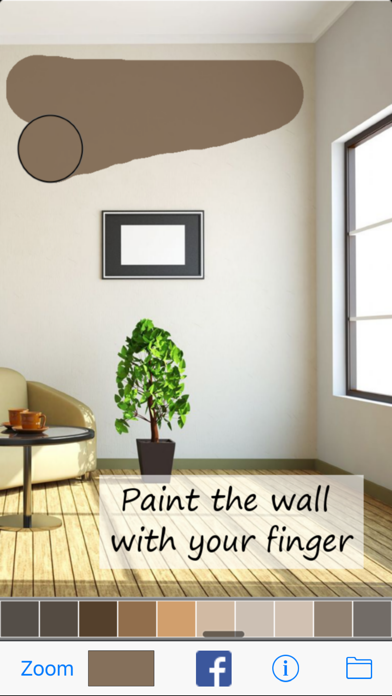
Description by Alexander Dr. Rieger Written by the developer, not by AppBrain. Click to read.
***** On SALE! 50% OFF now - for limited time only
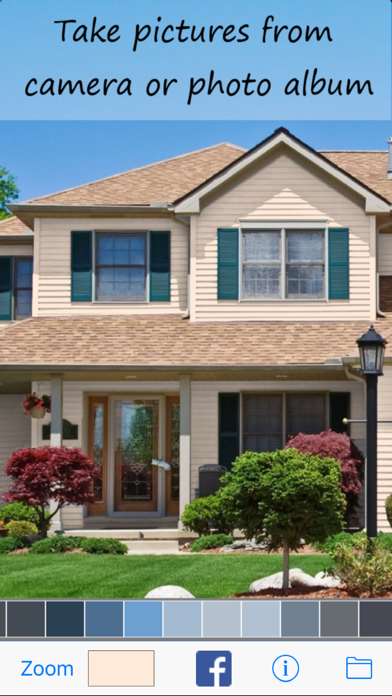
See how a new color would fit with your interior before doing the real painting. Use your fingers to paint, erase and zoom into detailed regions of your image.
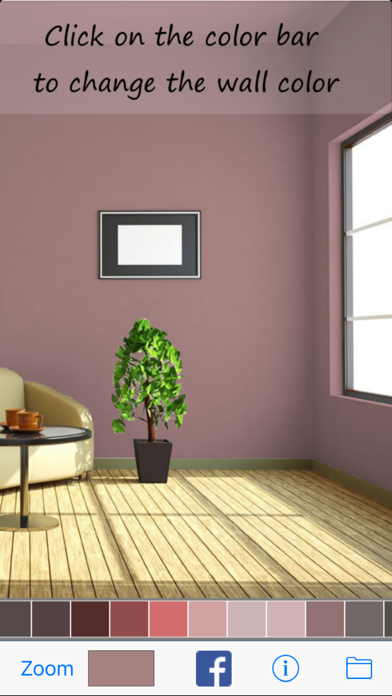
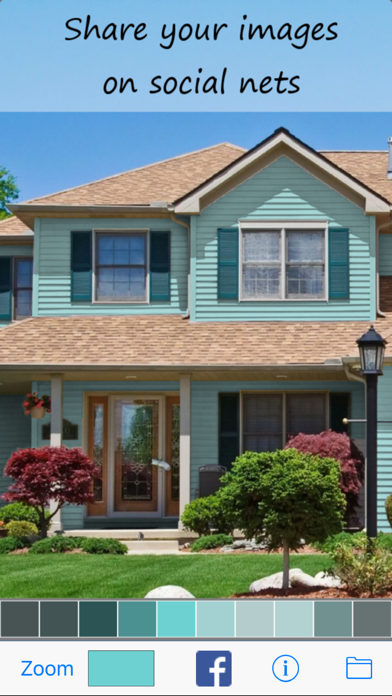
Once you are finished painting your wall virtually you can switch the color by a simple finger touch. Play around with different colors to check their overall appearance.
Features:
+ Take a photo of your wall and paint it virtually with your finger
+ See how new colors would look on your wall
+ Paint your living room, bedroom, child's room, kitchen or your house
+ Share your painted pictures in social nets
* Pro Features:
+ Paint with 3 colors
+ Save and organize your paints in a list.
+ Load your last work on startup automatically.
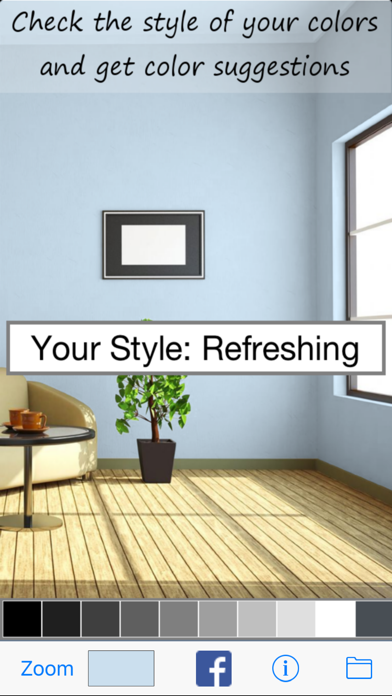
+ Find out the perfect color for your wall. The app analyses your interior and gives you color suggestions that match your couch, table, shelf, ...
+ Every color combination has a meaning. Find out what people associate with your living room. Does it look comfortable, elegant or modern? The app analyses your photo and determines the meaning from a library of over 100 associations.
Still unsure which color to take? Share your paints on Facebook, Twitter and other social nets. Send an email with the image attached to it or save it in your photo album.
There are no limits on what you can paint. See how your table and chairs would look in a different color. Paint fences, verandas or complete houses.
Never worry about a wrong color decision again.