

Paleto - mixing colors
Paleto - mixing colors is made and published by SUKHUI SON. AppBrain is an independent app data site and isn't affiliated with SUKHUI SON. The app name, icon, screenshots and description belong to SUKHUI SON and are shown as published on the App Store.
AppBrain's verdict
EstablishedWell rated- Rating on App Store
- 4.31
- 543 ratings
- Last updated
- January 7, 2026
Users rate it well: 4.3 stars from 543 ratings.
Rankings
App Store top chartsApp Store Rankings for Paleto - mixing colors
Competitors
Similar apps and more from SUKHUI SONAlternatives to Paleto - mixing colors








More from SUKHUI SON



Releases
Updates seen on the App Store- Version
- 3.1.6
- Launched
- October 2018
No changelog data
User feedback
Ratings and reviews on the App StoreComments on Paleto - mixing colors for iOS
We don't have enough comments to show example comments. Please check back later.
Technology
Found in the app by AppBrain- Price
- Free
- App size
- 83.0 MB
- Content rating
- Everyone
Technologies used by Paleto - mixing colors
About the app and developer
About Paleto - mixing colors
Paleto - mixing colors is an utilities app developed by SUKHUI SON.
What is the rating of Paleto - mixing colors?
Paleto - mixing colors is rated 4.31 out of 5 stars, based on 540 ratings.
Is Paleto - mixing colors free?
Paleto - mixing colors is free. The app size is 83.01 MB. The latest version available is 3.1.6. The last update was on January 7, 2026.
What are the requirements for Paleto - mixing colors?
The app has a content rating of Everyone. The app has been available on the App Store since October 2018.
Developer information for SUKHUI SON
Address:
Frequently asked questions about Paleto - mixing colors
Is Paleto - mixing colors free?
Yes. Paleto - mixing colors is free on the App Store.
Is Paleto - mixing colors still available?
Yes. Paleto - mixing colors is on the App Store, and the last update we saw was on January 7, 2026.
How large is Paleto - mixing colors?
Paleto - mixing colors is 83.01 MB.
Is Paleto - mixing colors suitable for children?
App Store rates the content of Paleto - mixing colors as suitable for everyone.
How do people rate Paleto - mixing colors?
Paleto - mixing colors scores 4.31 out of 5 stars, from 543 ratings on the App Store.
Who made Paleto - mixing colors?
Paleto - mixing colors was developed by SUKHUI SON. It is listed in the utilities category on the App Store.
What are the best alternatives to Paleto - mixing colors?
People looking at Paleto - mixing colors also look at these utilities apps: Color Picker - Pixel Color, Color Wheel RGB CMYK HSL, Harmony of colors, Color Name AR, Flowly: AR Projector Drawing.
Store listing
By SUKHUI SON, from the App Store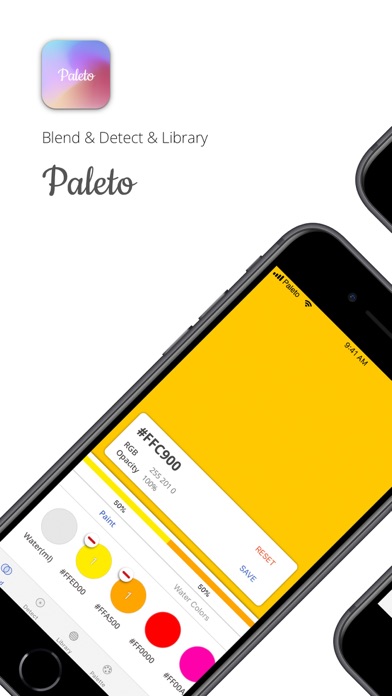
Description by SUKHUI SON Written by the developer, not by AppBrain. Click to read.
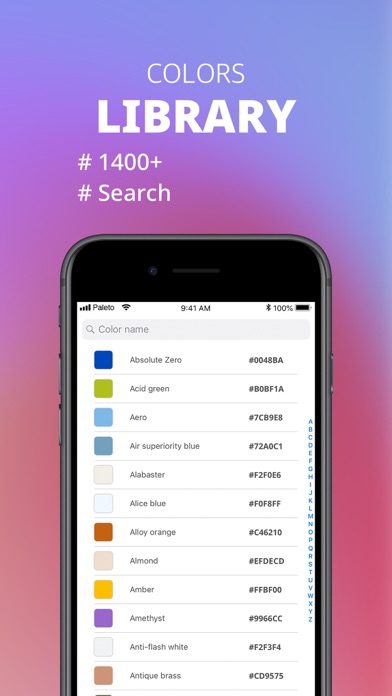
Paleto is a tool for creating beautiful colors. - Blend (Color Mixing), Detect, Library, Palette
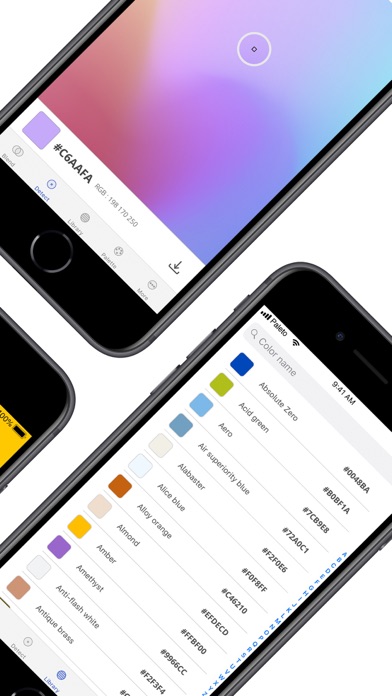
Paleto is able to extract the colors you like from your photos and the tinting function that mixes colors to create new ones. It also provides a library of 1400 colors and a palette that lets you store and share your colors.
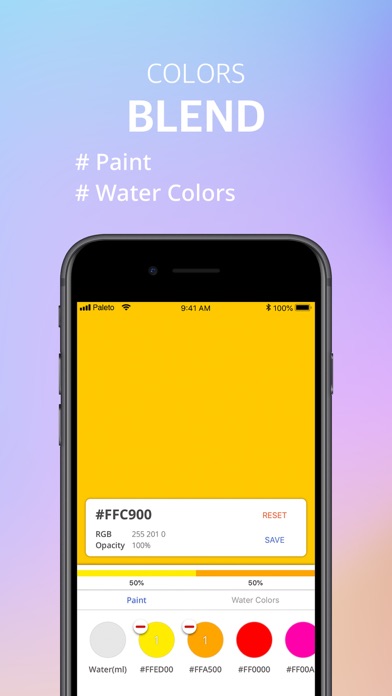
Blend
- mixing color
- real color mixer
- concentration of water
- tracking
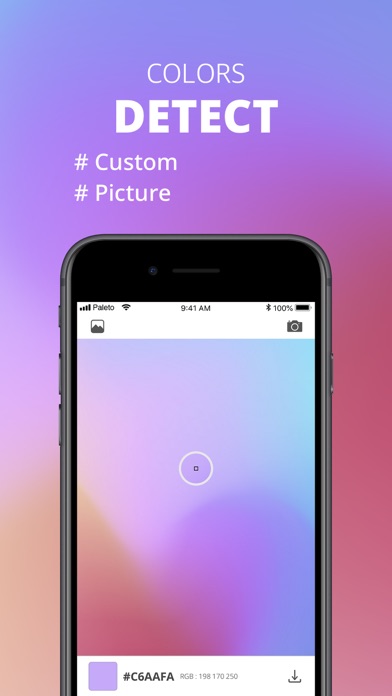
Detect
- color extraction from photos (album, camera)
- save and share
Library
- 1400+ colors library
Palette
- saved color from mixed colors
- saved color extracted from detection
- sharing
Free version
- specified colors available when mixing
Pro version
- monthly/life subscription
- custom colors available when mixing
- delete ads
Subscription terms
- The following terms do not apply to purchasing PRO. There are no additional fees for PRO. The following information applies to subscriptions only.
- You'll be billed on a monthly basis with the payment method listed in your App Store account.
- The period of use is one month from the settlement day of each month.
- At the end of your current subscription period, your subscription will be automatically renewed and your iTunes account will be charged again, unless you cancel the automatic renewal 24 hours prior to the end of your current subscription period.
- You can manage or disable automatic payments in your Apple ID account settings at any time after you make a purchase. Even if you cancel your subscription in the middle, you can use PRO for the rest of the time.
- If you want to terminate your subscription payment
Settings > Itunes & App Store > Apple ID > View Apple ID > Subscriptions > Paleto > Cancel
Terms of Use
https://github.com/appyoun/paleto/blob/master/EULA.md
Email: appyoun@gmail.com