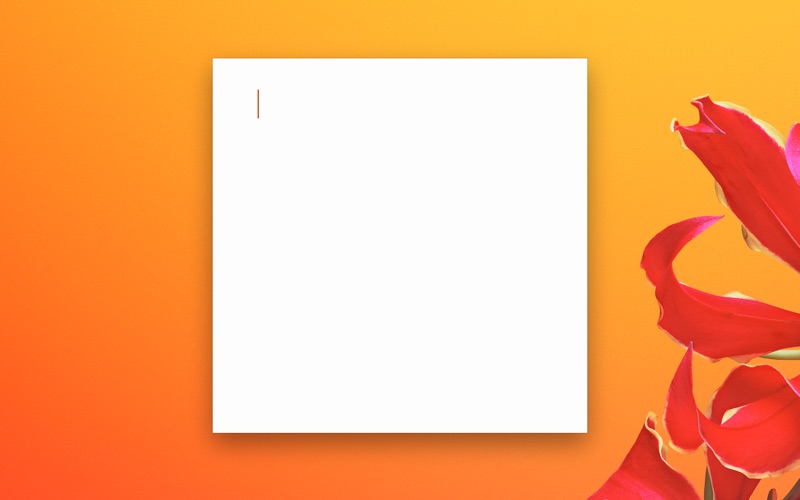
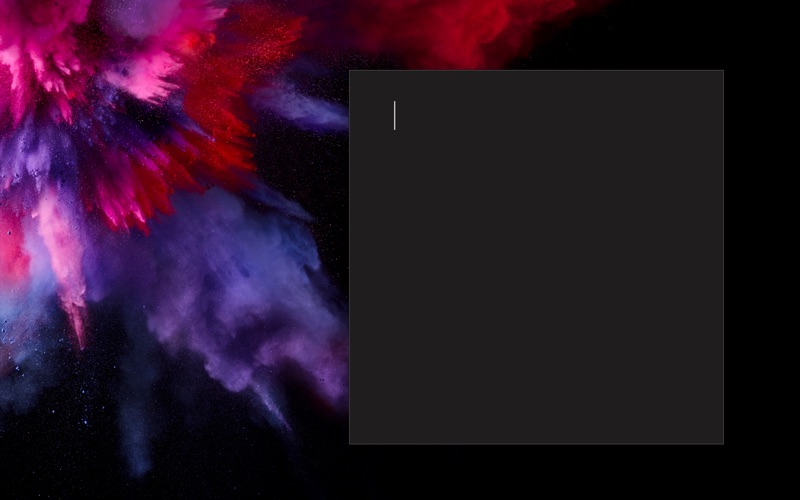
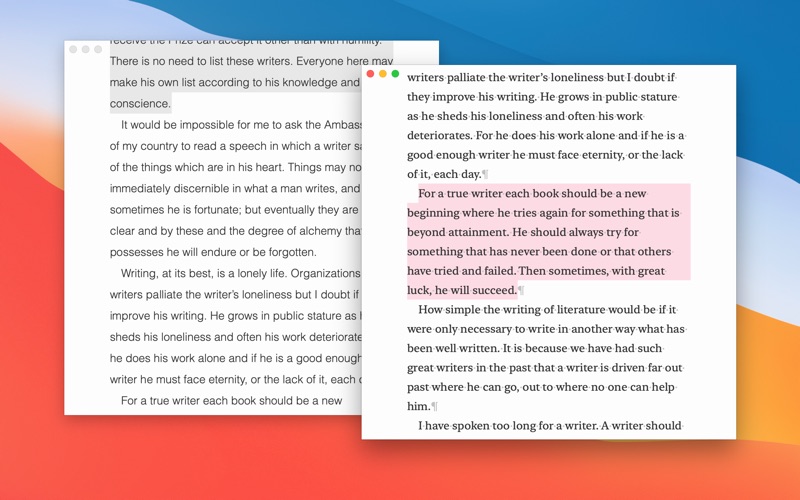
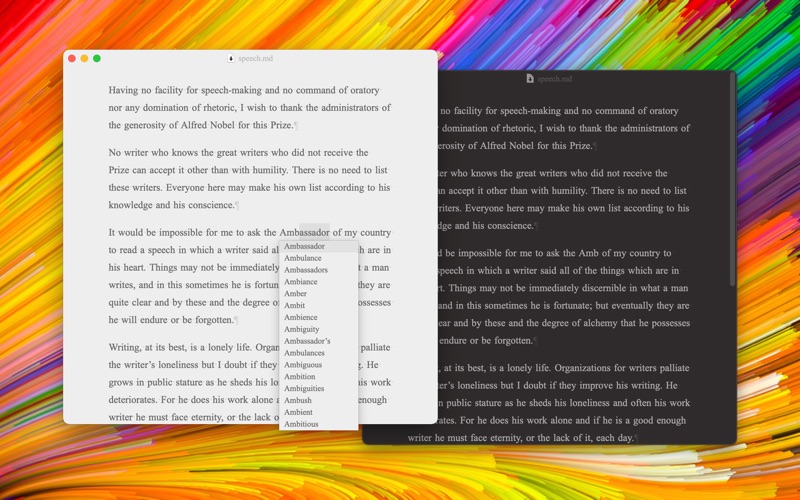
Paper: Writing App + Notes is an overall app developed by Mihhail Lapushkin.
How many times has Paper: Writing App + Notes been downloaded?
What is the rating of Paper: Writing App + Notes?
Paper: Writing App + Notes has no ratings yet.
Is Paper: Writing App + Notes free?
Paper: Writing App + Notes is free to download. The APK download size is 7.24 MB. The latest version available is 111. The last update was on April 1, 2026.
What are the requirements for Paper: Writing App + Notes?
The app has a content rating of Everyone. The app has been available on Google Play January 2017.
Description
“This is a super-clean writing space with a lot of configurability that stays out of sight when you don’t need it.”
App Store Review 2020
# STORY
Read it here → paper.pro/story
# HIGHLIGHTS
· Gorgeous writing space · Silky-smooth typing · Deep personalization (Pro) · Markdown or Plain Text · Syncs with iCloud · Previews in Marked 2 · Publishes drafts to Medium, WordPress, Ghost, or Micro.blog · Exports to PDF, HTML, RTF, DOCX, ePub, image, or clipboard · Works seamlessly across your Mac, iPad, and iPhone
# PRO FEATURES
Basic adjustments like text size are free in Paper. More advanced personalization can be purchased with Pro Features. You will not be buying anything blindly, though. The trial period for Pro Features is untimed, so you can take your time to decide if they are a worthy investment.
While trialing Pro Features, you might occasionally see a popup. Simply press Reset in the popup to get rid of it completely.
Pro Features are either a subscription or a one-time purchase. Both the subscription and the one-time purchase unlock Pro Features on all your Macs that share the same Apple ID. This subscription (or one-time purchase) applies only to Macs. iPhones and iPads require a separate subscription (or one-time purchase).
The one-time purchase is hidden by default. To enable it, press the "Show one-time purchase" button in the Pro Features popup that appears in the View menu.
If you want to upgrade from a Monthly subscription to a Yearly one (or to a Lifetime license), click the Paper menu, hold the Option key on your keyboard, and select the respective upgrade under Purchases.
# BUSINESSES, SCHOOLS & ORGANIZATIONS
Businesses, schools, and organizations can use one of the following methods to purchase the Pro version of the app: · Apple Business Manager · Apple School Manager · Volume Purchasing
The Pro version of the app can be accessed from this link → paper.pro/get
- Bulleted List - Bulleted List - Nested Bulleted List - Nested Bulleted List * Bulleted List * Bulleted List * Nested Bulleted List * Nested Bulleted List
1. Numbered List 2. Numbered List 3. Numbered List 1. Nested Numbered List 2. Nested Numbered List
You can only link to public images on the Internet.
## Can I password-protect my notes?
No.
## Paper changes the font when I switch between alphabetic and non-alphabetic input sources. How do I prevent it?
· Change the input source to a non-alphabetic one (Japanese, Chinese, Korean, etc.). · Click the "View" menu. · Hold the "Option" key on your keyboard. · Under the "Font" submenu, toggle "Keep for Alphabetic Input Sources".
## Need more help?
You can reach me via the in-app chat: · Go to the "Help" menu. · Select "Ask the Developer" from the menu.
# PAPER
Paper is the perfect writing space for: · Drafts · Books · Poetry · Essays · Novels · Scripts · Stories · Letters · Articles · Blogging · Note-taking · Screenplays · Screenwriting · Aesthetic notes · Creative writing · Blank paper inspiration · Distraction-free writing · Overcoming writer’s block
Each subscription will automatically renew 3 days before the expiration date for
the same time period. Subscriptions can be cancelled at any time before the renewal.