

Parallels Desktop
Parallels Desktop is made and published by Parallels International GmbH. AppBrain is an independent app data site and isn't affiliated with Parallels International GmbH. The app name, icon, screenshots and description belong to Parallels International GmbH and are shown as published on the App Store.
AppBrain's verdict
- Last updated
- August 17, 2026
- Size
- 122.1 MB
User feedback
Ratings and reviews on the App StoreComments on Parallels Desktop for iOS
We don't have enough comments to show example comments. Please check back later.
Store listing
By Parallels International GmbH, from the App Store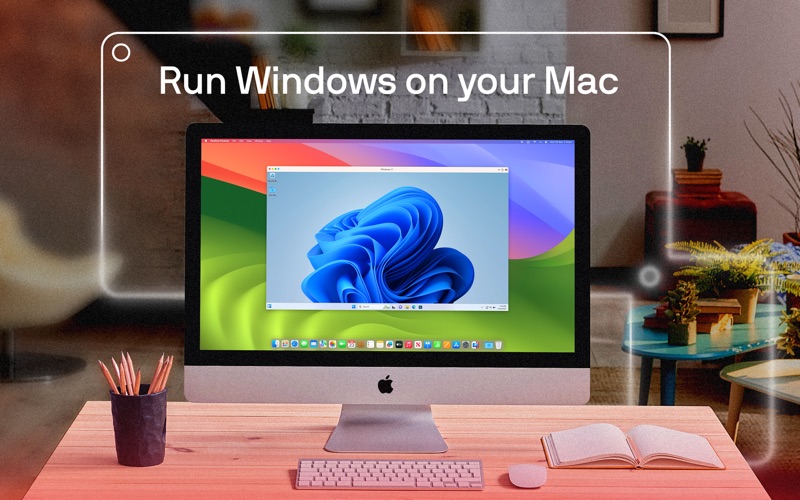
Description by Parallels International GmbH Written by the developer, not by AppBrain. Click to read.
With Parallels Desktop, you get the advantages of macOS, Windows, and Linux on the same physical machine.
As the first Microsoft-authorized partner to run Windows on a Mac with Apple silicon, Parallels Desktop for Mac offers the ideal solution for running Windows 11 on your Apple silicon Mac.
Our App Store Edition runs in a sandbox. There are differences between our Parallels Desktop App Store and Standard and Pro editions. Learn more about the differences: https://kb.parallels.com/123796.
Try our Parallels Desktop App Store Edition for free with a 14-day trial. Scroll to in-app purchases for pricing.
Trusted by over 7+ million Mac users worldwide.
Named #1 best application for running Windows by About.com Reader's Choice.
PCMag: "The best and fastest emulation software for running Windows, Linux, and even older versions of macOS on Intel-based Macs."
Macworld: "The best option for Mac users who need to run Windows software on their Mac."
KEY FEATURES
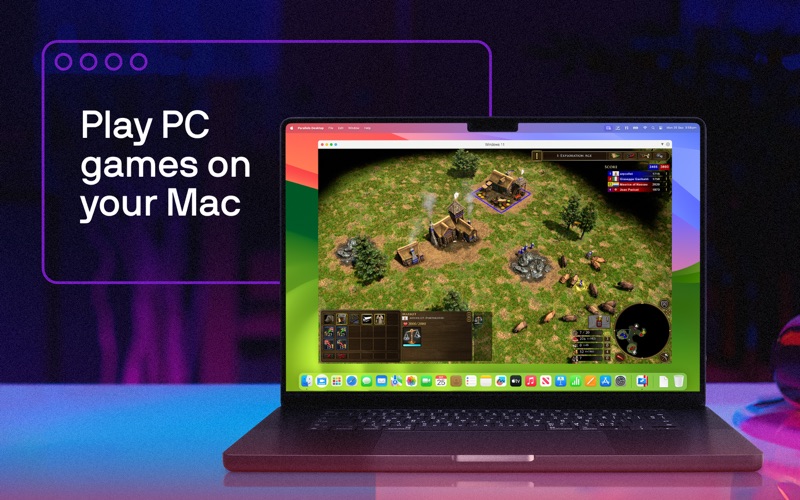
– Play hundreds of popular games for Windows like Assassin's Creed, Age of Empires, Minecraft, Fall Guys, Rocket League, and Half-Life 2. (limitations apply)
– Run Windows 11 on Arm Pro and Enterprise via Apple Silicon on your Mac.
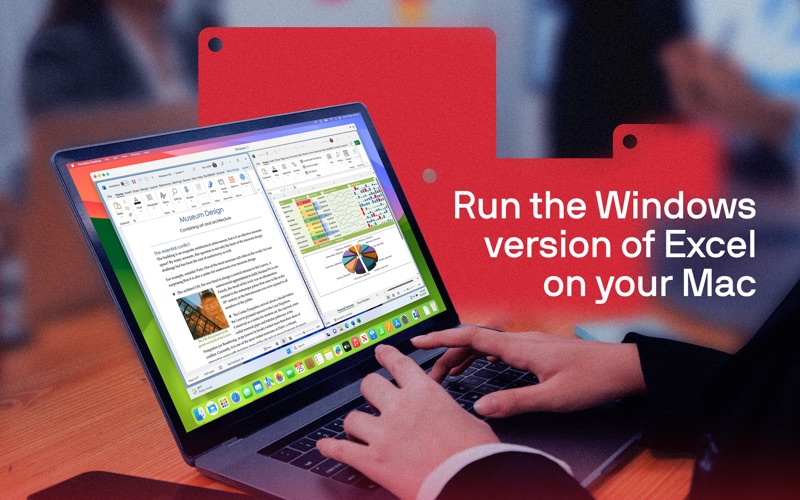
– Access apps for Windows like Microsoft 365 (Word, Excel, PowerPoint, Outlook, Teams, Access), AutoCAD, SOLIDWORKS, Revit, QuickBooks, Power BI, Visual Studio, Quicken, Visio, Adobe Acrobat, Docker, Steam, and more.
– Support for Intel-based and ARM-based Macs and the latest macOS and Windows versions.
– Adjust resources allocated to the virtual machine (VM) like CPU, GPU, and RAM for optimized performance.
– On a Mac with an Intel processor, you can run most versions of Windows, Linux, and macOS.
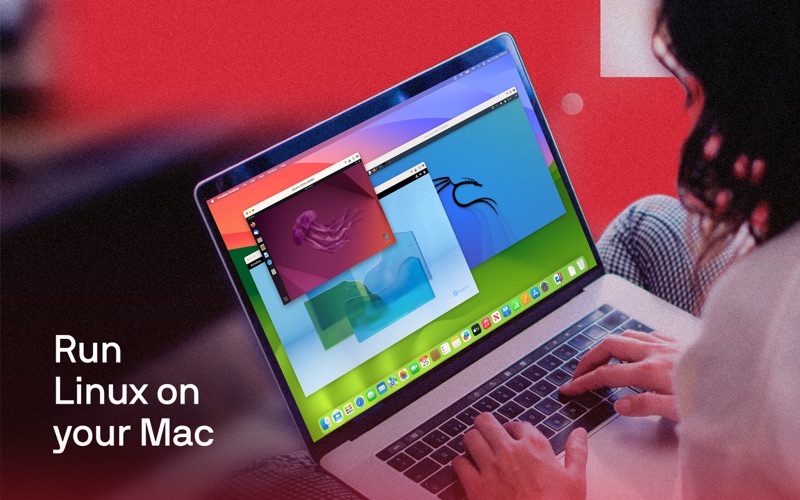
– On a Mac with Apple silicon, you can run Arm versions of Windows 11 Pro, Ubuntu Linux, Fedora Workstation, Debian GNU/Linux, Kali Linux, and more.
With Parallels Desktop, you can experience Windows as if it were designed for Mac. Download today and start running Linux and apps for Windows on your Mac!
SUPPORTED OPERATING SYSTEMS
– On a Mac with an Intel processor, you can run most Windows, Linux, and macOS versions.
– On a Mac with an Apple silicon chip, including the latest M5 and MacBook Neo models, the following operating systems (Arm-based only) are supported for running in a VM:
Windows 11 Pro and Enterprise editions (recommended)
Ubuntu Linux 24.04, 23.04, 22.04, 21.10, 21.04, 20.10, 20.04
Fedora Workstation 40, 39
Debian GNU/Linux 12, 11
Kali Linux 2024.2, 2023.1, 2022.2, 2022.1, 2021.3
Red Hat Enterprise Linux (RHEL) 9
See the complete list of supported operating systems and system requirements at https://kb.parallels.com/123800.
SUPPORT
Get 24/7 phone, chat, and email support if you purchase a Parallels Desktop App Store Edition subscription.
Upgrade to Parallels Desktop Standard Edition or Pro Edition and unlock more advanced features.
Learn more about the advanced features available in those versions at https://kb.parallels.com/123796.
ABOUT PARALLELS DESKTOP
Parallels Desktop is a powerful virtual desktop Mac application that enables users to run Windows, Linux, and macOS operating systems and applications on their Mac with Intel or Apple silicon chips.
Parallels Desktop makes this possible through desktop virtualization, utilizing software technology to create a virtual machine.
This VM functions as a virtual PC within your Mac, allowing you to install and operate operating systems just as they would on a physical computer.
Enjoying Parallels Desktop or have feedback for us? Please leave a review.
DISCLAIMER
It is not recommended that existing Parallels Desktop Standard or Pro Edition users move to the Parallels Desktop App Store Edition. Learn more: https://kb.parallels.com/en/123796.
Safety and technology
Found in the app by AppBrain- Price
- Free
- App size
- 122.1 MB
- Content rating
- Everyone
Technologies used by Parallels Desktop
Releases
Updates seen on the App Store- Version
- 1.26.4
- Launched
- October 2016
No changelog data
Alternatives
Similar apps and more from Parallels International GmbHMore from Parallels International GmbH

Rankings
App Store top chartsApp Store Rankings for Parallels Desktop
About the app and developer
About Parallels Desktop
Parallels Desktop is a business app developed by Parallels International GmbH.
User Ratings
The app has no ratings yet.
App Information
Parallels Desktop is freely available from the App Store. The app size is 122.14 MB. The latest version available is 1.26.4. The last update was on August 17, 2026.
Technical Requirements
The app has a content rating of Everyone. The app has been available on the App Store since October 2016.
Developer information for Parallels International GmbH
Address: