Passport Maker - ID Photo is a graphics & design app developed by SilverAI Joint Stock Company.
What is the rating of Passport Maker - ID Photo?
Passport Maker - ID Photo is rated 2.78 out of 5 stars, based on 9 ratings.
Is Passport Maker - ID Photo free?
Passport Maker - ID Photo is free to download. The download size is 80.95 MB. The latest version available is 1.0.6. The last update was on October 30, 2025.
What are the requirements for Passport Maker - ID Photo?
The app has a content rating of Everyone. The app has been available on the App Store since January 2024.
Description
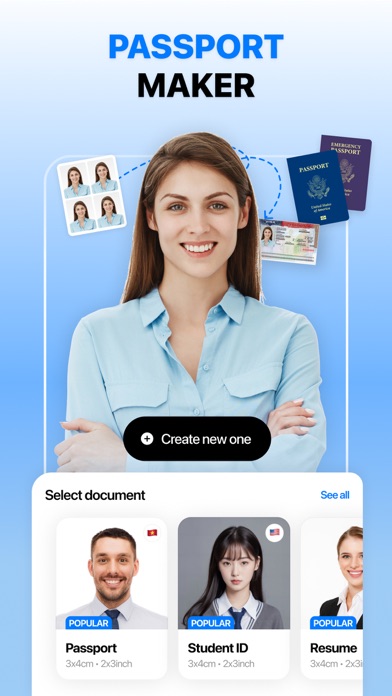
Passport Maker helps you create your perfect passport photo in seconds, making the whole experience fast, smooth and fun!
Why should you use Passport Maker? - Easy to Use: If you ever find yourself confused with complicated photo editing tools to create your passport photo, Passport Maker is here to help. Just snap a photo with us, or pick one from your gallery, Passport Maker will guide you through the process with ease. Creating professional-quality passport photos has never been this straightforward!
- Fast and Efficient: Passport Maker saves you so much time waiting at photo studios or editing your pictures. You now have the power to create your ready-to-use ID photos in a matter of seconds. Whether you're in a rush or planning your next adventure, we've got you covered with lightning-fast results.
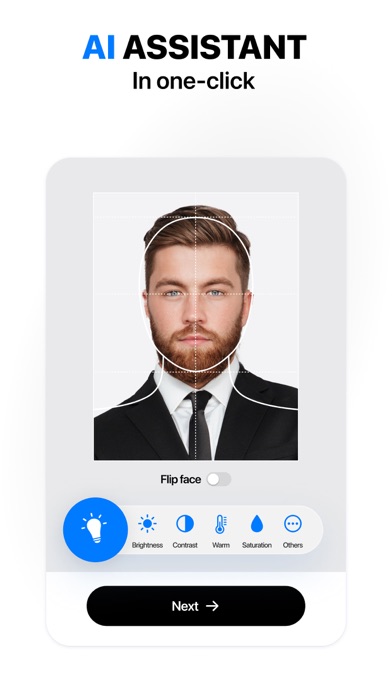
- AI Magic: Experience the power of artificial intelligence at your fingertips! Passport Maker applies AI technology to automatically detect your face and remove the background. You can choose the country and type of license documents you need, the app will adjust the size and background color accordingly. No need to worry about complex regulations – our smart algorithms take care of it all, ensuring your photos comply with international standards.
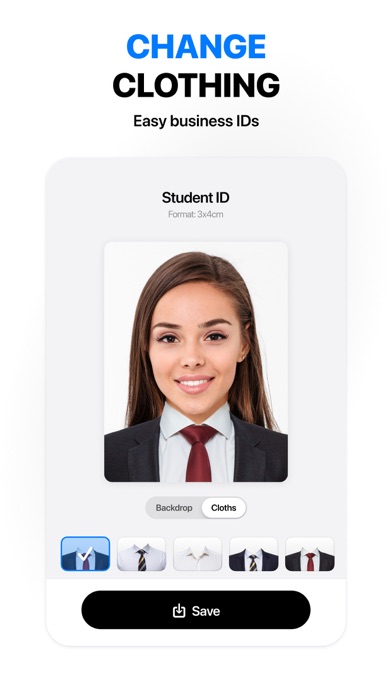
- Customize with Style: More than just passport photos, Passport Maker lets you add a personal touch to your pictures. Experiment with different filters, backgrounds, and styles to create a photo that reflects your personality. Unleash your creativity while staying within the official guidelines – it's the best of both worlds!
- Multiple Document Support: Passport Maker isn't just limited to passports! Use the app to create photos for various documents such as visas, IDs, and more. It's a one-stop-shop for all your document photo needs.
- Privacy and Security: Rest easy knowing that your personal data is secure. Passport Maker prioritizes user privacy, ensuring that your photos are processed securely and deleted from our servers once the job is done. Your information is as safe as your passport in our digital vault!
Tips for a good passport photo - Choose even, natural lighting to avoid shadows. - Opt for a plain, light-colored background. - Face the camera directly with a neutral expression. - Ensure no accessories obstruct your face. - Follow size and resolution guidelines, and use a high-quality camera.
Download Passport Maker now and embark on a stress-free journey to perfect passport photos. Fast, fun, and AI-powered – your photo, your way! Bon voyage!
Terms of use: https://www.apple.com/legal/internet-services/itunes/dev/stdeula/
Each subscription will automatically renew 3 days before the expiration date for
the same time period. Subscriptions can be cancelled at any time before the renewal.