Password Manager:SecureSafe is an utilities app developed by Hangzhou Keyi Network Technology Co., Ltd.
User Ratings
Password Manager:SecureSafe is rated 4.58 out of 5 stars. The rating is based on 12 ratings.
App Information
Password Manager:SecureSafe is freely available from the App Store. The app size is 90.04 MB. The latest version available is 3.2.0. The last update was on October 15, 2026.
Technical Requirements
The app has a content rating of Everyone. The app has been available on the App Store since October 2018.
Description by Hangzhou Keyi Network Technology Co., Ltd(from the App Store)
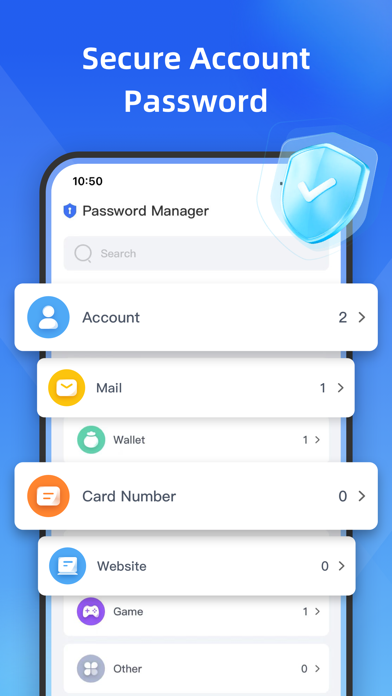
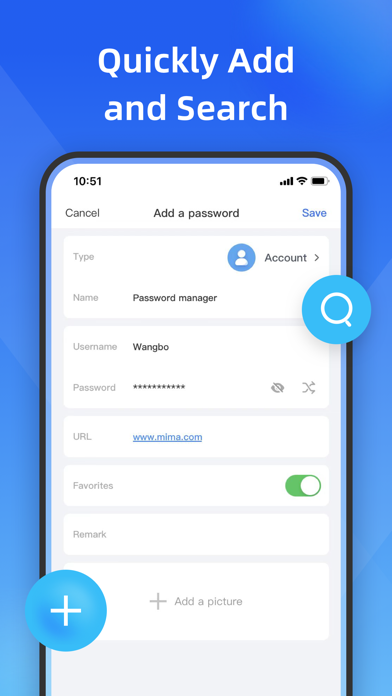
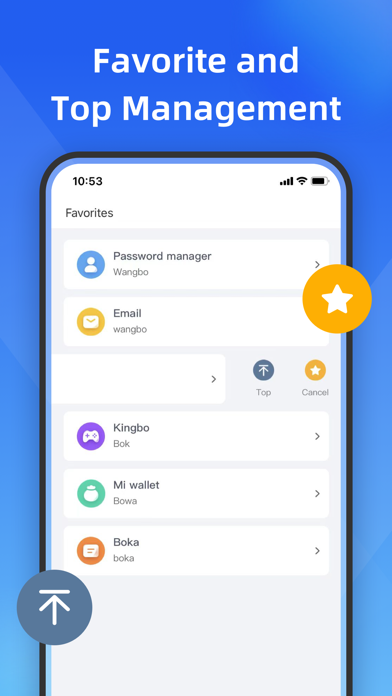
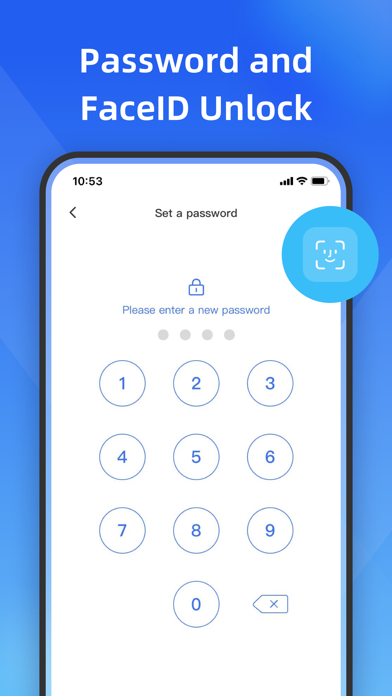
Password manager with safe performance, powerful functions and simple interface! -------------------------------------------------- Do you often forget your password? "Password Manager" can help you remember all passwords and keep them safe, you only need to remember one application login password!
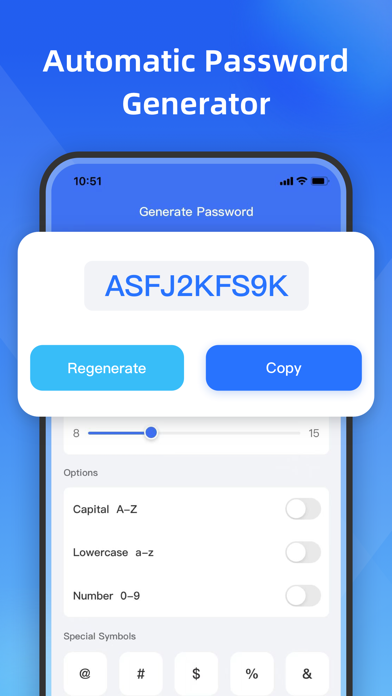
This application is a simple and practical account password management software. Each of us has many different website accounts and passwords, such as QQ, WeChat, Weibo, etc. If each website is set to the same account and password, once an account is leaked, the account and password on other websites are at risk of being stolen. Setting different high-strength passwords on different websites is the safest guarantee, but it is difficult to remember such a variety of account passwords. Therefore, it is very necessary to have a safe and practical password management software!
### Safety ### This application does not have any network connection at all, and all information is stored locally on the phone. Safe and reliable
### Simplicity ### This application uses a simple interface, you who like simplicity deserve it
###Auto-Renewal Terms### ●Subscription price: Weekly membership (¥20/month) Annual membership (¥98/year) ● Subscription payments will be charged to your iTunes account at confirmation of purchase and at the beginning of each renewal period ● Renewal: Apple iTunes account will be deducted within 24 hours before expiration, and the subscription cycle will be extended by one subscription cycle after the deduction is successful. ● Cancel Renewal: You can cancel your subscription or trial at any time by going to your iTunes account settings and canceling the subscription, otherwise it will automatically renew. This must be done 24 hours before the end of the trial period or any subscription period to avoid being charged. Subscriptions that include a trial period will automatically renew to a paid subscription. ● Subscriptions may be managed by the user and auto-renewal may be turned off by going to the user's Account Settings after purchase ●Privacy Policy: https://static.rhinox.cn/html/privacy/pwd_manage_en.html?appName=Password Manager ●Membership payment agreement: https://static.rhinox.cn/html/paymentagreement/general_en.html
Each subscription will automatically renew 3 days before the expiration date for
the same time period. Subscriptions can be cancelled at any time before the renewal.