
PDF Compressor by Flyingbee
PDF Compressor by Flyingbee is made and published by Flyingbee Software Co., Ltd. AppBrain is an independent app data site and isn't affiliated with Flyingbee Software Co., Ltd. The app name, icon, screenshots and description belong to Flyingbee Software Co., Ltd. and are shown as published on the App Store.
AppBrain's verdict
- Last updated
- March 2, 2021
Rankings
App Store top chartsApp Store Rankings for PDF Compressor by Flyingbee
Competitors
Similar apps and more from Flyingbee Software Co., Ltd.More from Flyingbee Software Co., Ltd.





Releases
Updates seen on the App Store- Version
- 2.0.1
- Launched
- January 2015
No changelog data
User feedback
Ratings and reviews on the App StoreComments on PDF Compressor by Flyingbee for iOS
We don't have enough comments to show example comments. Please check back later.
Technology
Found in the app by AppBrain- Price
- $2.99
- App size
- 6.42 MB
- Content rating
- Everyone
Technologies used by PDF Compressor by Flyingbee
About the app and developer
About PDF Compressor by Flyingbee
PDF Compressor by Flyingbee is a business app developed by Flyingbee Software Co., Ltd.
User Ratings
The app has no ratings yet.
App Information
PDF Compressor by Flyingbee costs $2.99. The app size is 6.42 MB. The latest version available is 2.0.1. The last update was on March 2, 2021.
Technical Requirements
The app has a content rating of Everyone. The app has been available on the App Store since January 2015.
Developer information for Flyingbee Software Co., Ltd.
Address:
Store listing
By Flyingbee Software Co., Ltd., from the App Store
Description by Flyingbee Software Co., Ltd. Written by the developer, not by AppBrain. Click to read.
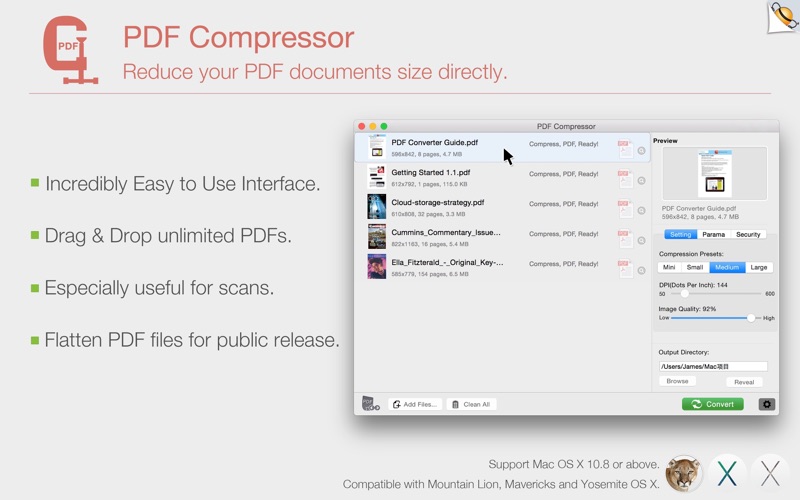
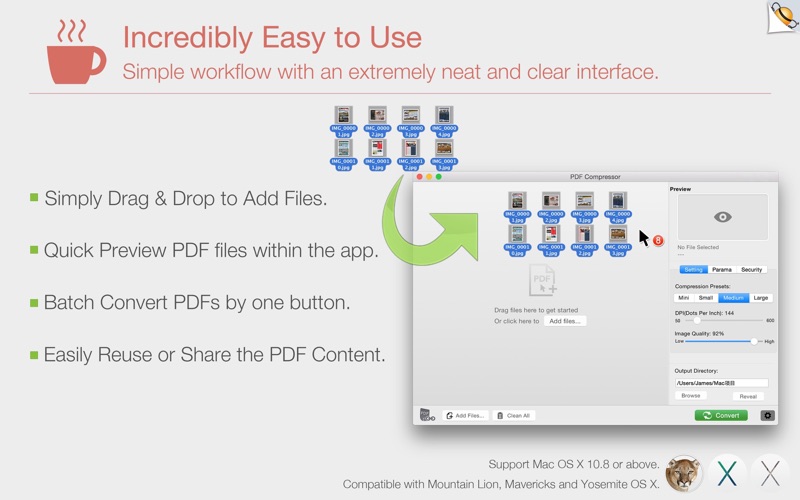
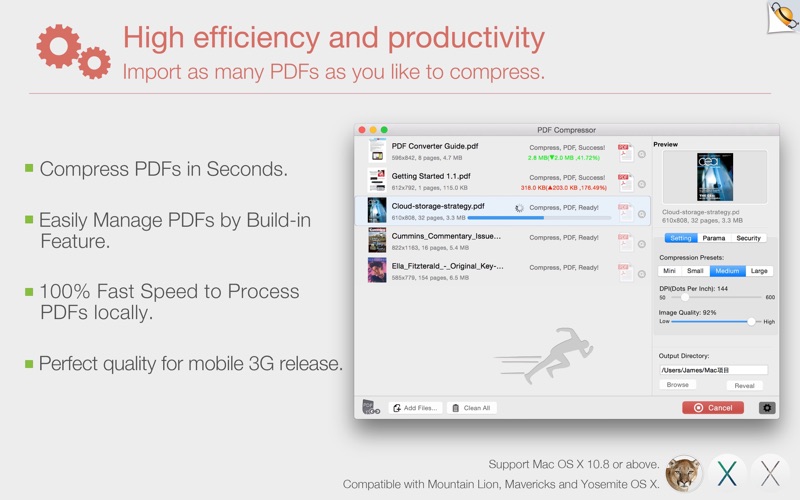
PDF Compressor offers easy ways to compress your large PDF files on Mac to a perfect small file size that is still good quality, you can send smaller and faster emails, save your storage space, decrease file upload or download times after reducing file size of PDF documents.
Portable Document Format (PDF) files are the open, standard way to deliver documents electronically. Supported by virtually any platform—Windows, Mac OS, Linux—converted PDF documents, graphics, charts, and forms look exactly as they would if they were printed. At times, it is necessary to compress these files to be able to send them as email attachments or upload them to websites. There are many options for compressing PDF files
> Be Smart for Mobile Phones - Compress that PDF!
With more website visitors using mobile devices, why treat them like second class citizens by including large PDF's on your website, email or app? Use PDF Compressor to shrink the files and make them more friendly for mobile users.
> Emailing PDFs?
Why clog up the inbox of your friends and co-workers? Compress the PDF file before you email it, that way they'll not only get there faster but be quicker to open. Don't forget major mail providers have a file size limit of around 20MB, so compressing PDFs also means that attachments are more likely to arrive.
> Perfect quality!
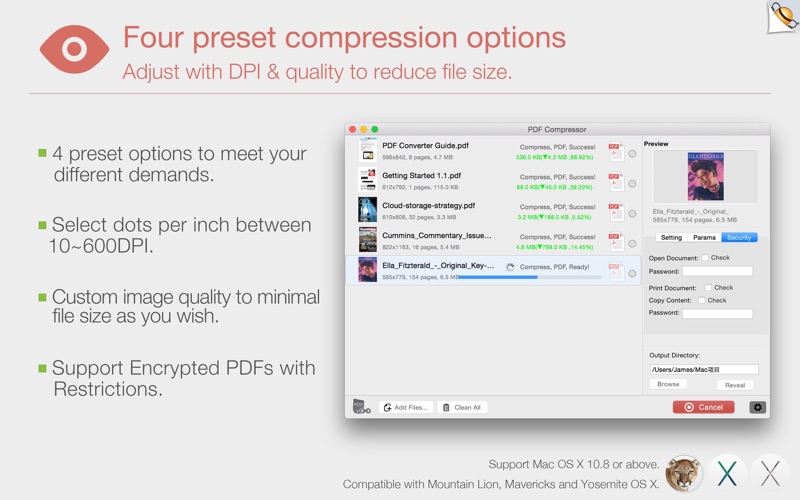
Reduce your scanned PDF files to 144dpi which is perfect for uploading files to the web and through email on mobile phones.
> Balance between image quality and storage size
PDF Compressor reduces file size by compressing the images within PDF document. It uses JPEG, which is a commonly used method of lossy compression for image. So you can get high quality but small PDF file after compression. For some PDF files, file size can be reduced by 90%.
> Support Mac OS X 10.8 or above.
> Fully compatible with macOS Big Sur(11.1).
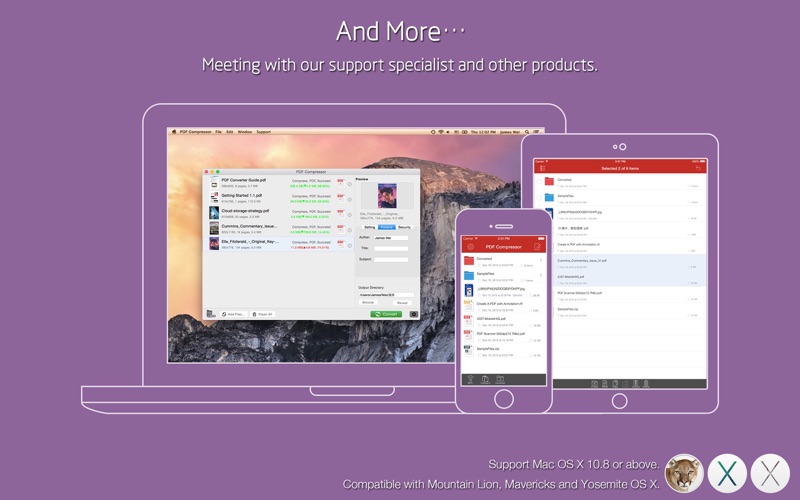
> Checkout our other PDF apps for iPhone and iPad and Mac devices.
Several sample files have been included, you can test it right now!
We are continuously developing this app, so please feel free to contact us with your questions, suggestions or any problems, and we will reply ASAP.
Email: support@flyingbee.com
Website: http://www.flyingbee.com