

PDF Editor: Edit Text
PDF Editor: Edit Text is made and published by Alex Gameli Heyman. AppBrain is an independent app data site and isn't affiliated with Alex Gameli Heyman. The app name, icon, screenshots and description belong to Alex Gameli Heyman and are shown as published on the App Store.
AppBrain's verdict
- Rating on App Store
- 4.69
- 67 ratings
- Last updated
- June 18, 2026
It doesn't have enough ratings yet to judge what users think.
Rankings
App Store top chartsApp Store Rankings for PDF Editor: Edit Text
Competitors
Similar apps and more from Alex Gameli HeymanAlternatives to PDF Editor: Edit Text




More from Alex Gameli Heyman


Releases
Updates seen on the App Store- Version
- 5.0.2
- Launched
- March 2023
No changelog data
User feedback
Ratings and reviews on the App StoreComments on PDF Editor: Edit Text for iOS
We don't have enough comments to show example comments. Please check back later.
Technology
Found in the app by AppBrain- Price
- Free
- App size
- 73.7 MB
- Content rating
- Everyone
Technologies used by PDF Editor: Edit Text
About the app and developer
About PDF Editor: Edit Text
PDF Editor: Edit Text is an utilities app developed by Alex Gameli Heyman.
User Ratings
PDF Editor: Edit Text is rated 4.69 out of 5 stars. The rating is based on 67 ratings.
App Information
PDF Editor: Edit Text is freely available from the App Store. The app size is 73.72 MB. The latest version available is 5.0.2. The last update was on June 18, 2026.
Technical Requirements
The app has a content rating of Everyone. The app has been available on the App Store since March 2023.
Developer information for Alex Gameli Heyman
Address:
Store listing
By Alex Gameli Heyman, from the App Store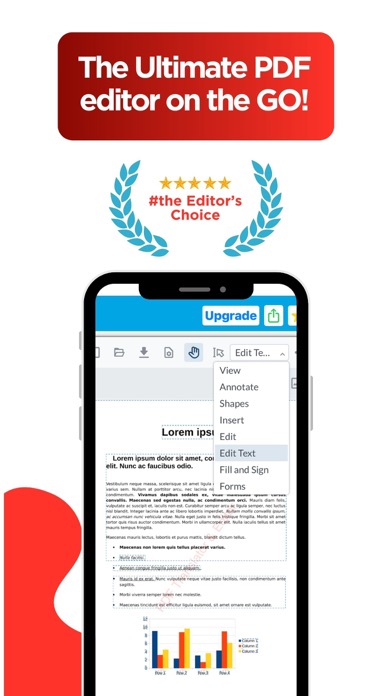
Description by Alex Gameli Heyman Written by the developer, not by AppBrain. Click to read.
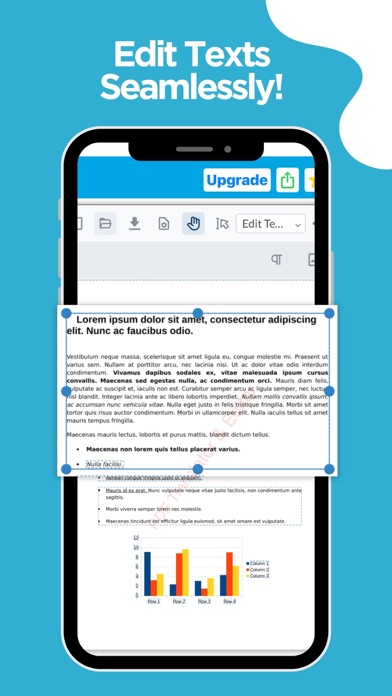
EDIT TEXT & IMAGES DIRECTLY
• Tap any paragraph to rewrite, restyle, or delete text
• Change fonts, sizes, colors, and alignment
• Add, move, resize, or replace images
• Fix typos and update documents without a computer
ANNOTATE & MARK UP
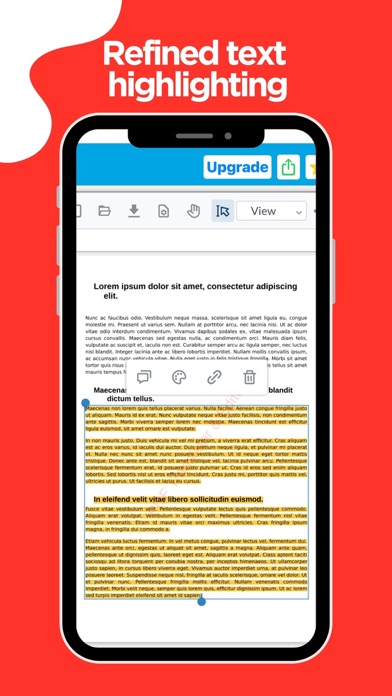
• Highlight, underline, and strikethrough
• Add comments, sticky notes, shapes, and arrows
• Draw freehand with your finger or Apple Pencil
• Insert stamps and custom watermarks
SIGN & FILL FORMS
• Sign with your finger or a saved signature
• Fill out interactive and flat forms
• Add dates, checkmarks, and text fields
ORGANIZE & CONVERT
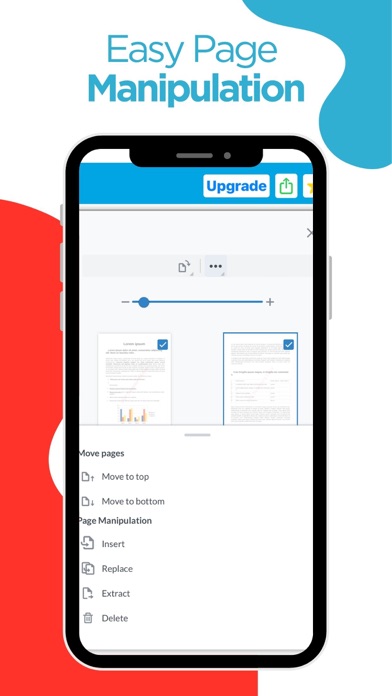
• Merge, split, reorder, rotate, and delete pages
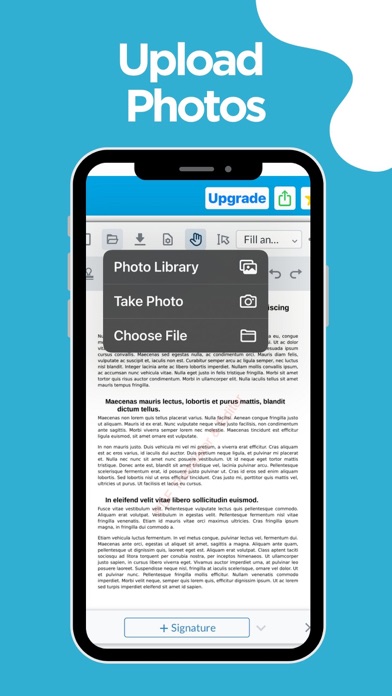
• Scan paper documents with your camera
• Convert photos and images to PDF
• Extract or duplicate pages
SHRINK FILE SIZES
• Compress large PDFs to make them easy to email and share
• Pick the compression level that fits your needs
Whether you're editing a contract, marking up research, or fixing a typo before a deadline, PDF Editor gives you everything you need to work with PDFs—right on your iPhone and iPad.
Terms of service: https://www.apple.com/legal/internet-services/itunes/dev/stdeula/
Privacy policy: https://site.innovaapps.ai/policies/translatorprivacypolicy