

PDF Flip is made and published by 方成 印. AppBrain is an independent app data site and isn't affiliated with 方成 印. The app name, icon, screenshots and description belong to 方成 印 and are shown as published on the App Store.
AppBrain's verdict
- Last updated
- September 17, 2026
Rankings
App Store top chartsApp Store Rankings for PDF Flip
This app is not ranked
Competitors
Similar apps and more from 方成 印More from 方成 印


Releases
Updates seen on the App Store- Version
- 2.2
- Launched
- January 2013
No changelog data
User feedback
Ratings and reviews on the App StoreComments on PDF Flip for iOS
We don't have enough comments to show example comments. Please check back later.
Technology
Found in the app by AppBrain- Price
- $9.99
- App size
- 862.9 KB
- Content rating
- Everyone
Technologies used by PDF Flip
About the app and developer
About PDF Flip
PDF Flip is a business app developed by 方成 印.
What is the rating of PDF Flip?
PDF Flip has no ratings yet.
Is PDF Flip free?
PDF Flip costs $9.99. The app size is 862.94 kB. The latest version available is 2.2. The last update was on September 17, 2026.
What are the requirements for PDF Flip?
The app has a content rating of Everyone. The app has been available on the App Store since January 2013.
Developer information for 方成 印
Address:
Store listing
By 方成 印, from the App Store
Screenshots by 方成 印, from the the App Store listing
Description by 方成 印 Written by the developer, not by AppBrain. Click to read.
PDF Flip - Turn your PDFs into stunning HTML5 flip books
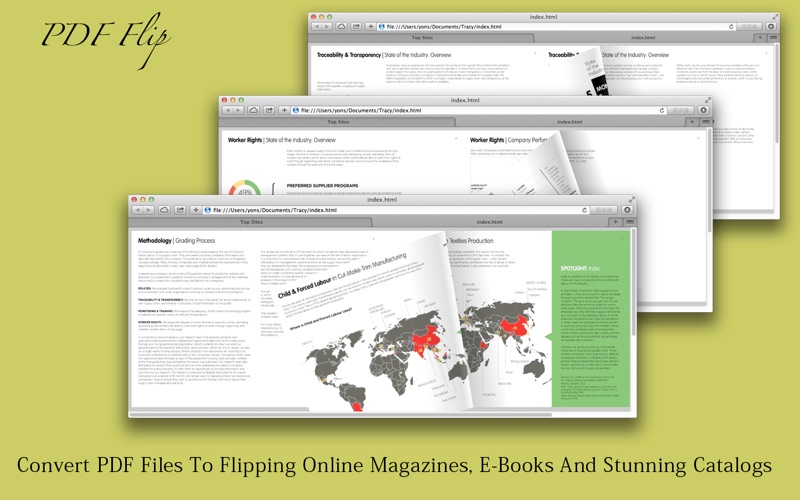
PDF Flip converts any PDF into a page-flipping HTML5 magazine, brochure, catalog, report, or e-book that runs in any modern browser, with no coding and no Flash required. Drag in a PDF, click Export, and you have a ready-to-publish flip book in seconds.
HOW TO PUBLISH YOUR FLIP BOOK ONLINE
Open a PDF in PDF Flip, or simply drag and drop it onto the window.
Click Export HTML5 and choose an output folder.
Upload the generated "index.html" file and the "pages" folder to your website. Alternatively, use the built-in Upload HTML5 button to publish instantly and get a shareable link.
KEY FEATURES
Drag and drop. Drop a PDF onto the window and it opens right away. Your original file is never modified.
One-click HTML5 export. The app produces a self-contained flip book: an "index.html" file plus a "pages" folder containing three sizes of every page image, including normal images, high-resolution images for zooming, and thumbnails.
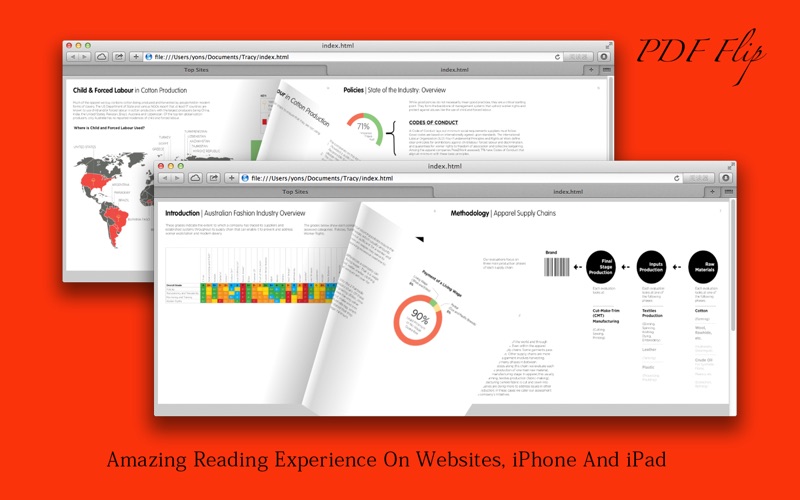
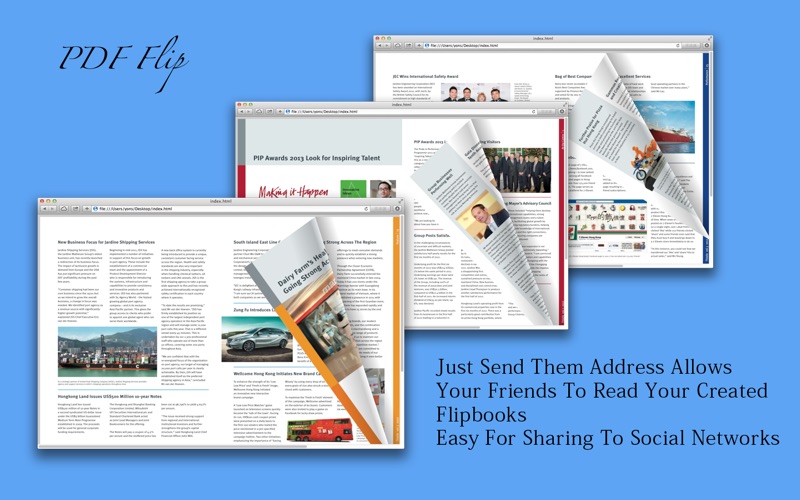
Realistic page flipping. Drag a page corner or click the arrows, and pages curl and turn like a real book, with smooth hardware-accelerated animation.
Instant publishing. Upload directly from the app and share the resulting web address with anyone.
Thumbnail navigation. Browse every page at a glance and jump to any page with a single click.
Deep links. Every page has its own web address, such as index.html page 12, so you can link straight to a specific page.
Zoom in and out. Click or double-tap to zoom, use Ctrl or Command with the scroll wheel to zoom further, and press ESC to return.
Keyboard and mouse friendly. The arrow keys turn pages, and the scroll wheel flips pages or zooms when you hold Ctrl or Command.
Responsive and mobile ready. The flip book automatically resizes to fit any screen and looks great on Mac, Windows, iPhone and iPad.
Full control over quality and size. Two simple sliders let you choose the image DPI and JPEG quality, so you decide how sharp and how large the output is.
Fully localized. The app is translated into 10 languages, including English, German, Spanish, French, Italian, Japanese, Korean, and both Simplified and Traditional Chinese.
Perfect for digital magazines, product catalogs, sales brochures, newsletters, annual reports, portfolios, and teaching materials. Just open a PDF and enjoy flipping through it like the real thing.
Bug Fix and Feature Request
If you have any problem, please email us at support@cokesoft.com. We will fix bugs and add features for you as soon as possible.