

PDF Merge - Document Sign PDF
PDF Merge - Document Sign PDF is made and published by AppFlux Labs. AppBrain is an independent app data site and isn't affiliated with AppFlux Labs. The app name, icon, screenshots and description belong to AppFlux Labs and are shown as published on the App Store.
AppBrain's verdict
- Rating on App Store
- 4.64
- 11 ratings
- Last updated
- September 8, 2026
It doesn't have enough ratings yet to judge what users think.
Rankings
App Store top chartsApp Store Rankings for PDF Merge - Document Sign PDF
Competitors
Similar apps and more from AppFlux LabsAlternatives to PDF Merge - Document Sign PDF







More from AppFlux Labs


Releases
Updates seen on the App Store- Version
- 2.7.6
- Launched
- January 2024
No changelog data
User feedback
Ratings and reviews on the App StoreComments on PDF Merge - Document Sign PDF for iOS
We don't have enough comments to show example comments. Please check back later.
Technology
Found in the app by AppBrain- Price
- Free
- App size
- 26.6 MB
- Content rating
- Low
Technologies used by PDF Merge - Document Sign PDF
About the app and developer
About PDF Merge - Document Sign PDF
PDF Merge - Document Sign PDF is an utilities app developed by AppFlux Labs.
User Ratings
PDF Merge - Document Sign PDF is rated 4.64 out of 5 stars. The rating is based on 11 ratings.
App Information
PDF Merge - Document Sign PDF is freely available from the App Store. The app size is 26.59 MB. The latest version available is 2.7.6. The last update was on September 8, 2026.
Technical Requirements
The app has a content rating of Low Maturity. The app has been available on the App Store since January 2024.
Developer information for AppFlux Labs
Address:
Store listing
By AppFlux Labs, from the App Store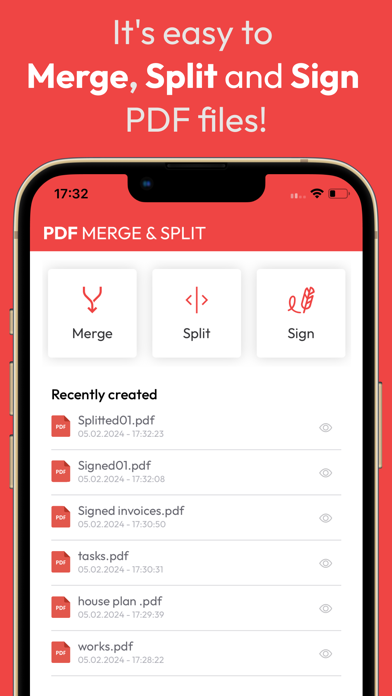


Description by AppFlux Labs Written by the developer, not by AppBrain. Click to read.
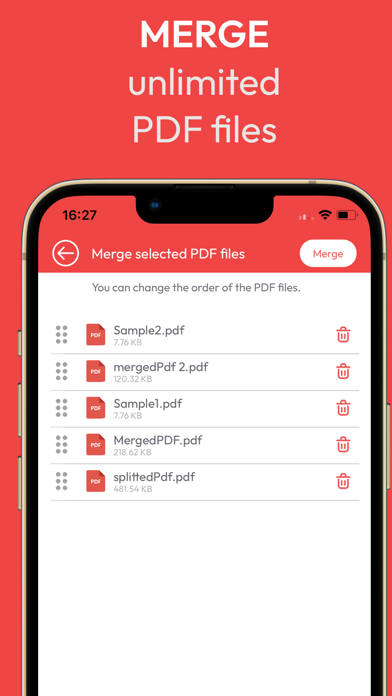
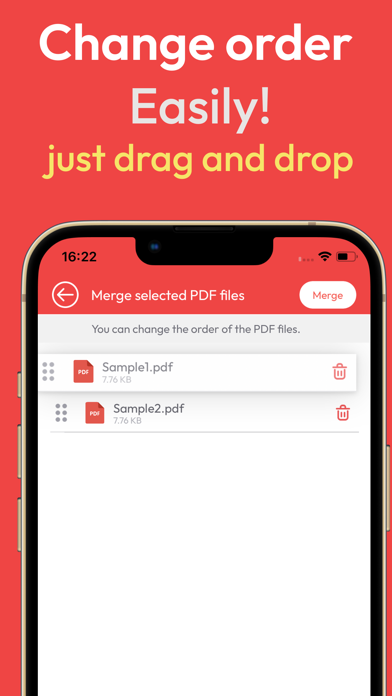
Are you tired of searching for the perfect solution to merge your PDFs? Look no further! Our app provides not only PDF merge capabilities but also an advanced PDF merger, allowing you to effortlessly combine multiple PDF files into a single, cohesive document.
The combiner PDF feature sets our app apart, offering an intuitive interface for merging PDFs with unmatched ease. Whether you're combining reports, presentations, or any other PDF documents, our tool ensures a smooth and efficient process.
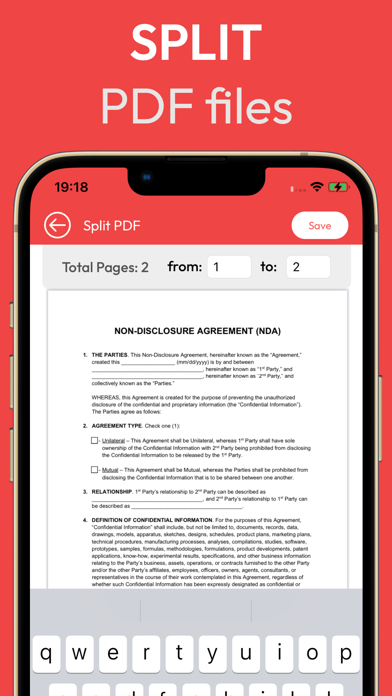
But that's not all – our PDF combine functionality goes beyond simple merging. With our innovative split PDF feature, you can easily break down large PDFs into smaller, more manageable parts. This feature is perfect for extracting specific sections or pages from extensive documents, tailoring your PDFs to meet your exact needs.
Need to add the finishing touch to your PDF? Our app goes above and beyond by including a fill and sign PDF feature. Add your signature or fill out forms directly within the app, saving you time and eliminating the need for additional tools.
With PDF merge, PDF merger, Photo to PDF, Image to PDF, combiner PDF, PDF combine, split PDF, and fill and sign PDF capabilities, our app provides a comprehensive solution for all your PDF management needs. The user-friendly interface ensures that you can navigate through these powerful features effortlessly, making document management a breeze.
Experience a seamless and efficient document workflow on iOS. Download our app now and take control of your PDFs like never before
Terms of use : https://www.apple.com/legal/internet-services/itunes/dev/stdeula/
Privacy Policy: https://www.appfluxlabs.com/privacy-policy