

PDFelement – Edit & Scan PDF
PDFelement – Edit & Scan PDF is made and published by Wondershare Technology Group Co.,LTD. AppBrain is an independent app data site and isn't affiliated with Wondershare Technology Group Co.,LTD. The app name, icon, screenshots and description belong to Wondershare Technology Group Co.,LTD and are shown as published on the App Store.
AppBrain's verdict
- Last updated
- August 11, 2026
Rankings
App Store top chartsApp Store Rankings for PDFelement – Edit & Scan PDF
Competitors
Similar apps and more from Wondershare Technology Group Co.,LTDMore from Wondershare Technology Group Co.,LTD





Releases
Updates seen on the App Store- Version
- 12.1.28
- Launched
- July 2019
No changelog data
User feedback
Ratings and reviews on the App StoreComments on PDFelement – Edit & Scan PDF for iOS
We don't have enough comments to show example comments. Please check back later.
Technology
Found in the app by AppBrain- Price
- Free
- App size
- 585.8 MB
- Content rating
- Everyone
Technologies used by PDFelement – Edit & Scan PDF
About the app and developer
About PDFelement – Edit & Scan PDF
PDFelement – Edit & Scan PDF is a productivity app developed by Wondershare Technology Group Co.,LTD.
User Ratings
The app has no ratings yet.
App Information
PDFelement – Edit & Scan PDF is freely available from the App Store. The app size is 585.83 MB. The latest version available is 12.1.28. The last update was on August 11, 2026.
Technical Requirements
The app has a content rating of Everyone. The app has been available on the App Store since July 2019.
Developer information for Wondershare Technology Group Co.,LTD
Wondershare Technology Group Co.,LTD
Address:
Frequently asked questions about PDFelement – Edit & Scan PDF
Is PDFelement – Edit & Scan PDF free?
Yes. PDFelement – Edit & Scan PDF is free on the App Store.
Is PDFelement – Edit & Scan PDF still available?
Yes. PDFelement – Edit & Scan PDF is on the App Store, and the last update we saw was on August 11, 2026.
How large is PDFelement – Edit & Scan PDF?
PDFelement – Edit & Scan PDF is 585.83 MB.
Is PDFelement – Edit & Scan PDF suitable for children?
App Store rates the content of PDFelement – Edit & Scan PDF as suitable for everyone.
Who made PDFelement – Edit & Scan PDF?
PDFelement – Edit & Scan PDF was developed by Wondershare Technology Group Co.,LTD. It is listed in the productivity category on the App Store.
Store listing
By Wondershare Technology Group Co.,LTD, from the App Store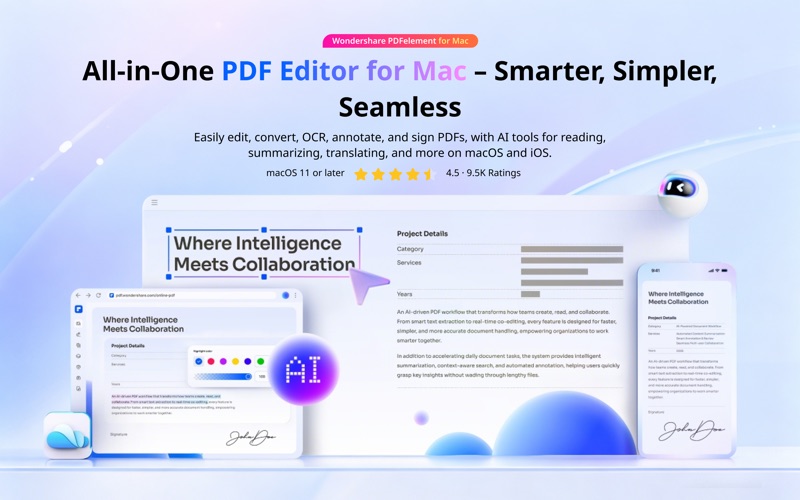





Description by Wondershare Technology Group Co.,LTD Written by the developer, not by AppBrain. Click to read.
BUILT FOR macOS
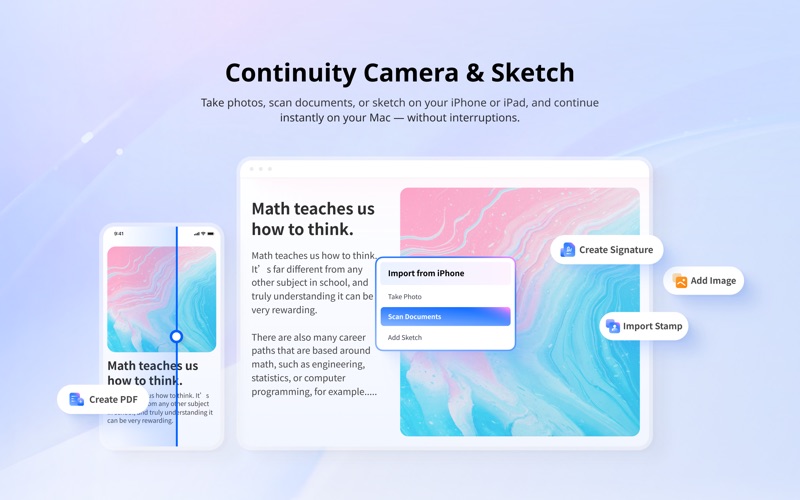
• Continuity Camera - Scan or capture on iPhone/iPad, instantly on your Mac.
• Continuity Sketch - Draw on iPhone/iPad and insert directly into your PDF.
• Widgets, Spotlight & Shortcuts - Launch PDF tools instantly, right from macOS.
AI TOOLS
• Chat with PDFs and switch between powerful AI models.
• Polish your PDFs with Grammar check, rewrite, or translate.
• Summarize PDFs instantly with AI Knowledge Cards.
• Turn PDFs into notes, mind maps, or presentations.
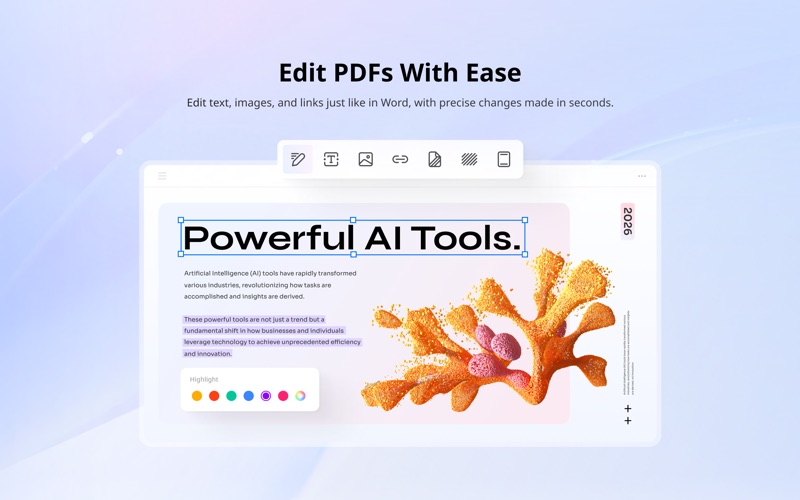
EDIT PDF WITH EASE
• Add text, images, and shapes to PDFs for more organized editing.
• Change sizes, colors, and font styles of the text and link.
• Insert links and add watermarks to your document.
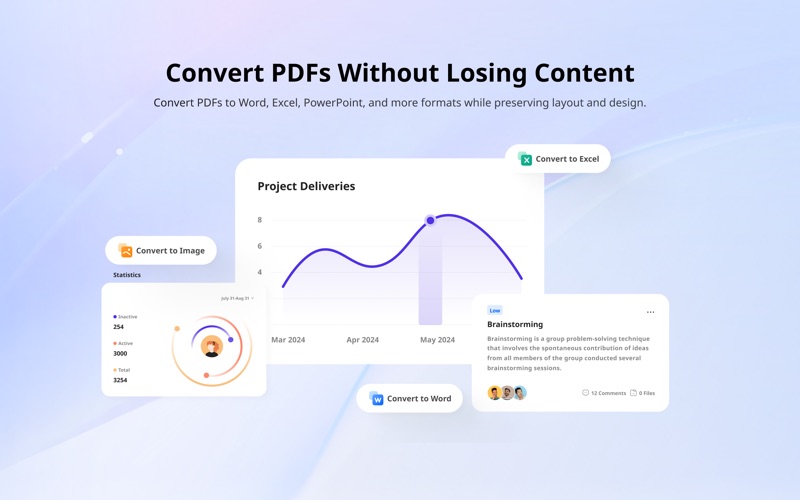
CONVERT PDF
• Export to Word, Excel, PowerPoint, EPUB, HTML, RTF, or images.
• Create high-quality PDFs from documents, images, or web pages.
• Boost your workflow by batch converting PDFs into multiple file formats.
OCR PDF
• Recognize text from scanned PDFs and images.
• OCR PDFs to Word and editable/searchable PDFs in 27 languages.
• Batch OCR PDFs/scanned images into text within seconds.
ANNOTATE PDF
• Highlight, underline, strikethrough, or add shapes to your PDFs.
• Enhance annotations with custom stamps, colorful stickers.
• Measure lengths, areas, and perimeters directly on PDF drawings in seconds.
ORGANIZE PDF
• Merge, split, or rotate PDF pages to suit your needs.
• Compress PDF to reduce its file size for optimized storage and sharing.
• Extract PDF pages for focused content management.
PROTECT PDF
• Password-protect PDFs to restrict viewing, printing, or editing with ease.
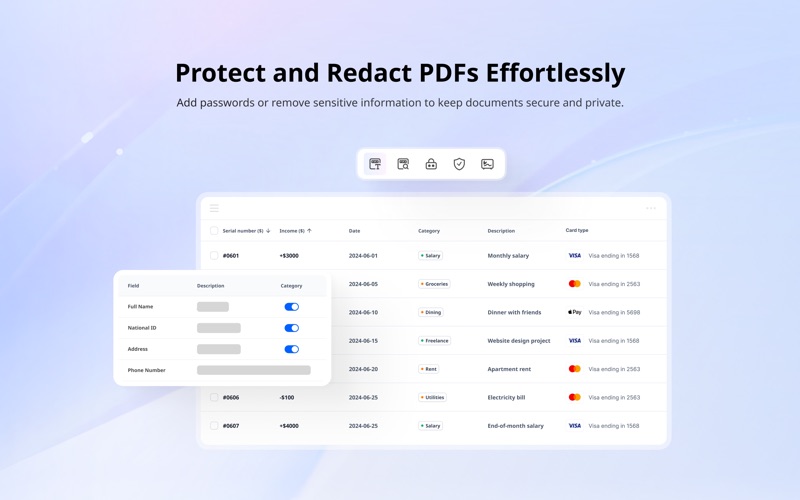
• Select areas or search terms to instantly black out all matching text.
• Smart Redact your PDF – automatically detect and redact sensitive data.
FILL & SIGN
• Recognize and fill in PDF form for efficient data entry.
• Create a fillable PDF with text fields, checkboxes, combo boxes, images, and more.
• Sign PDF on the go and sync your signatures on any device with PDFelement Cloud.
• Create e-signable PDFs and send them in bulk to recipients for convenient signing across devices.
CONTACT US
Email: support@wondershare.com
Support Center: https://www.wondershare.com/company/contact-us.html
Website: https://pdf.wondershare.com/pdfelement-mac.html
Facebook: @PDFelement
Terms of Use: https://pdf.wondershare.cn/privacy.html
EULA: https://pdf.wondershare.cn/end-user-license-agreement.html
If you think this app is helpful and like it, we'd appreciate it if you added your positive review to the App Store. Thank you for using PDFelement!