

Pearl Updater is made and published by acaia. AppBrain is an independent app data site and isn't affiliated with acaia. The app name, icon, screenshots and description belong to acaia and are shown as published on the App Store.
AppBrain's verdict
Established- Rating on App Store
- 2.44
- 9 ratings
- Last updated
- June 21, 2022
It doesn't have enough ratings yet to judge what users think.
Rankings
App Store top chartsApp Store Rankings for Pearl Updater
Competitors
Similar apps and more from acaiaAlternatives to Pearl Updater





More from acaia





Releases
Updates seen on the App Store- Version
- 1.6.1
- Launched
- January 2015
No changelog data
User feedback
Ratings and reviews on the App StoreComments on Pearl Updater for iOS
We don't have enough comments to show example comments. Please check back later.
Technology
Found in the app by AppBrain- Price
- Free
- App size
- 5.24 MB
- Content rating
- Everyone
Technologies used by Pearl Updater
About the app and developer
About Pearl Updater
Pearl Updater is a food & drink app developed by acaia.
User Ratings
Pearl Updater is rated 2.44 out of 5 stars. The rating is based on 9 ratings.
App Information
Pearl Updater is freely available from the App Store. The app size is 5.24 MB. The latest version available is 1.6.1. The last update was on June 21, 2022.
Technical Requirements
The app has a content rating of Everyone. The app has been available on the App Store since January 2015.
Developer information for acaia
Address:
Store listing
By acaia, from the App Store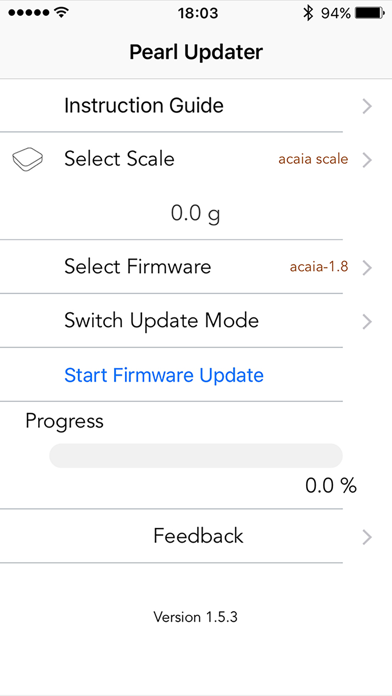
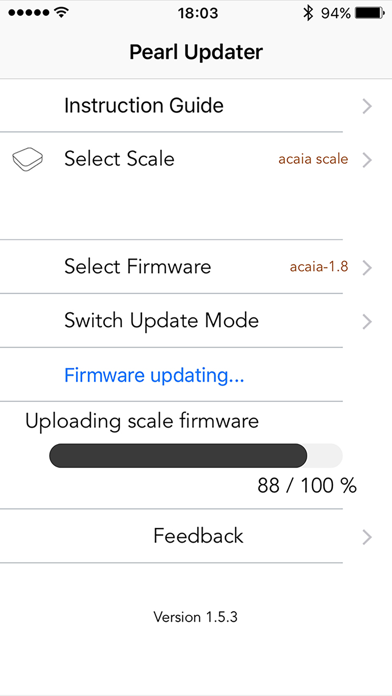
Description by acaia Written by the developer, not by AppBrain. Click to read.
We recommend that before you update, visit the Blog our website to get what has changed in this version, and other information that might be useful to ensure a successful update.
http://acaia.co
On the same web, under Support/FAQ you find more information about how to update.
Make sure to read the instructions within the app before starting the update. The app also has a contact option in case you experience any problems.
The steps to switch the scale into Update Mode, including the codes needed, is described in the Instructions inside the app