

Phone Drive: File Manager
Phone Drive: File Manager is made and published by Eightythree Technology. AppBrain is an independent app data site and isn't affiliated with Eightythree Technology. The app name, icon, screenshots and description belong to Eightythree Technology and are shown as published on the App Store.
AppBrain's verdict
EstablishedLoved by users- Rating on App Store
- 4.68
- 1,815 ratings
- Last updated
- October 20, 2026
- Size
- 131.2 MB
Users love it: 4.7 stars from 1,815 ratings.
User feedback
Ratings and reviews on the App StoreComments on Phone Drive: File Manager for iOS
We don't have enough comments to show example comments. Please check back later.
Store listing
By Eightythree Technology, from the App Store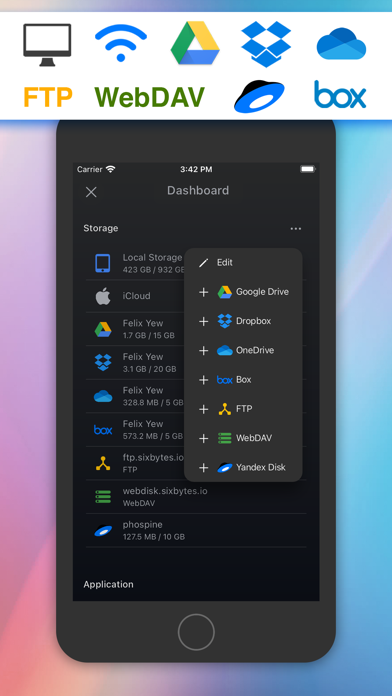
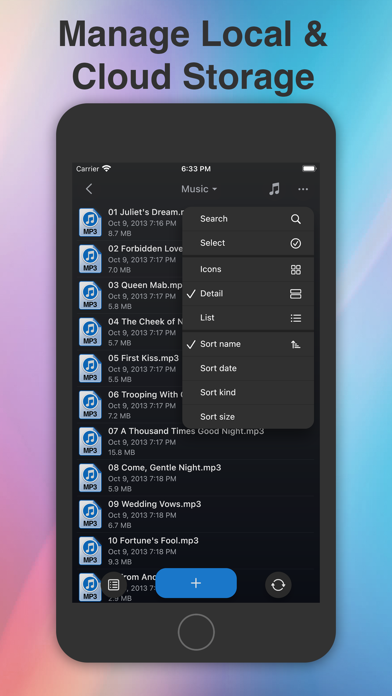
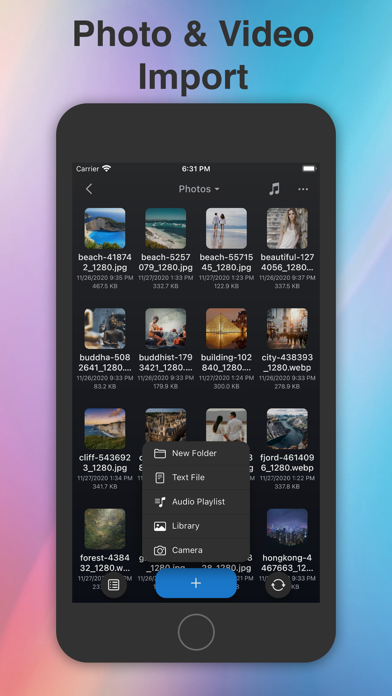
Description by Eightythree Technology Written by the developer, not by AppBrain. Click to read.
TRANSFER FILES TO PC OR MAC
Connect your iPhone or iPad and computer to the same Wi-Fi network. Open the address shown in Phone Drive in your computer's web browser to upload or download files. No USB cable or separate desktop app is needed for browser transfers.
KEEP FILES ORGANIZED
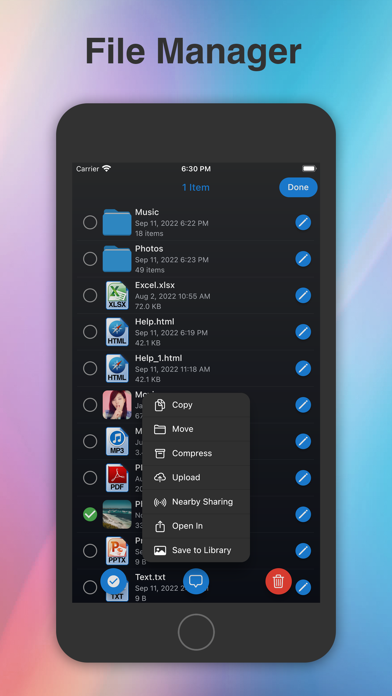
Create folders for work, study and everyday life. Copy, move, rename, delete and share files. Create ZIP archives or unzip received files, and keep the documents you need stored in Phone Drive for offline access.
VIEW DOCUMENTS AND PHOTOS
Read PDFs and preview supported Word, Excel, PowerPoint, Pages, Numbers and Keynote files. View images and text files in the app. Edit plain text and source code with the built-in text editor.
PLAY YOUR MUSIC AND VIDEOS
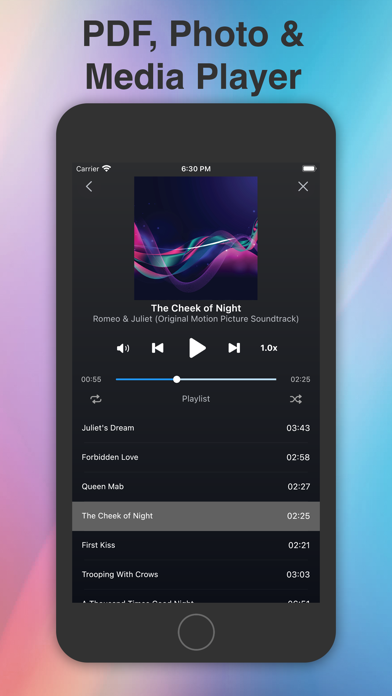
Listen to your own music with playlists, shuffle, repeat and background playback. Watch supported videos or stream compatible media from connected cloud services.
CONNECT YOUR CLOUD STORAGE
Access supported Dropbox, OneDrive, Box, iCloud Drive and Yandex Disk accounts, plus FTP and WebDAV servers. Manage files across connected locations from the same app.
ADD A PASSCODE
Restrict access to Phone Drive with a passcode and unlock with Face ID or Touch ID on supported devices.
FILES FOR WORK AND EVERYDAY LIFE
Bring a presentation to a meeting, carry PDFs for a trip, or move photos and music from your computer to your phone. Import photos from your library and keep related files together in folders.
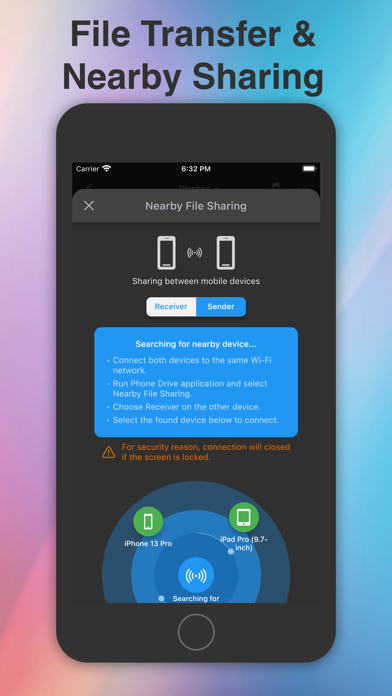
Phone Drive is free to download. Some features, including cloud connections and device-to-device sharing, require in-app purchases. Check the options available in the app.
For local Wi-Fi transfers, keep Phone Drive open and your device awake until the transfer finishes. Cloud services require an internet connection and a supported account.
Learn more: https://sixbytes.io/products/phone-drive
Privacy Policy: https://sixbytes.io/products/phone-drive/legal/privacy-policy
Terms of Use: https://sixbytes.io/products/phone-drive/legal/terms
Safety and technology
Found in the app by AppBrain- Price
- Free
- App size
- 131.2 MB
- Content rating
- High
Technologies used by Phone Drive: File Manager
Releases
Updates seen on the App Store- Version
- 8.6.52
- Launched
- May 2011
No changelog data
Alternatives
Similar apps and more from Eightythree TechnologyAlternatives to Phone Drive: File Manager





More from Eightythree Technology


Rankings
App Store top chartsApp Store Rankings for Phone Drive: File Manager
About the app and developer
About Phone Drive: File Manager
Phone Drive: File Manager is a productivity app developed by Eightythree Technology.
User Ratings
Phone Drive: File Manager is rated 4.68 out of 5 stars. The rating is based on 1.8 thousand ratings.
App Information
Phone Drive: File Manager is freely available from the App Store. The app size is 131.22 MB. The latest version available is 8.6.52. The last update was on October 20, 2026.
Technical Requirements
The app has a content rating of High Maturity. The app has been available on the App Store since May 2011.
Developer information for Eightythree Technology
Address: