

Photo Collage Layout Maker
Photo Collage Layout Maker is made and published by Alan Cushway. AppBrain is an independent app data site and isn't affiliated with Alan Cushway. The app name, icon, screenshots and description belong to Alan Cushway and are shown as published on the App Store.
AppBrain's verdict
EstablishedLoved by users- Rating on App Store
- 4.83
- 6,109 ratings
- Last updated
- February 22, 2026
- Size
- 71.3 MB
Users love it: 4.8 stars from 6,109 ratings.
User feedback
Ratings and reviews on the App StoreComments on Photo Collage Layout Maker for iOS
We don't have enough comments to show example comments. Please check back later.
Store listing
By Alan Cushway, from the App Store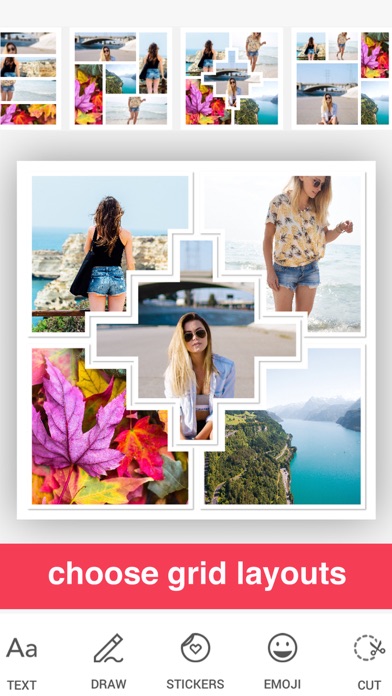

Description by Alan Cushway Written by the developer, not by AppBrain. Click to read.
Capture precious moments and share them on Facebook, Instagram and more. Perfect for creating flyers or online marketing with advanced photo editing, filters, borders and fonts.
iTunes Reviews (US)
****
Easy to use. Lots of great items to choose from when putting together special memories!
This makes it so easy for me to get my photo books together. Love it!
Colorful and Easy to Use
This app is easy to use and provides a lot of choices in shapes, colors, patterns and backgrounds. I used it to collage photos for pages in books I make. Try it!
****
FEATURES
- Over 1000 free layout combinations
- Scrapbook-style collage templates
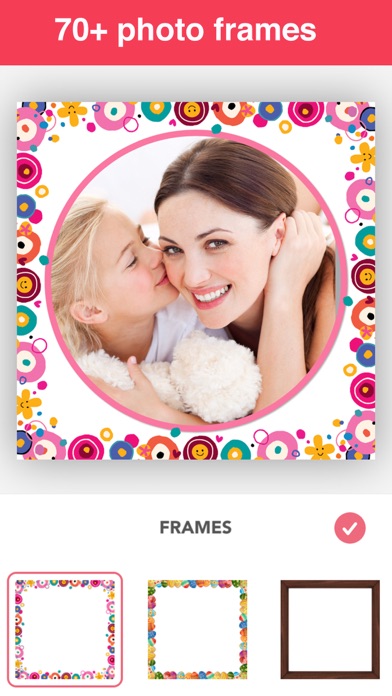
- 150+ beautiful pattern and color borders, including shadow
- Pattern adjustments: scale, lighten/darken, blur, hue
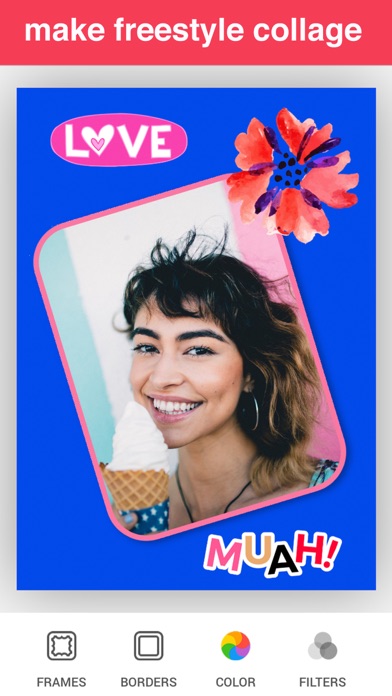
- Themed stickers: birthday, Christmas, Easter, etc.
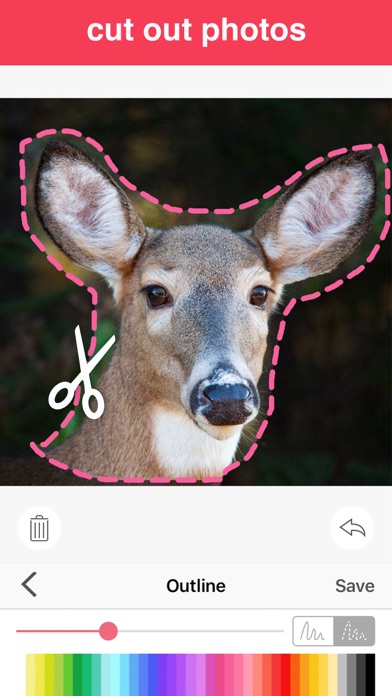
- Create custom stickers by cutting out photos
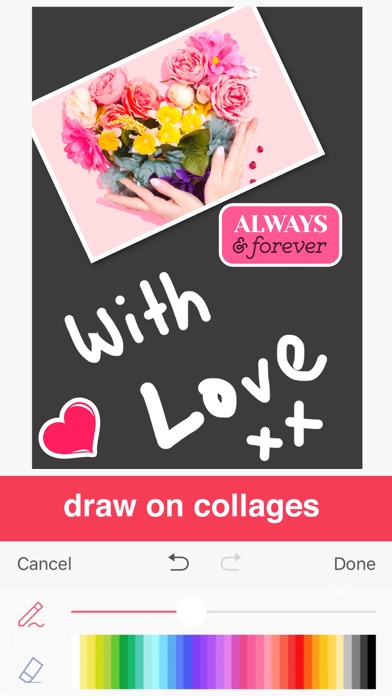
- Draw on collages
- 30+ photo filters
- Various canvas sizes for social media
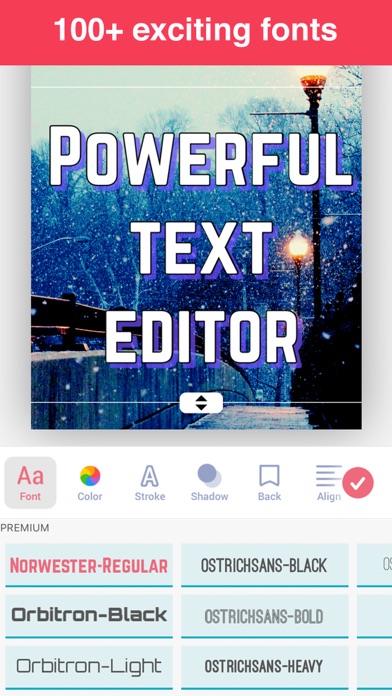
- Powerful Text Editor with numerous fonts
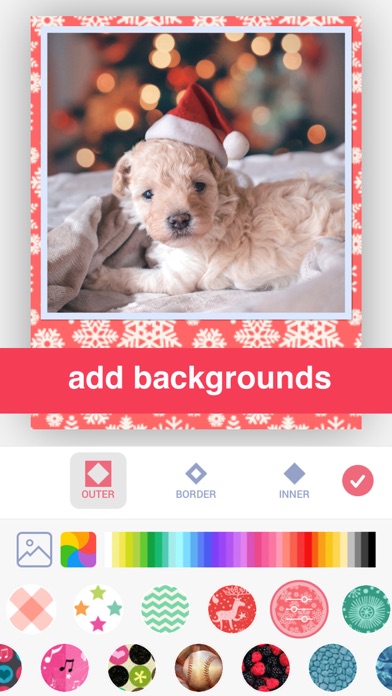
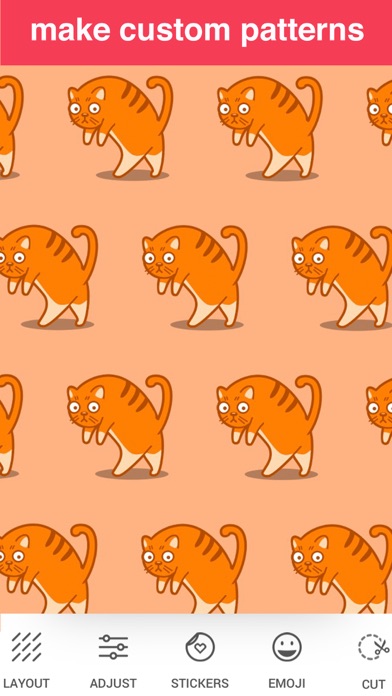
- Advanced Background Pattern Maker
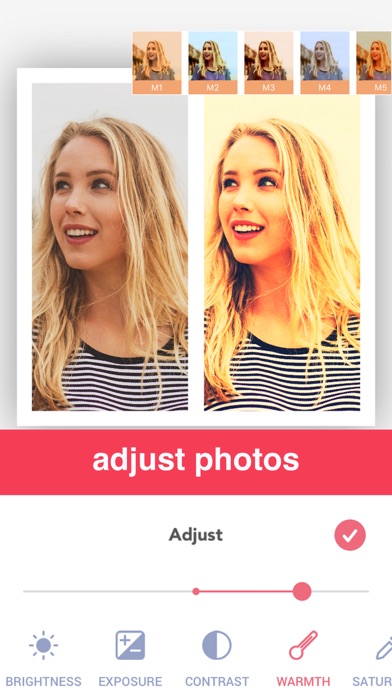
- Comprehensive Photo Editor with adjustments
PREMIUM
Subscribe to PREMIUM for unlimited access to premium content including: All Stickers, 50+ Pro Patterns, Pro Fonts, Custom Photo Backgrounds, No Ads and more.
- Annual subscription with a 3-day free trial
- Unlimited features during the subscription period
- Payment will be charged to your iTunes Account at confirmation of purchase
- The subscription renews automatically unless auto-renewal is turned off for at least 24-hours before the end of the current period
- The account will be charged for renewal within 24-hours prior to the end of the current period at the cost of the chosen package
- Subscriptions may be managed by the user and auto-renewal may be turned off by going to the user's Account Settings after purchase
- Any unused portion of a free trial period, if offered, will be forfeited when the user purchases a subscription
Terms of use:
http://cushwayapps.com/app-privacy/scrapbook/terms.html
Privacy policy:
http://cushwayapps.com/app-privacy/scrapbook/privacy.html
Contact us: support@honkhonkpunch.com. Your feedback and suggestions are important to us!
Safety and technology
Found in the app by AppBrain- Price
- Free
- App size
- 71.3 MB
- Content rating
- Everyone
Technologies used by Photo Collage Layout Maker
Releases
Updates seen on the App Store- Version
- 2.35.0
- Launched
- August 2013
No changelog data
Alternatives
Similar apps and more from Alan CushwayAlternatives to Photo Collage Layout Maker








More from Alan Cushway


Rankings
App Store top chartsApp Store Rankings for Photo Collage Layout Maker
About the app and developer
About Photo Collage Layout Maker
Photo Collage Layout Maker is a photo & video app developed by Alan Cushway.
User Ratings
Photo Collage Layout Maker is rated 4.83 out of 5 stars. The rating is based on 6.1 thousand ratings.
App Information
Photo Collage Layout Maker is freely available from the App Store. The app size is 71.30 MB. The latest version available is 2.35.0. The last update was on February 22, 2026.
Technical Requirements
The app has a content rating of Everyone. The app has been available on the App Store since August 2013.
Developer information for Alan Cushway
Address:
Frequently asked questions about Photo Collage Layout Maker
Is Photo Collage Layout Maker free?
Yes. Photo Collage Layout Maker is free on the App Store.
Is Photo Collage Layout Maker still available?
Yes. Photo Collage Layout Maker is on the App Store, and the last update we saw was on February 22, 2026.
How large is Photo Collage Layout Maker?
Photo Collage Layout Maker is 71.30 MB.
Is Photo Collage Layout Maker suitable for children?
App Store rates the content of Photo Collage Layout Maker as suitable for everyone.
How do people rate Photo Collage Layout Maker?
Photo Collage Layout Maker scores 4.83 out of 5 stars, from 6,109 ratings on the App Store.
Who made Photo Collage Layout Maker?
Photo Collage Layout Maker was developed by Alan Cushway. It is listed in the photo & video category on the App Store.
What are the best alternatives to Photo Collage Layout Maker?
People looking at Photo Collage Layout Maker also look at these photo & video apps: Picture Collage Maker - Frames, Collage Maker & Photo Editor ·, PicFrame - Photo Collage, Love Collage Maker & Editor, Pic Collage Maker - Photo Grid.