Photo Editor crop video editor
Photo Editor crop video editor is made and published by 国文 李. AppBrain is an independent app data site and isn't affiliated with 国文 李. The app name, icon, screenshots and description belong to 国文 李 and are shown as published on the App Store.
AppBrain's verdict
Established- Rating on App Store
- 4.55
- 42 ratings
- Last updated
- April 7, 2024
It doesn't have enough ratings yet to judge what users think.
Rankings
App Store top chartsApp Store Rankings for Photo Editor crop video editor
Competitors
Similar apps and more from 国文 李Alternatives to Photo Editor crop video editor
More from 国文 李
Releases
Updates seen on the App Store- Version
- 2.6
- Launched
- February 2016
No changelog data
User feedback
Ratings and reviews on the App StoreComments on Photo Editor crop video editor for iOS
We don't have enough comments to show example comments. Please check back later.
Technology
Found in the app by AppBrain- Price
- Free
- App size
- 8.59 MB
- Content rating
- Everyone
Technologies used by Photo Editor crop video editor
About the app and developer
About Photo Editor crop video editor
Photo Editor crop video editor is a photo & video app developed by 国文 李.
What is the rating of Photo Editor crop video editor?
Photo Editor crop video editor is rated 4.55 out of 5 stars, based on 42 ratings.
Is Photo Editor crop video editor free?
Photo Editor crop video editor is free. The app size is 8.59 MB. The latest version available is 2.6. The last update was on April 7, 2024.
What are the requirements for Photo Editor crop video editor?
The app has a content rating of Everyone. The app has been available on the App Store since February 2016.
Developer information for 国文 李
Address:
Store listing
By 国文 李, from the App StoreDescription by 国文 李 Written by the developer, not by AppBrain. Click to read.
We will go on to improve it with your reviews, feedbacks, supports.
We will be so happy if you and someone you know who both enjoy using it, thank you so much!
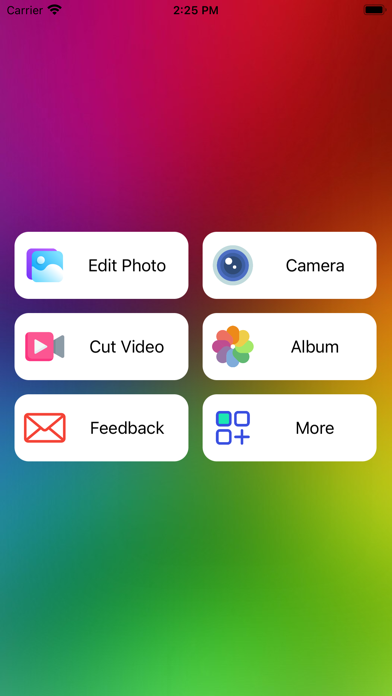
Main features such as:
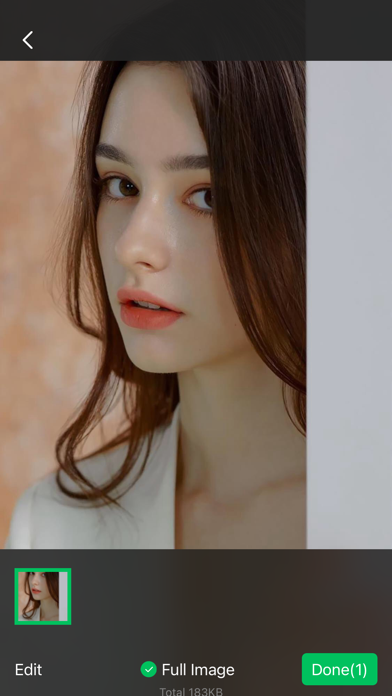
Preview selection (Support drag and drop).
Library selection (Support sliding selection).
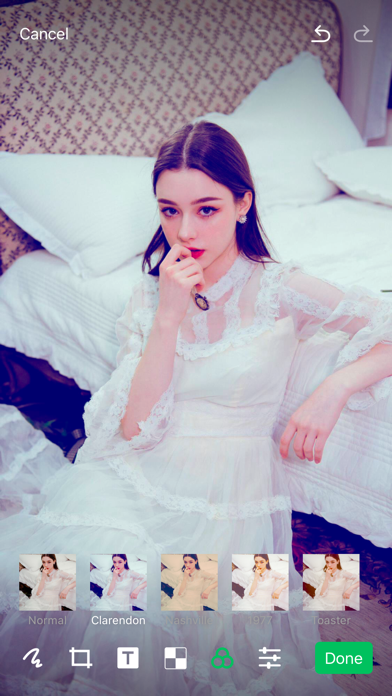
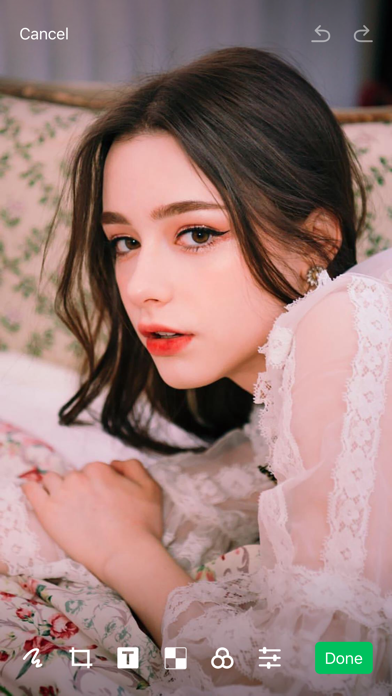
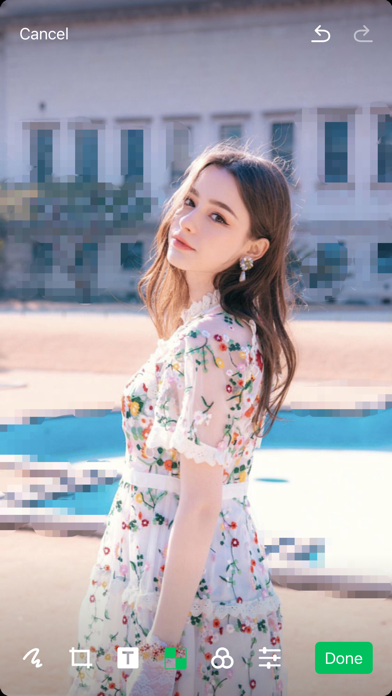
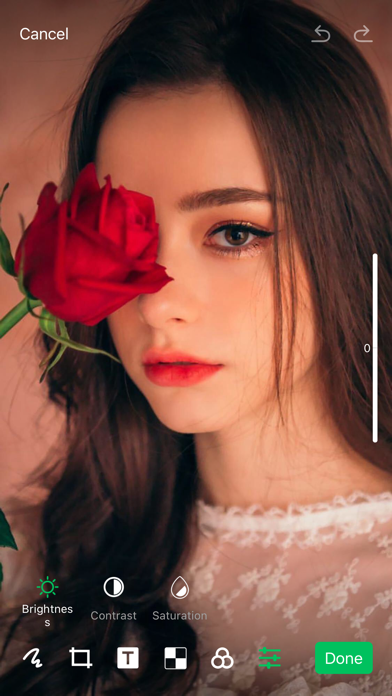
Edit Lab (Draw/Crop/Text sticker/Mosaic/Filter/Adjust(Brightness, Contrast and Saturation)), (Draw/Text color can be customized; Crop ratio can be customized; Filter effect can be customized; You can choose the editing tools what you want).
You can draw something and add any text with color what you like on your photo.
You can choose filters, effects for your pictures to change the style of them.
You can adjust your images to make them look like more professional.
Mosaic can help you blue your photo some parts what you don't want other people to see.
The selected photos are displayed at the bottom of the big picture interface, which can be dragged and sorted.
The camera's internal photo cell can displays the captured images of the camera.
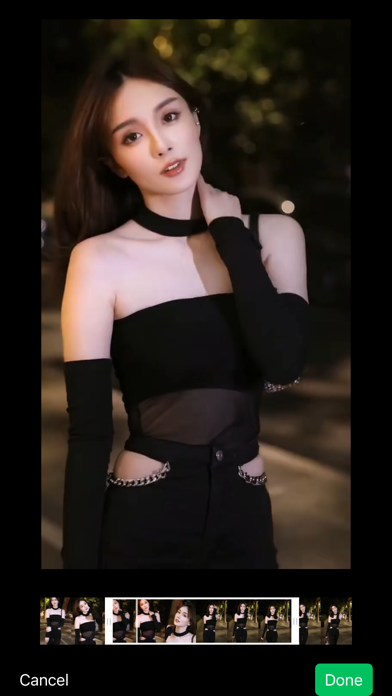
You can edit videos in the album and cut them within 30 seconds.
You can also share them to TikTok, Instagram, Facebook, X, Message, Email....
Please rate this app to support me to do better and for so more people can find, download, use and enjoy it.
Please share it with your friends and family members to help for getting the word out.
Please send me email and let me know how you to use it, send me your drawings, questions, concerns and feedbacks.