It doesn't have enough ratings yet to judge what users think.
Photo Markup - Draw & Annotate is made and published by
Nikhil Anshuman.
AppBrain is an independent app data site and isn't affiliated with Nikhil Anshuman.
The app name, icon, screenshots and description belong to Nikhil Anshuman and are shown as
published on the App Store.
About Photo Markup - Draw & Annotate
Photo Markup - Draw & Annotate is a photo & video app developed by Nikhil Anshuman.
What is the rating of Photo Markup - Draw & Annotate?
Photo Markup - Draw & Annotate is rated 3.50 out of 5 stars, based on 6 ratings.
Is Photo Markup - Draw & Annotate free?
Photo Markup - Draw & Annotate costs $2.99. The app size is 3.65 MB. The latest version available is 2.0. The last update was on February 21, 2024.
What are the requirements for Photo Markup - Draw & Annotate?
The app has a content rating of Everyone. The app has been available on the App Store since July 2019.
Description by Nikhil Anshuman(from the App Store)
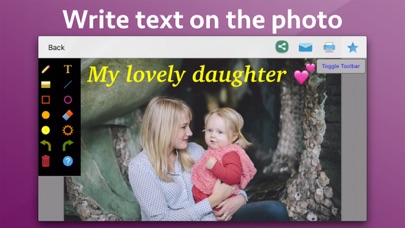
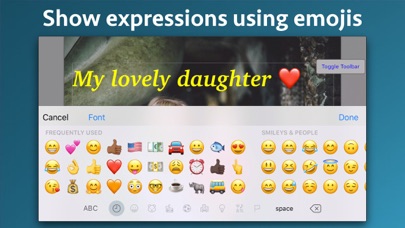
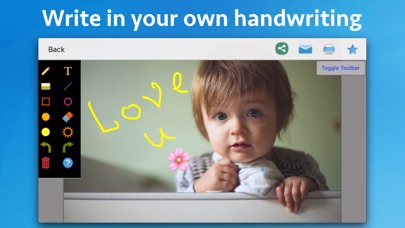
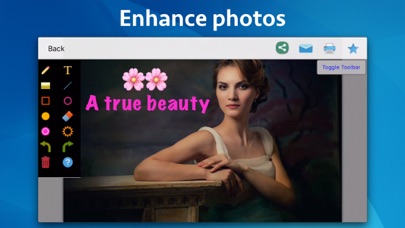
Add notes, highlight, draw lines, circle an object, add smileys, emojis and many more. The application supports more than 300 smileys and emojis to enhance the images. Smileys and emojis also help to show expression making the photos better and more expressive. You could also directly draw on the images. You could write using your fingers or Apple Pencil to show your messages in more expressive way. Handwritten messages or text adds more meaning to the images.
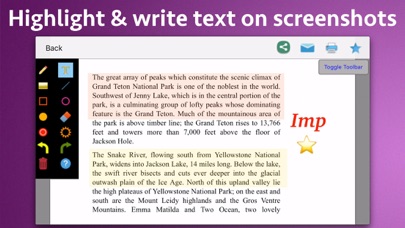
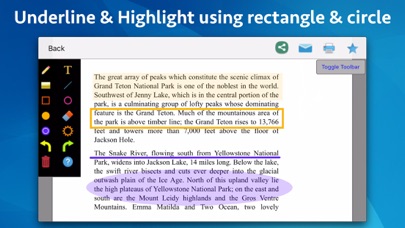
You could take a screenshot on the phone and edit it in the application. In the application, you could write text on screenshots, add emojis and smileys, draw using your fingers, highlight using rectangle or circle and underline text as well. Using the image markup, you could easily explain things on the screenshots or the images to the other people.
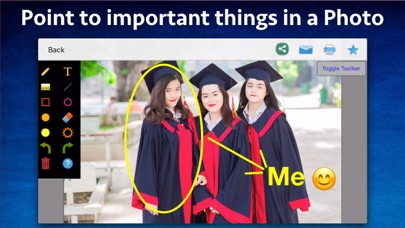
Using the image markup, you could easily point to important things in an image. For example, you could highlight yourself in a group of people.
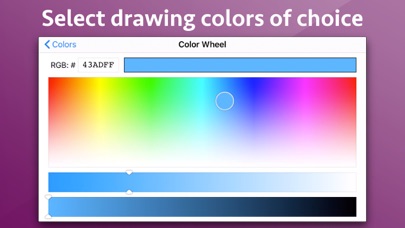
The application also comes with various other tools. For example : Using eraser, the drawn content could be deleted. The application has the undo and redo options. The application also comes with options to change the drawing color and thickness of the borders of the drawn objects.
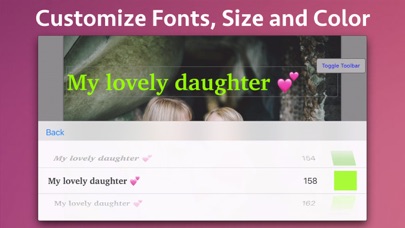
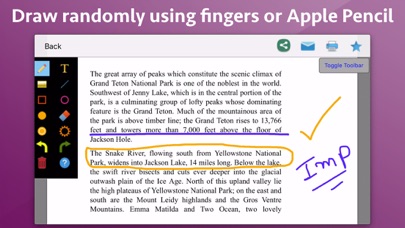
Using the application you could draw randomly on the screen, draw a line, rectangle or circle, write text on the screen and highlight an area . When you write the text, you could change the Font, Size and colour as well.
Each subscription will automatically renew 3 days before the expiration date for
the same time period. Subscriptions can be cancelled at any time before the renewal.