Photo On Video is a photo & video app developed by Cao Hoang.
What is the rating of Photo On Video?
Photo On Video is rated 4.50 out of 5 stars, based on 4 ratings.
Is Photo On Video free?
Photo On Video is free. The app size is 69.11 MB. The latest version available is 1.6. The last update was on May 22, 2023.
What are the requirements for Photo On Video?
The app has a content rating of Everyone. The app has been available on the App Store since February 2022.
Description by Cao Hoang(from the App Store)
This application helps you to edit videos, you can cut videos easily and export videos without losing quality, in addition, you can also insert, add photos, music to videos. Share your video to Instagram/YouTube/Facebook or any mobile social media platform with just one click.
Main features:
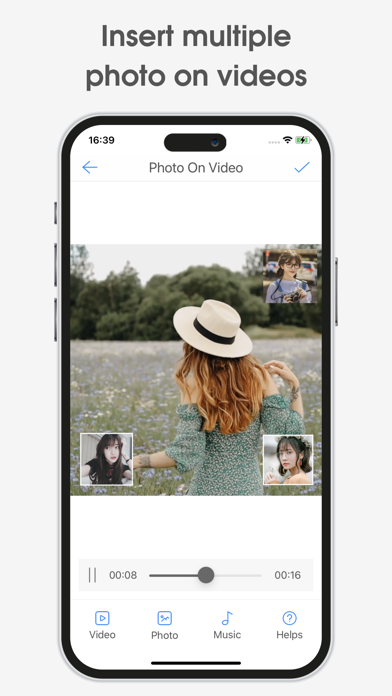
INSERT PHOTO INTO VIDEO
- Use photos from your own gallery to add to video
- Insert photos into videos easily and quickly.
- Add 1 photo or more photos to video.
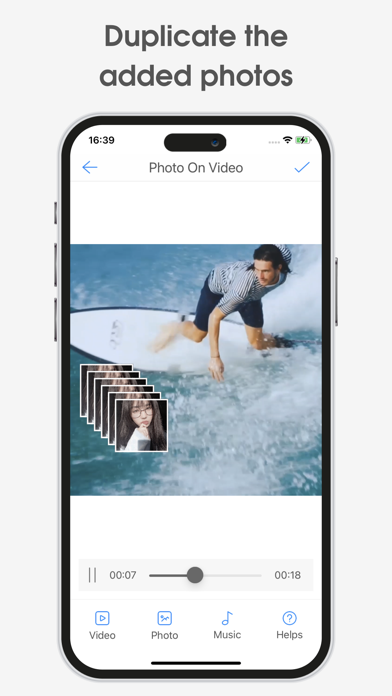
- Create duplicate images from previously added images.
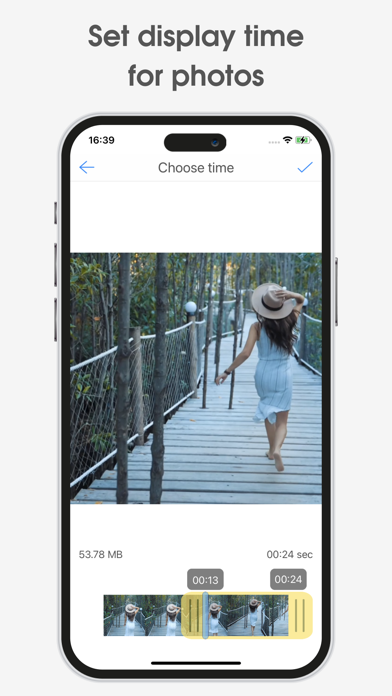
- Choose display time for each photo.
- Crop pictures with various ratios.
- Rotate, reposition and zoom picture so it's perfect.
- Remove backgrounds for photo (make transparent photo background).
- Change color effects to make photos more beautiful.
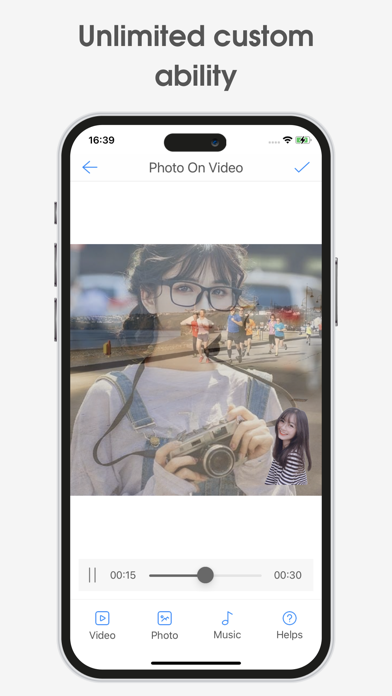
- Change opacity for images.
- Change shape for images (circle, square, triangle, etc).
- Take stories, videos and Footage to the next level
- Add music to videos with your own extensive library
- Cut and edit video length intelligently to create the best video
- Put your best moments in a photo collage video
- Preview your new video before saving it.
How to use?
- Select any video from your gallery.
- Add images according to your choice.
- Change size, shape, border color, ...
- You can also insert music into the video.
- Save video on your phone gallery.
- Share newly created videos to any social networking platforms.
With this app, you can:
- Insert images into video
- Insert logo into video.
- Use part or all of the video.
- Adjust videos to the right direction with just a few taps. Cut video editing time in half with easy and customizable video editing steps
Once you have created the videos you want, you can share them on TikTok, Youtube, Facebook, Instagram, Twitter and all other social networking platforms.
Do you like this app? Please leave your rating and suggestions, it will help us to make this app better in the next versions! Thank you!
Each subscription will automatically renew 3 days before the expiration date for
the same time period. Subscriptions can be cancelled at any time before the renewal.