

Pikmykid Parent is made and published by PikMyKid. AppBrain is an independent app data site and isn't affiliated with PikMyKid. The app name, icon, screenshots and description belong to PikMyKid and are shown as published on the App Store.
AppBrain's verdict
Established- Rating on App Store
- 3.76
- 898 ratings
- Last updated
- April 9, 2026
Users are divided: 3.8 stars from 898 ratings.
Rankings
App Store top chartsApp Store Rankings for Pikmykid Parent
Competitors
Similar apps and more from PikMyKidAlternatives to Pikmykid Parent


More from PikMyKid




Releases
Updates seen on the App Store- Version
- 4.5.15
- Launched
- July 2021
No changelog data
User feedback
Ratings and reviews on the App StoreComments on Pikmykid Parent for iOS
We don't have enough comments to show example comments. Please check back later.
Technology
Found in the app by AppBrain- Price
- Free
- App size
- 47.2 MB
- Content rating
- Everyone
Technologies used by Pikmykid Parent
About the app and developer
About Pikmykid Parent
Pikmykid Parent is a productivity app developed by PikMyKid.
What is the rating of Pikmykid Parent?
Pikmykid Parent is rated 3.76 out of 5 stars, based on 900 ratings.
Is Pikmykid Parent free?
Pikmykid Parent is free. The app size is 47.21 MB. The latest version available is 4.5.15. The last update was on April 9, 2026.
What are the requirements for Pikmykid Parent?
The app has a content rating of Everyone. The app has been available on the App Store since July 2021.
Developer information for PikMyKid
Address:
Frequently asked questions about Pikmykid Parent
Is Pikmykid Parent free?
Yes. Pikmykid Parent is free on the App Store.
Is Pikmykid Parent still available?
Yes. Pikmykid Parent is on the App Store, and the last update we saw was on April 9, 2026.
How large is Pikmykid Parent?
Pikmykid Parent is 47.21 MB.
Is Pikmykid Parent suitable for children?
App Store rates the content of Pikmykid Parent as suitable for everyone.
How do people rate Pikmykid Parent?
Pikmykid Parent scores 3.76 out of 5 stars, from 898 ratings on the App Store.
Who made Pikmykid Parent?
Pikmykid Parent was developed by PikMyKid. It is listed in the productivity category on the App Store.
What are the best alternatives to Pikmykid Parent?
People looking at Pikmykid Parent also look at these productivity apps: AppClose, OurFamilyWizard Co-Parent App, SignUpGenius, TalkingParents: Co-Parent App, Double Good.
Store listing
By PikMyKid, from the App Store

Description by PikMyKid Written by the developer, not by AppBrain. Click to read.
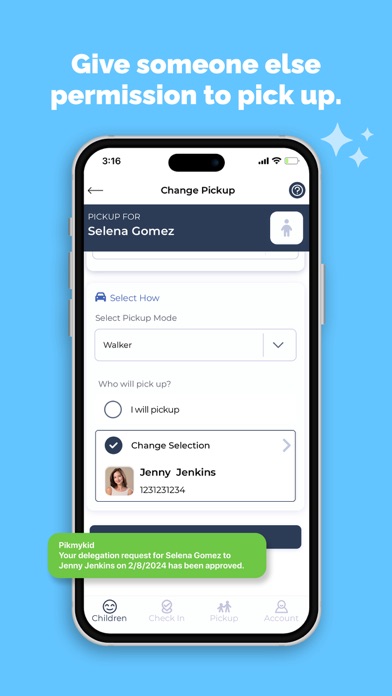
Stay fully in control of your children's pickup schedule and make any plan changes with just a few clicks
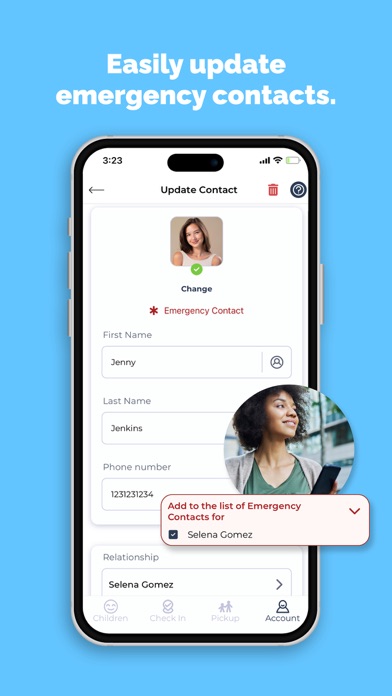
Should an emergency occur, you have the peace of mind knowing that your kids are safe by receiving communication in real time during reunifications.
With the Pikmykid Parent App, you’ll spend less time waiting in pick-up lines and being put on-hold on the telephone, and instead have everything you need for a safe and stress-free experience daily.
The Pikmykid Parent app gives you a simpler way to manage your kid’s school transportation, pickup delegation, and daily and emergency communications.
“Pikmykid is an extremely user-friendly and simple solution that provides a safe, quick pickup at school without the chaos of after school traffic. Love it!”
Richard O., Parent
HOW PIKMYKID HELPS
> Take Stress Out of the Picture
You should be empowered with a tool that makes coordinating your kids’ transportation plans so easy, you never have to call the front office again.
> Experience Stellar Communication
As you make dismissal changes, school staff can see exactly when to release your student, who to release them to, and can notify you they’re been safely dismissed.
> Stop Wasting Time & Enjoy Rest
With smooth dismissals, parents spend on average 33-50% less time in the car line. This means you’ll have more time to spend with your kids outside of school.
> Feel Safer During the School Day
With a platform that helps prevent accidents, stranger danger, custody battles, and exposure to harsh weather, you can feel safer sending your kids to school.
HOW IT WORKS
> Manage It All From One Place
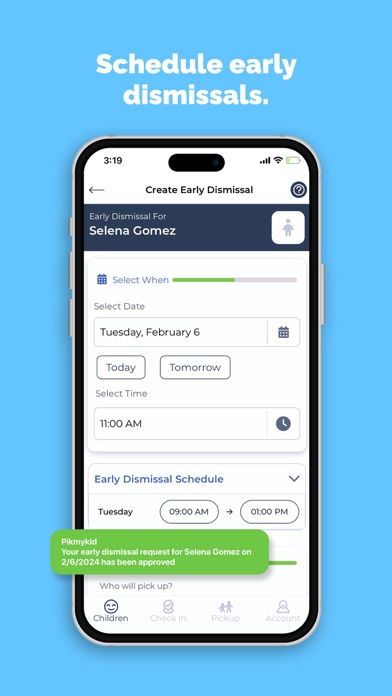
Whether you need to communicate that your kid will be going home with a friend, or need to schedule an early release for a doctor’s appointment, Pikmykid lets you manage the process simply.
> Make Dismissal Changes
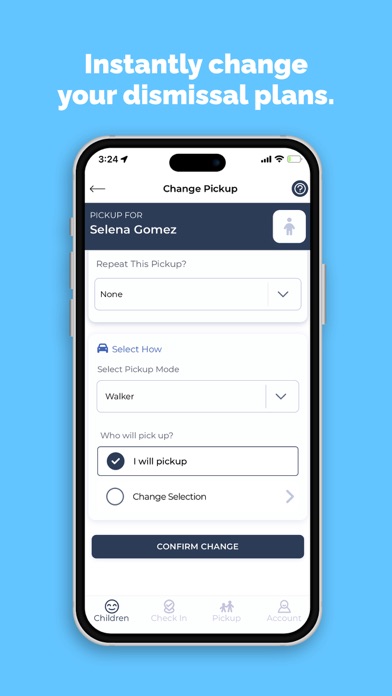
You no longer need to call the front office to make dismissal changes. Instead you can instantly update how and with whom your kid will go home, and even schedule future carpools.
> Announce Your Arrival
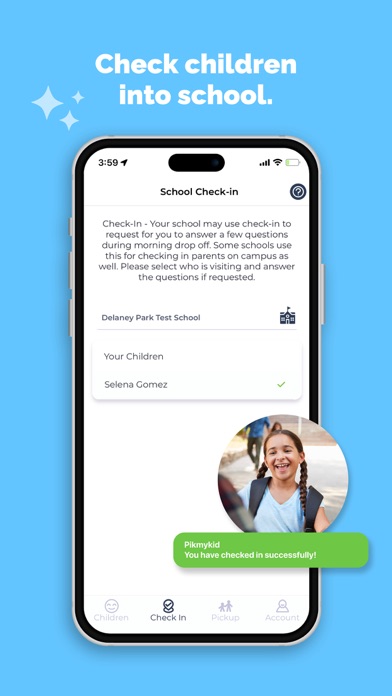
You’ll be able to announce your arrival on the app so the teacher knows to send out your kid. The car line moves quickly and staff can verify the right person is picking up your kid as well.
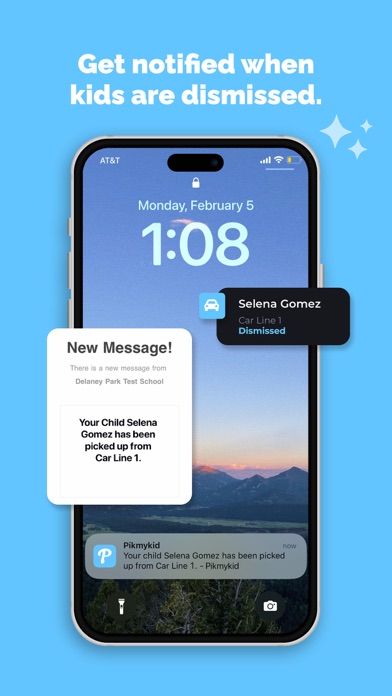
> Receive Dismissal Notifications
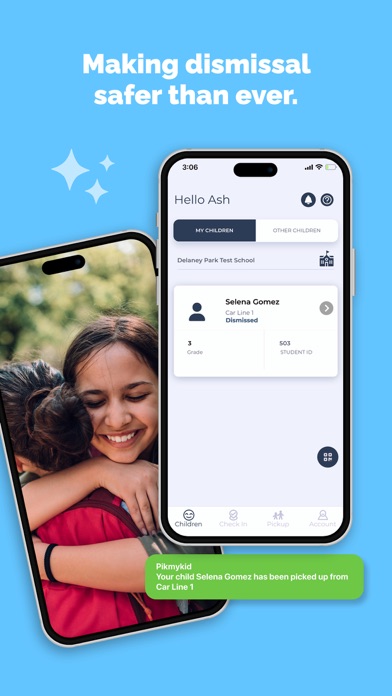
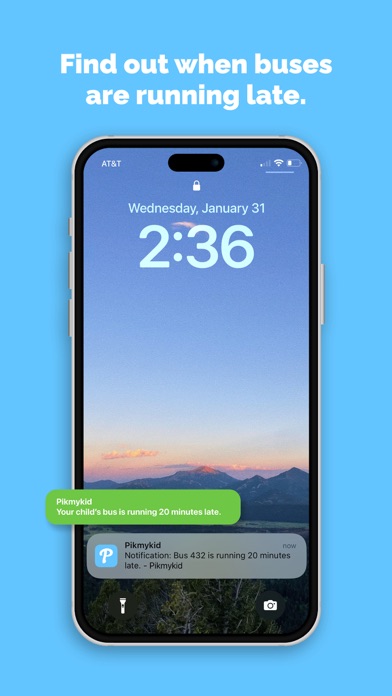
Once dismissed, you’ll receive a notification on your app letting you know. You can also receive info from school like when a bus is running late or about an upcoming field trip.
HOW IT WORKS TO MAKE SCHOOL SAFER
> During Dismissal Your School Is Able To:
Verify pickup permissions.
Timestamp each student’s dismissal.
Maintain early dismissal changes.
Know with whom students are meant to go with.
Minimize custody issues.
Communicate consistently and clearly.
Maintain accurate attendance records.
> During an Emergency You Can:
Get notified quickly about an emergency.
Receive instructions on what to do & where to go.
Know when your kid is dismissed & to whom.
Reunite quickly during extreme emergencies.
HOW PIKMYKID SUPPORTS YOU
> World-Class Support
> Reliable Technology
> Based on Safety Best Practices
> Prioritizing Student Privacy
TRUSTED BY MILLIONS
“The best part of Pikmykid is you don’t have to make the annoying phone calls or leave your meetings to let them know that the transportation has changed. You go on your app, make the change, and it’s done.”
Jade G., Parent
“The app is great! It’s simple to use and it really streamlines the school pickup process. I’m most impressed with Pikmykid’s customer service! They respond quickly and in a very personalized manner.”
Sue A., Parent