

Pins for Pinboard
Pins for Pinboard is made and published by Quang Anh Do. AppBrain is an independent app data site and isn't affiliated with Quang Anh Do. The app name, icon, screenshots and description belong to Quang Anh Do and are shown as published on the App Store.
AppBrain's verdict
EstablishedLoved by users- Rating on App Store
- 4.79
- 327 ratings
- Last updated
- December 17, 2024
Users love it: 4.8 stars from 327 ratings.
Rankings
App Store top chartsApp Store Rankings for Pins for Pinboard
Competitors
Similar apps and more from Quang Anh DoAlternatives to Pins for Pinboard




Releases
Updates seen on the App Store- Version
- 2024.1
- Launched
- January 2021
No changelog data
User feedback
Ratings and reviews on the App StoreComments on Pins for Pinboard for iOS
We don't have enough comments to show example comments. Please check back later.
Technology
Found in the app by AppBrain- Price
- Free
- App size
- 58.5 MB
- Content rating
- High
Technologies used by Pins for Pinboard
About the app and developer
About Pins for Pinboard
Pins for Pinboard is a productivity app developed by Quang Anh Do.
User Ratings
Pins for Pinboard is rated 4.79 out of 5 stars. The rating is based on 330 ratings.
App Information
Pins for Pinboard is freely available from the App Store. The app size is 58.49 MB. The latest version available is 2024.1. The last update was on December 17, 2024.
Technical Requirements
The app has a content rating of High Maturity. The app has been available on the App Store since January 2021.
Developer information for Quang Anh Do
Address:
Store listing
By Quang Anh Do, from the App Store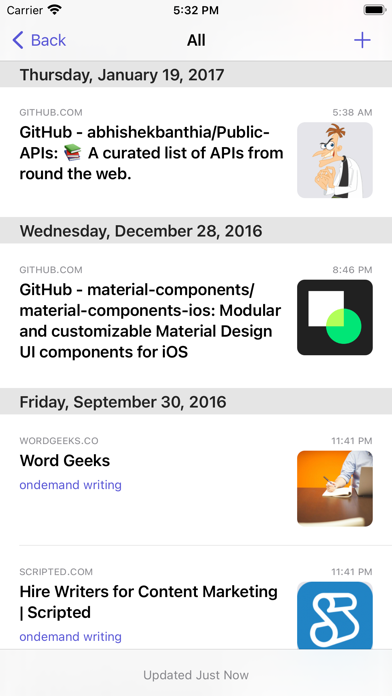
Description by Quang Anh Do Written by the developer, not by AppBrain. Click to read.
* Access all of your bookmarks. Supports accounts of all sizes. 1,000 bookmarks? Piece of cake. 20,000? No problem. 50,000? Pins can handle that.
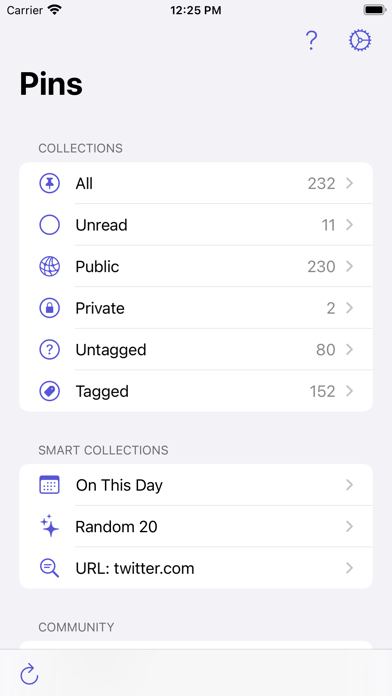
* Use Smart Collections to filter your bookmarks by title, description, tags, URL.
* Browse bookmarks with dedicated Tagged view.
* Browse bookmarks by sites.
* View bookmarks you added on this day in history.
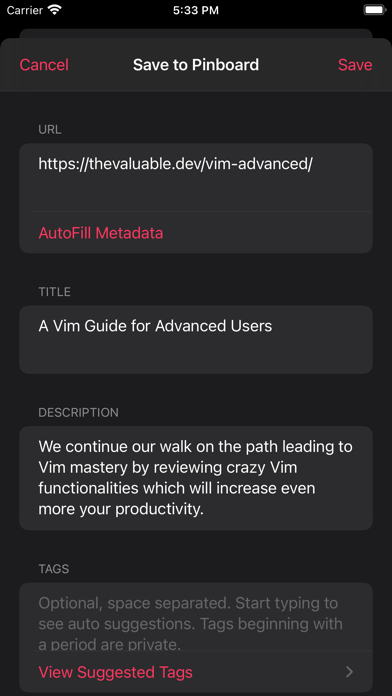
* Use share extension or Shortcuts app to quickly add bookmarks from browsers and other apps.
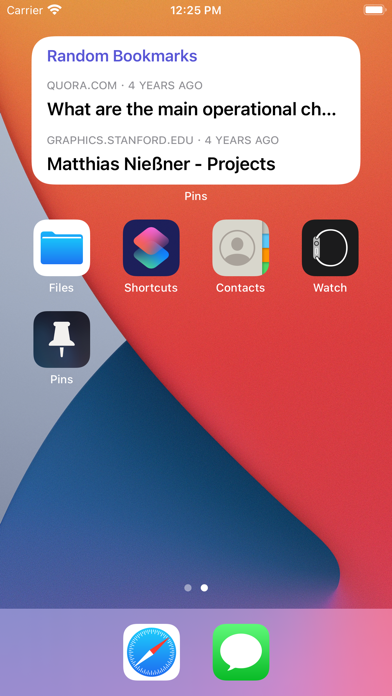
* View your bookmarks on Home screen with Rediscover widget.
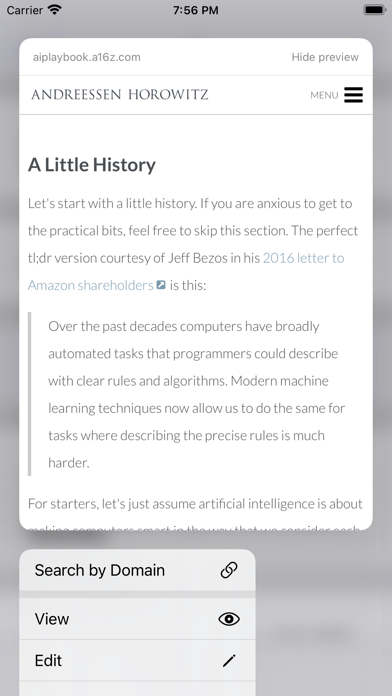
* Search for bookmarks right from Spotlight.
* Multitasking easily with drag-and-drop support, Slide Over and Split View mode options.
* Use keyboard shortcuts on your iPad to navigate Pins.
* Use Handoff support to view bookmark on another device.