

Pixel Art Maker is made and published by Nekomimimi. AppBrain is an independent app data site and isn't affiliated with Nekomimimi. The app name, icon, screenshots and description belong to Nekomimimi and are shown as published on the App Store.
AppBrain's verdict
EstablishedLoved by users- Rating on App Store
- 4.81
- 10,671 ratings
- Last updated
- October 21, 2026
Users love it: 4.8 stars from 10,671 ratings.
Rankings
App Store top chartsApp Store Rankings for Pixel Art Maker
Competitors
Similar apps and more from NekomimimiAlternatives to Pixel Art Maker







More from Nekomimimi








Releases
Updates seen on the App Store- Version
- 3.0.7
- Launched
- July 2014
No changelog data
User feedback
Ratings and reviews on the App StoreComments on Pixel Art Maker for iOS
We don't have enough comments to show example comments. Please check back later.
Technology
Found in the app by AppBrain- Price
- Free
- App size
- 15.4 MB
- Content rating
- Everyone
Technologies used by Pixel Art Maker
About the app and developer
About Pixel Art Maker
Pixel Art Maker is a lifestyle app developed by Nekomimimi.
User Ratings
Pixel Art Maker is rated 4.81 out of 5 stars. The rating is based on 11 thousand ratings.
App Information
Pixel Art Maker is freely available from the App Store. The app size is 15.45 MB. The latest version available is 3.0.7. The last update was on October 21, 2026.
Technical Requirements
The app has a content rating of Everyone. The app has been available on the App Store since July 2014.
Developer information for Nekomimimi
Address:
Store listing
By Nekomimimi, from the App Store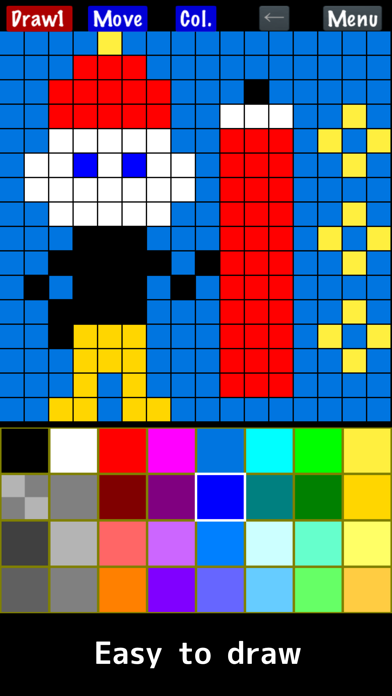
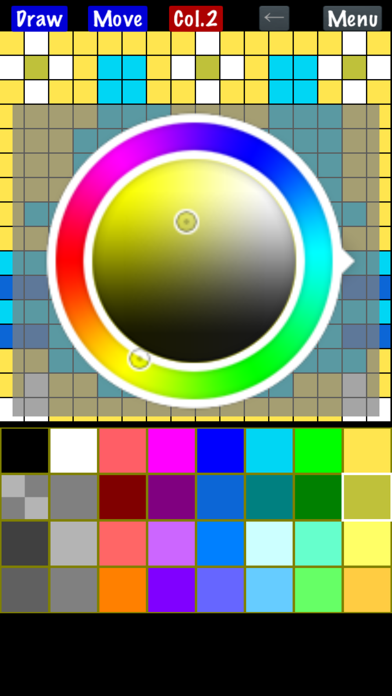
Description by Nekomimimi Written by the developer, not by AppBrain. Click to read.
◇ Easy to use
You can start drawing pixel art immediately after launching the app.
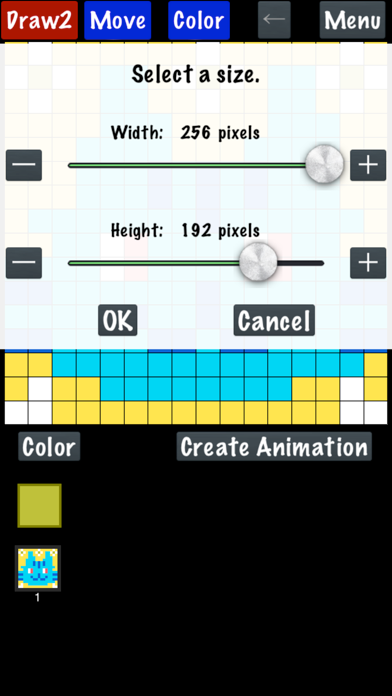
The canvas can also be resized while drawing.
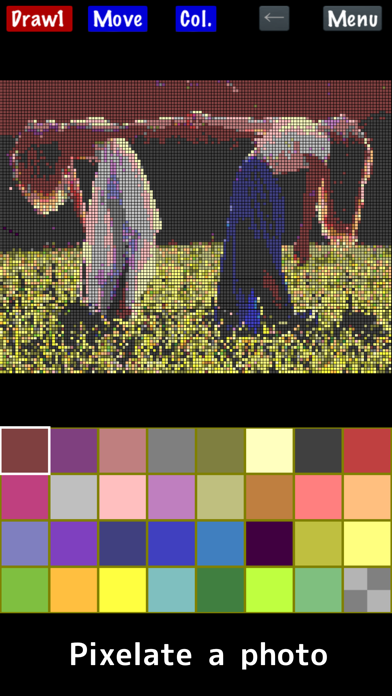
◇ Import a photo
Convert photos into pixel art.
◇ Create animated pixel art
Draw one pixel art image, duplicate it, and create animations.
Features:
- Draw pixel art on canvases from 1×1 up to 256×256 pixels.
- Change the color palette (up to 256 colors).
The basic palette includes 32 colors.
The free version supports up to 65 colors.
*Each palette color can be set to transparent or opaque.
- Save your color palettes and reuse them in other artworks or when importing photos.
- Watch an ad to temporarily unlock:
• 256-color palette
• Canvas size up to 1024×1024
- Premium
Removes ads and permanently unlocks the full 256-color palette and canvas sizes up to 1024×1024.
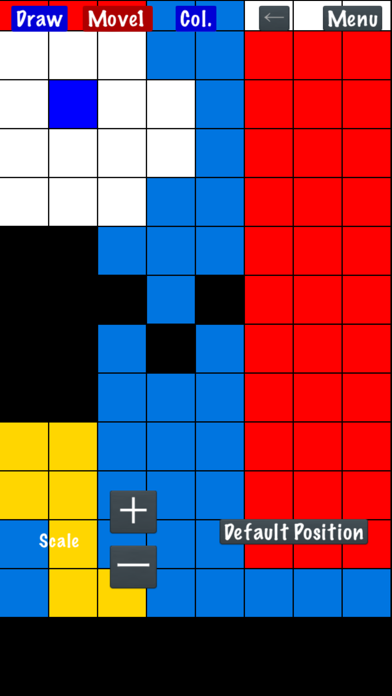
- Zoom in and out with two-finger pinch.
- Save, load, and delete your drawings.
- Import photos and animated GIFs.
APNG animation is not supported; only the first frame is imported.
- Import photos with built-in retro-style palettes and adjustable dithering.
Indexed PNG files keep their original palette.
- Import images from other apps via the Share sheet.
- Export with transparency.
- Scale your artwork on export from 1× to 64×, depending on canvas size, up to 4096×4096.
- Save to Photos.
- Share with other apps.
- Create and export animated GIFs.
*GIFs may not animate in Photos.
- Finger Mode
Draw directly with your finger.
- Cursor Mode
Move a cursor and place pixels with the "PIXEL" button.
(Menu → Settings → Change Drawing Mode)
* On Apple Silicon Macs (iPad version), animated image import may be limited, and photos may be imported at reduced resolution.