

PixiVisor
PixiVisor is made and published by Alexander Zolotov. AppBrain is an independent app data site and isn't affiliated with Alexander Zolotov. The app name, icon, screenshots and description belong to Alexander Zolotov and are shown as published on the App Store.
AppBrain's verdict
Established- Rating on App Store
- 4.33
- 24 ratings
- Last updated
- October 3, 2025
It doesn't have enough ratings yet to judge what users think.
Rankings
App Store top chartsApp Store Rankings for PixiVisor
Competitors
Similar apps and more from Alexander Zolotov






Releases
Updates seen on the App Store- Version
- 1.3g
- Launched
- February 2013
No changelog data
User feedback
Ratings and reviews on the App StoreComments on PixiVisor for iOS
We don't have enough comments to show example comments. Please check back later.
Technology
Found in the app by AppBrain- Price
- $2.99
- App size
- 4.79 MB
- Content rating
- Everyone
Technologies used by PixiVisor
About the app and developer
About PixiVisor
PixiVisor is a photo & video app developed by Alexander Zolotov.
What is the rating of PixiVisor?
PixiVisor is rated 4.33 out of 5 stars, based on 24 ratings.
Is PixiVisor free?
PixiVisor costs $2.99. The app size is 4.79 MB. The latest version available is 1.3g. The last update was on October 3, 2025.
What are the requirements for PixiVisor?
The app has a content rating of Everyone. The app has been available on the App Store since February 2013.
Developer information for Alexander Zolotov
Address:
Store listing
By Alexander Zolotov, from the App Store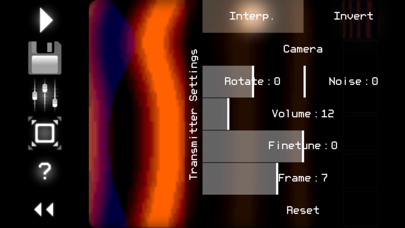
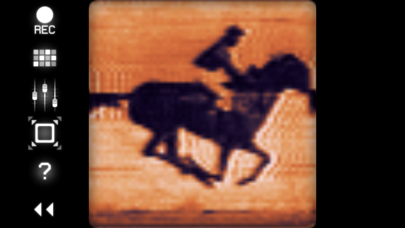
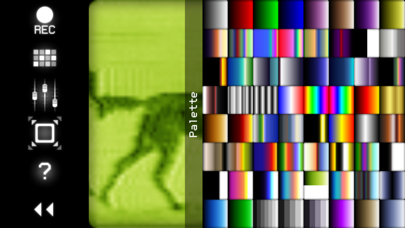
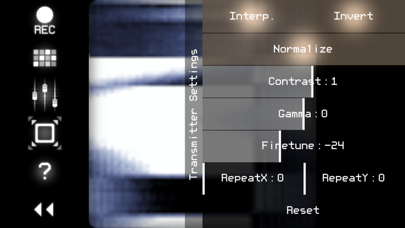
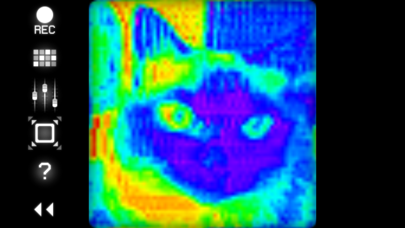
Description by Alexander Zolotov Written by the developer, not by AppBrain. Click to read.
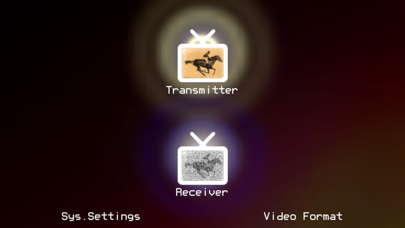
It consists of two parts: Transmitter and Receiver.
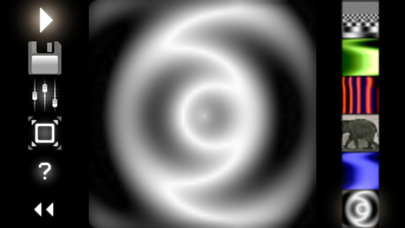
* Transmitter converts the low-resolution video (stream from camera, static image or GIF animation) to sound in real time, pixel by pixel (progressive scan). So any image or animation can be transferred to the other devices through the sound.
* Receiver converts the sound (from microphone or Line-in input) back to video. You can set the color palette for this video, and record it to animated GIF file.
Examples of use:
* wireless Lo-Fi video transmission over audio;
* video signal transmission through audio cable; you can then modify that signal by some mixers or audio FX processors;
* VJing;
* sound visualization;
* searching for hidden messages in the ambient noise; EVP (Electronic Voice Phenomenon), ITC (Instrumental Transcommunication);
* save any sound to animated GIF;
* something else...
Control keys:
SPACE - play/stop (transmitter);
1,2,3,4,5,6 - slot select (transmitter);
F - hide/show control panel;
[ - previous palette (receiver);
] - next palette (receiver);
I - invert (receiver);.
N - normalize (receiver);
1,2 - contrast -/+ (receiver);.
3,4 - gamma -/+ (receiver);
5,6 - finetune -/+ (receiver);
7,8 - repeat X -/+ (receiver);
9,0 - repeat Y -/+ (receiver);
LEFT,RIGHT,UP,DOWN - move the image (receiver).
More info + test broadcasts + videos:
https://warmplace.ru/soft/pixivisor