

PlanSnap
PlanSnap is made and published by Vihanti Digital Services Private Limited. AppBrain is an independent app data site and isn't affiliated with Vihanti Digital Services Private Limited. The app name, icon, screenshots and description belong to Vihanti Digital Services Private Limited and are shown as published on the App Store.
AppBrain's verdict
- Rating on App Store
- 5.00
- 2 ratings
- Last updated
- December 22, 2023
It doesn't have enough ratings yet to judge what users think.
Rankings
App Store top chartsApp Store Rankings for PlanSnap
Competitors
Similar apps and more from Vihanti Digital Services Private LimitedAlternatives to PlanSnap





More from Vihanti Digital Services Private Limited

Releases
Updates seen on the App Store- Version
- 1.0.17
- Launched
- October 2023
No changelog data
User feedback
Ratings and reviews on the App StoreComments on PlanSnap for iOS
We don't have enough comments to show example comments. Please check back later.
Technology
Found in the app by AppBrain- Price
- Free
- App size
- 47.4 MB
- Content rating
- Everyone
Technologies used by PlanSnap
About the app and developer
About PlanSnap
PlanSnap is a productivity app developed by Vihanti Digital Services Private Limited.
User Ratings
PlanSnap is rated 5.00 out of 5 stars. The rating is based on 2 ratings.
App Information
PlanSnap is freely available from the App Store. The app size is 47.37 MB. The latest version available is 1.0.17. The last update was on December 22, 2023.
Technical Requirements
The app has a content rating of Everyone. The app has been available on the App Store since October 2023.
Developer information for Vihanti Digital Services Private Limited
Store listing
By Vihanti Digital Services Private Limited, from the App Store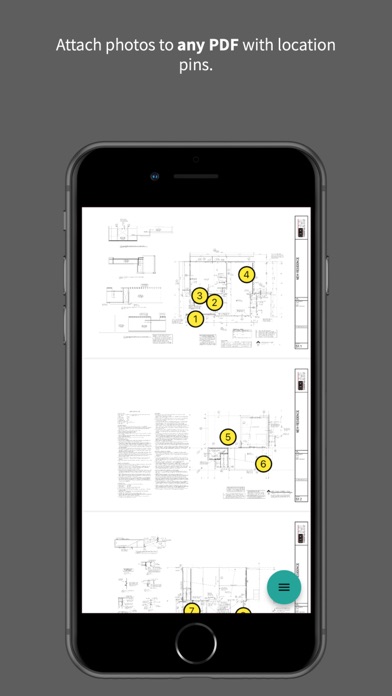

Description by Vihanti Digital Services Private Limited Written by the developer, not by AppBrain. Click to read.
Created by structural design firm DLK Engineering LLC, PlanSnap is designed to help contractors, engineers, and architects share project photos and minimize the need for on-site meetings.
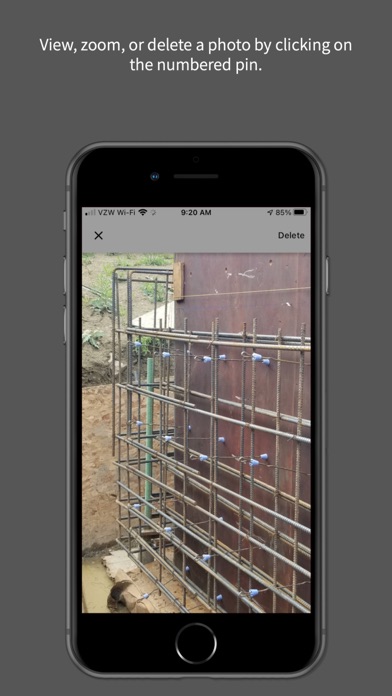
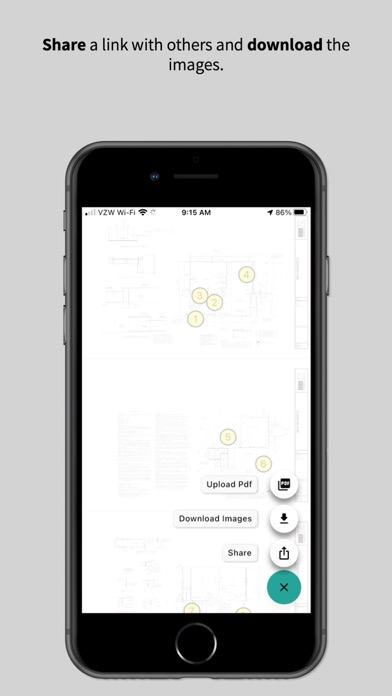
For architects and engineers, upload your PDF set and share the link with a contractor. When the someone adds pictures to the PDF, anyone with the link can view, download, or share them with others. Note that you can also add photos of your hand sketches, screenshots, etc.
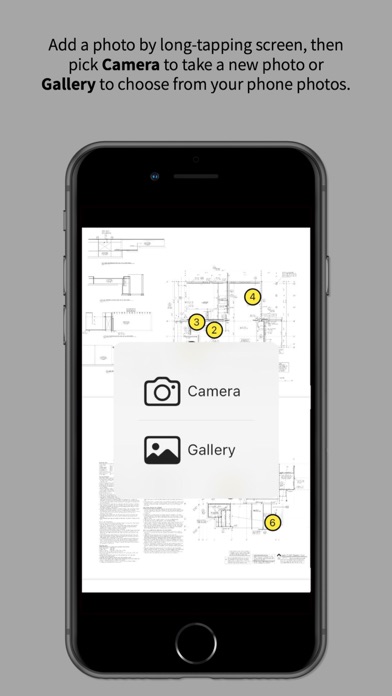
For contractors, upload a new PDF by choosing a file from you phone (or open a previous PlanSnap link), and then start adding photos by long-tapping any spot on the PDF. Then a link can be shared to give other team members access to the PDF with the photos. If there is no reception at the jobsite, leave PlanSnap open so it can upload your photos when you are reconnected. Or, you can just add photos to the PDF from your phone gallery at anytime.
Tip for locating photos: For maximum clarity, pin the photo to the location on the PDF that represents *where you were standing* when you took it, rather than pinning it to the element you photographed.
Tip for sharing links: Save your PlanSnap links (in a shared Note, for instance) so you find them later as needed. And then download your photos to keep a backup copy.
NOTE: Photos are not stored by PlanSnap forever, so make sure to download and keep your photo sets for your own records!