

Pocket Marble Runs is made and published by monois Inc. AppBrain is an independent app data site and isn't affiliated with monois Inc. The app name, icon, screenshots and description belong to monois Inc. and are shown as published on the App Store.
AppBrain's verdict
EstablishedLoved by users- Rating on App Store
- 4.65
- 2,072 ratings
- Last updated
- August 28, 2026
Users love it: 4.7 stars from 2,072 ratings.
Rankings
App Store top chartsApp Store Rankings for Pocket Marble Runs
Competitors
Similar apps and more from monois Inc.Alternatives to Pocket Marble Runs







More from monois Inc.


Releases
Updates seen on the App Store- Version
- 2.3.0
- Launched
- March 2016
No changelog data
User feedback
Ratings and reviews on the App StoreComments on Pocket Marble Runs for iOS
We don't have enough comments to show example comments. Please check back later.
Technology
Found in the app by AppBrain- Price
- Free
- App size
- 151.6 MB
- Content rating
- Everyone
Technologies used by Pocket Marble Runs
About the app and developer
About Pocket Marble Runs
Pocket Marble Runs is a games app developed by monois Inc.
User Ratings
Pocket Marble Runs is rated 4.65 out of 5 stars. The rating is based on 2.1 thousand ratings.
App Information
Pocket Marble Runs is freely available from the App Store. The app size is 151.57 MB. The latest version available is 2.3.0. The last update was on August 28, 2026.
Technical Requirements
The app has a content rating of Everyone. The app has been available on the App Store since March 2016.
Developer information for monois Inc.
Address:
Store listing
By monois Inc., from the App Store

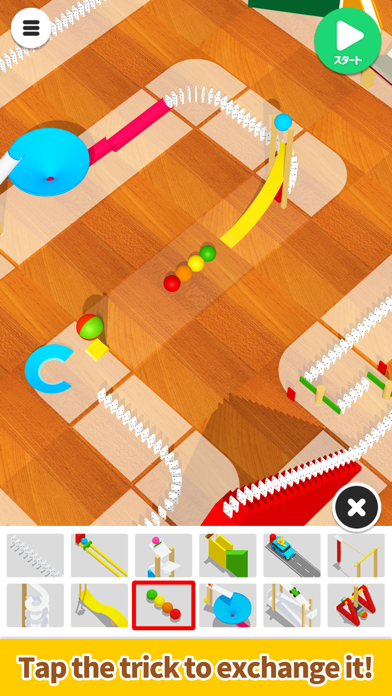

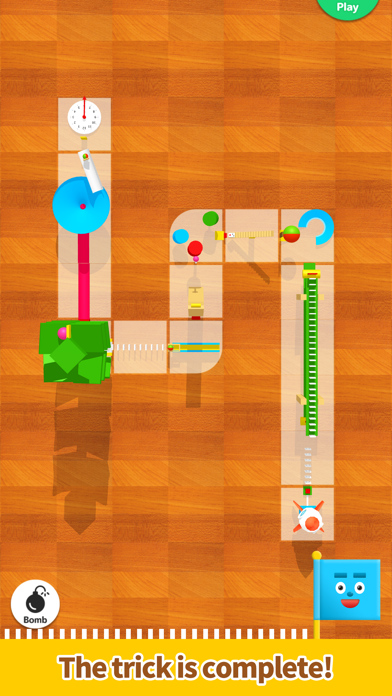

Description by monois Inc. Written by the developer, not by AppBrain. Click to read.
An easy-to-use app designed for everyone – it allows them to create fun devices similar to those featured on Marble Runs (Chain reaction machine).
Use a dragging motion to draw a line and create a simple device that follows that path, and then try changing the device afterward!
The longer the straight line, the more devices you can choose from.
Have fun making your device move in many different ways!
We plan to add many more devices in the future!
*Method of operation:
- Trace the screen with your finger to create a path.
- Lift your finger to create a simple device.
- Tap the device to swap it for another one.
- Press the Start button to start. Have fun by changing the angle and the zoom on the camera.
- Sound effects: turn them on/off from the options on the top right of the top screen.
- Music: turn it on/off from the options on the top right of the top screen.
- Device shadows: turn them on/off from the options on the top right of the top screen.
*If your smartphone is showing low performance, we recommend turning the shadows off.