

Pomodoro Timer - Focus Keeper
Pomodoro Timer - Focus Keeper is made and published by Ryunosuke Nagase. AppBrain is an independent app data site and isn't affiliated with Ryunosuke Nagase. The app name, icon, screenshots and description belong to Ryunosuke Nagase and are shown as published on the App Store.
AppBrain's verdict
- Rating on App Store
- 4.36
- 11 ratings
- Last updated
- February 16, 2026
It doesn't have enough ratings yet to judge what users think.
Rankings
App Store top chartsApp Store Rankings for Pomodoro Timer - Focus Keeper
Competitors
Similar apps and more from Ryunosuke NagaseAlternatives to Pomodoro Timer - Focus Keeper








More from Ryunosuke Nagase







Also available on Google Play

Releases
Updates seen on the App Store- Version
- 4.0.4
- Launched
- September 2022
No changelog data
User feedback
Ratings and reviews on the App StoreComments on Pomodoro Timer - Focus Keeper for iOS
We don't have enough comments to show example comments. Please check back later.
Technology
Found in the app by AppBrain- Price
- Free
- App size
- 100.6 MB
- Content rating
- Everyone
Technologies used by Pomodoro Timer - Focus Keeper
About the app and developer
About Pomodoro Timer - Focus Keeper
Pomodoro Timer - Focus Keeper is a productivity app developed by Ryunosuke Nagase.
User Ratings
Pomodoro Timer - Focus Keeper is rated 4.36 out of 5 stars. The rating is based on 11 ratings.
App Information
Pomodoro Timer - Focus Keeper is freely available from the App Store. The app size is 100.58 MB. The latest version available is 4.0.4. The last update was on February 16, 2026.
Technical Requirements
The app has a content rating of Everyone. The app has been available on the App Store since September 2022.
Developer information for Ryunosuke Nagase
Address:
Store listing
By Ryunosuke Nagase, from the App Store


Description by Ryunosuke Nagase Written by the developer, not by AppBrain. Click to read.
With a design that does not disturb your thoughts, it will overwhelmingly increase your study and work efficiency.
- Overwhelmingly simple!
No unnecessary functions. No unnecessary functions to support your concentration.
- Start with one tap!
Just start the app and press the start button to start the timer.
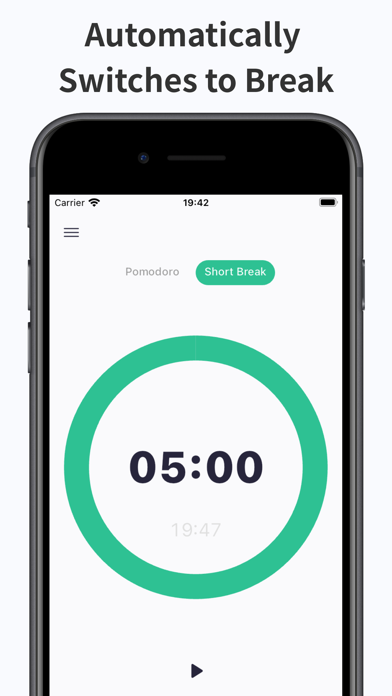
- Switch between three timers.
You can switch between three timers with a swipe: Pomodoro Timer (25 minutes), Short Break (5 minutes), and Long Break (15 minutes).
This allows you to efficiently practice the Pomodoro Technique.
- Timer time can be freely changed.
Each of the three timers can be changed.
- Notification of end of timer by push notification
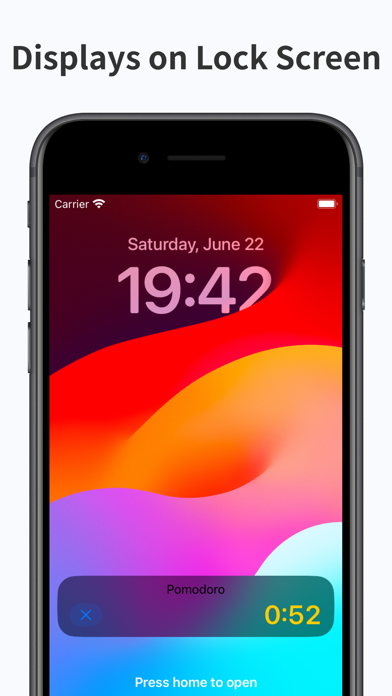
The timer will continue to run even when the app is closed or goes into the background, and a push notification will let you know when the timer ends.
You will never miss it again.
- Finish time is also displayed
Simple Pomodoro Timer shows the time your alarm will finish so you don't need to calculate when the timer will go off any more.
- Minimal design
The minimal design will not disturb your thoughts.
- The sound when the timer ends can be changed. Silence is also supported.
This is a good option for libraries and other places where no sound can be produced.
- Supports vibration
You can also change the on/off setting.
- Supports dark mode
Supports eye-friendly dark mode. It is automatically applied according to the device settings.
Terms of Use: https://tinylab-apps.web.app/TermsOfService/ja.html
Privacy Policy: https://tinylab-apps.web.app/PrivacyPolicy/ja.html