

PosterizeImager
PosterizeImager is made and published by NOBORU IMAI. AppBrain is an independent app data site and isn't affiliated with NOBORU IMAI. The app name, icon, screenshots and description belong to NOBORU IMAI and are shown as published on the App Store.
AppBrain's verdict
Established- Rating on App Store
- 3.00
- 2 ratings
- Last updated
- August 16, 2020
It doesn't have enough ratings yet to judge what users think.
Rankings
App Store top chartsApp Store Rankings for PosterizeImager
Competitors
Similar apps and more from NOBORU IMAIAlternatives to PosterizeImager







More from NOBORU IMAI





Releases
Updates seen on the App Store- Version
- 1.8
- Launched
- November 2015
No changelog data
User feedback
Ratings and reviews on the App StoreComments on PosterizeImager for iOS
We don't have enough comments to show example comments. Please check back later.
Technology
Found in the app by AppBrain- Price
- $1.99
- App size
- 47.0 MB
- Content rating
- Everyone
Technologies used by PosterizeImager
About the app and developer
About PosterizeImager
PosterizeImager is a photo & video app developed by NOBORU IMAI.
User Ratings
PosterizeImager is rated 3.00 out of 5 stars. The rating is based on 2 ratings.
App Information
PosterizeImager costs $1.99. The app size is 46.99 MB. The latest version available is 1.8. The last update was on August 16, 2020.
Technical Requirements
The app has a content rating of Everyone. The app has been available on the App Store since November 2015.
Developer information for NOBORU IMAI
Address:
Store listing
By NOBORU IMAI, from the App Store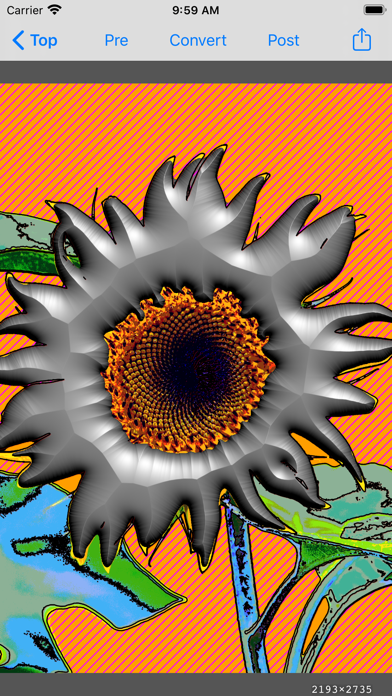


Description by NOBORU IMAI Written by the developer, not by AppBrain. Click to read.
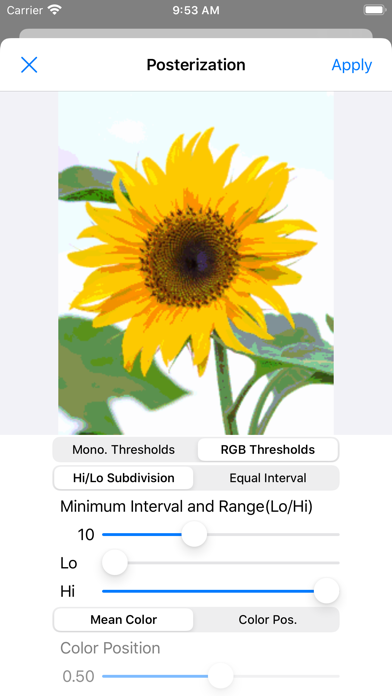
Since the gradation of original image is restricted, flat coloring images like anime or comic can be got.
The degradation colors also can be converted to the different color of original image using user designed color table.
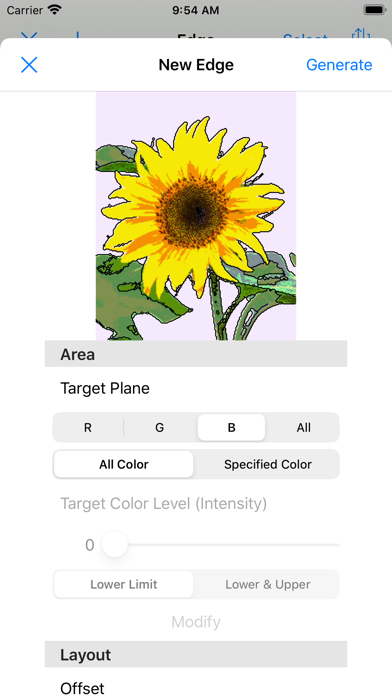
Since the app can draw edge lines on the boundary between same color areas, line drawing like manga can be created.
For the edge lines, line width, color, or shadow can be specified, and coordinate conversion - translate, rotate, or scaling also can be applied.
Moreover, copy and paste for edge lines are utilized, these can be drawn on the other images.
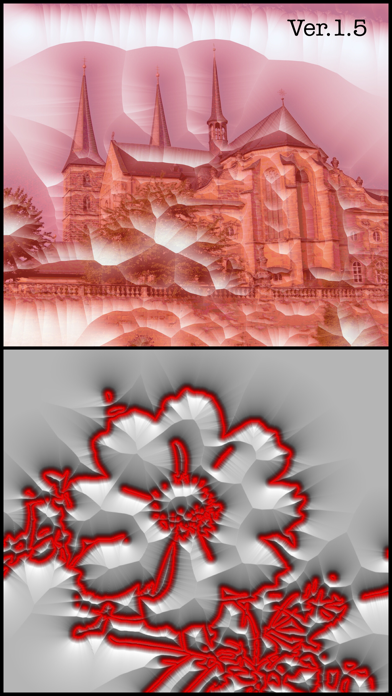
As optional functions, pen style, edge layout like annual rings, hatching (including maze pattern) and PDF export are equipped.
※You can see many samples on Instagram with #PosterizeImager.