

Pro Picks is made and published by David Lovison. AppBrain is an independent app data site and isn't affiliated with David Lovison. The app name, icon, screenshots and description belong to David Lovison and are shown as published on the App Store.
AppBrain's verdict
- Last updated
- October 1, 2023
Rankings
App Store top chartsApp Store Rankings for Pro Picks
Competitors
Similar apps and more from David LovisonAlternatives to Pro Picks







More from David Lovison







Releases
Updates seen on the App Store- Version
- 2.0
- Launched
- May 2018
No changelog data
User feedback
Ratings and reviews on the App StoreComments on Pro Picks for iOS
We don't have enough comments to show example comments. Please check back later.
Technology
Found in the app by AppBrain- Price
- $1.99
- App size
- 10.7 MB
- Content rating
- Everyone
Technologies used by Pro Picks
About the app and developer
About Pro Picks
Pro Picks is an entertainment app developed by David Lovison.
User Ratings
The app has no ratings yet.
App Information
Pro Picks costs $1.99. The app size is 10.69 MB. The latest version available is 2.0. The last update was on October 1, 2023.
Technical Requirements
The app has a content rating of Everyone. The app has been available on the App Store since May 2018.
Developer information for David Lovison
Address:
Frequently asked questions about Pro Picks
Is Pro Picks free?
No. Pro Picks costs $1.99 on the App Store.
Is Pro Picks still available?
Yes. Pro Picks is on the App Store, and the last update we saw was on October 1, 2023.
How large is Pro Picks?
Pro Picks is 10.69 MB.
Is Pro Picks suitable for children?
App Store rates the content of Pro Picks as suitable for everyone.
Who made Pro Picks?
Pro Picks was developed by David Lovison. It is listed in the entertainment category on the App Store.
What are the best alternatives to Pro Picks?
People looking at Pro Picks also look at these entertainment apps: Get My Lucky Numbers, Lucky Word - Lotto Picker, SlickLotto, Lucky Lotto Number Picker, Casino Simulation : Techniques.
Store listing
By David Lovison, from the App Store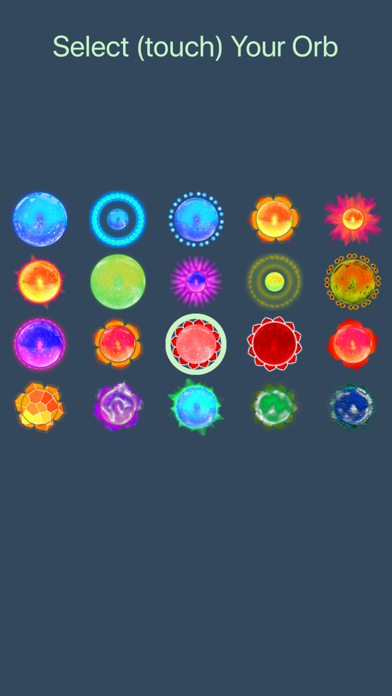


Description by David Lovison Written by the developer, not by AppBrain. Click to read.
To change the count of numbers to select (up to 25) just tap the "Pick" shaded area at the top left. To change the pool of numbers (1-99) just tap the "1-xx" (where x = some displayed number) at the top right. Touch the bottom left icon to invert your numbers. Touch the bottom 2nd from left to pick new numbers. Tap the middle bottom voice button and have the numbers read to you!
Touch the gear and the settings menu appears where you can:
* Set the orbs to display!
* Set if you want odd numbers marked!
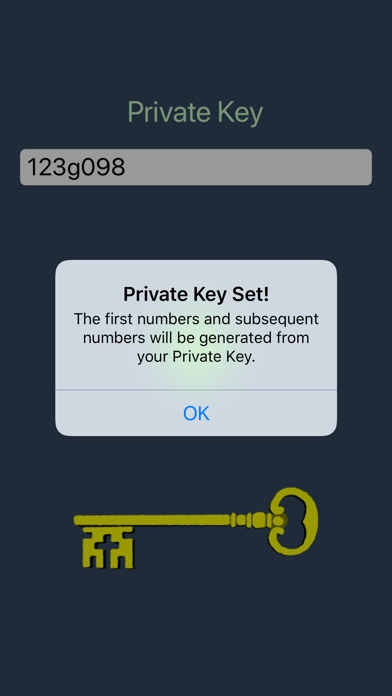
* Set your private key (random generator seed)!
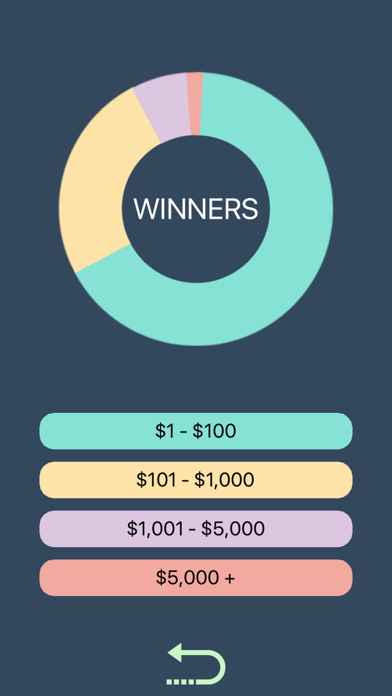
* Show winning stats of other users!
* Register your win!
* Sounds On/Off
* Send me an email directly!