

ProFind is made and published by Ross Tulloch. AppBrain is an independent app data site and isn't affiliated with Ross Tulloch. The app name, icon, screenshots and description belong to Ross Tulloch and are shown as published on the App Store.
AppBrain's verdict
- Last updated
- October 8, 2026
Rankings
App Store top chartsApp Store Rankings for ProFind
Competitors
Similar apps and more from Ross TullochMore from Ross Tulloch


Releases
Updates seen on the App Store- Version
- 1.42
- Launched
- December 2018
No changelog data
User feedback
Ratings and reviews on the App StoreComments on ProFind for iOS
We don't have enough comments to show example comments. Please check back later.
Technology
Found in the app by AppBrain- Price
- Free
- App size
- 9.49 MB
- Content rating
- Everyone
Technologies used by ProFind
About the app and developer
About ProFind
ProFind is an utilities app developed by Ross Tulloch.
User Ratings
The app has no ratings yet.
App Information
ProFind is freely available from the App Store. The app size is 9.49 MB. The latest version available is 1.42. The last update was on October 8, 2026.
Technical Requirements
The app has a content rating of Everyone. The app has been available on the App Store since December 2018.
Developer information for Ross Tulloch
Address:
Store listing
By Ross Tulloch, from the App Store


Description by Ross Tulloch Written by the developer, not by AppBrain. Click to read.
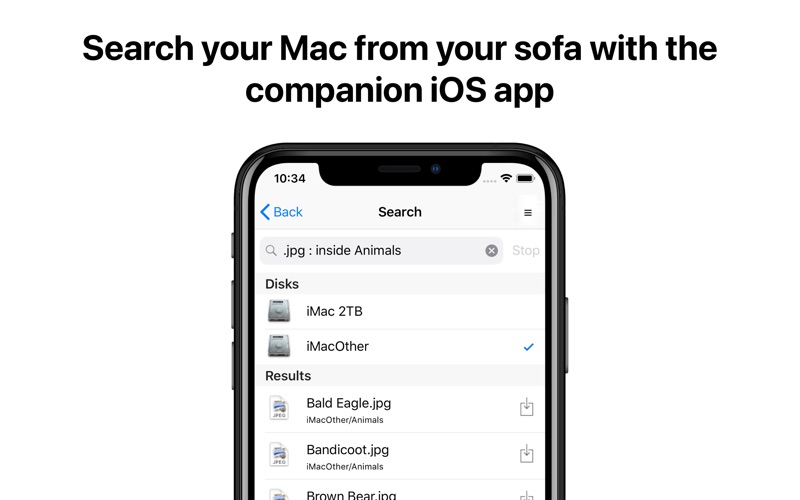
With support for innovative natural language queries, application launching, saved searches, history, scripting and more, it's the only search app you'll ever need.
Feature List:
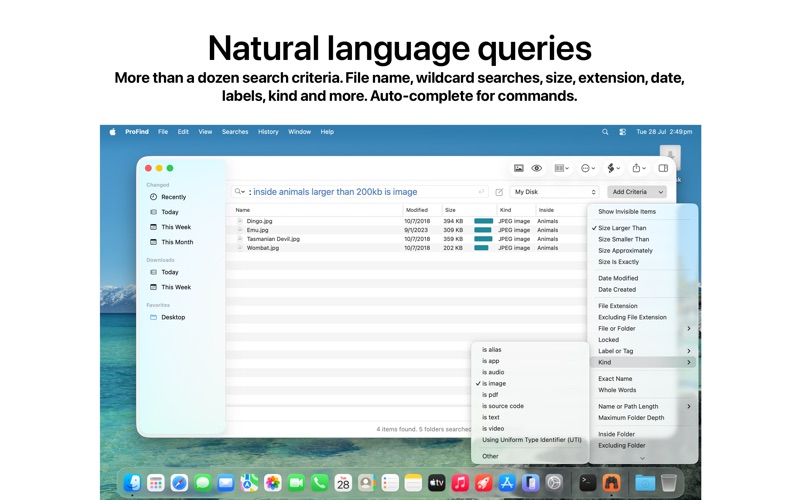
Natural language search queries with autocompletion for commands, keywords and application names.
Boolean logic: combine words and commands with and / or / not and parentheses for grouping.
Live Directory: browse the file system straight from the search field, with live updating as files change.
Spotlight not required (except for Spotlight metadata searches).
Optional disk caching indexes file names, sizes and dates for even faster searches, especially on network disks, and lets you search disks even when they are disconnected.
Searches any disk type: Mac, Windows, servers, network volumes and more.
Searches inside invisible folders and packages.
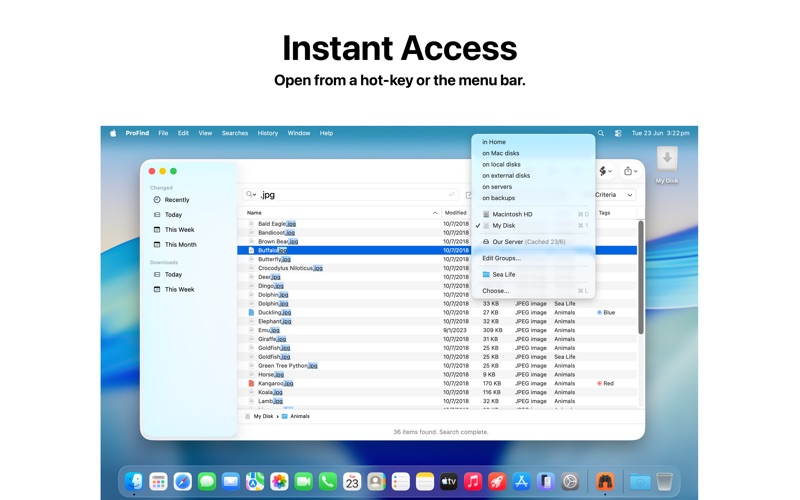
Search locations: home, Mac disks, local disks, servers, individual disks, or open Finder folders.
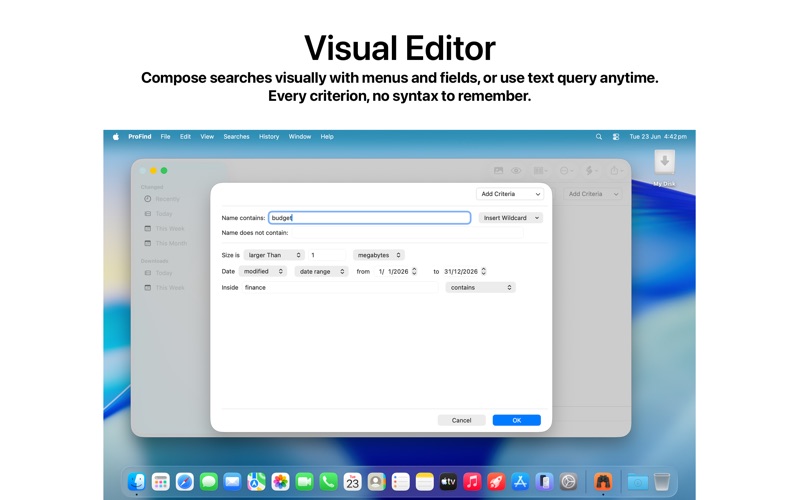
Search by name, creation and modification date, file extension, tags, parent folder, kind, size, regex, wildcards and Spotlight metadata.
Natural-language date and size commands (e.g. modified this year, bigger than 1mb).
Text content search inside files, including PDF, Word, RTF and InDesign documents, with optional OCR for image-based and scanned files.
Image Recognition: find photos by their visual content using on-device machine learning (macOS 12 or later).
Exclude (-) words and whole-word, exact-name and case-sensitive matching.
Run shell scripts, AppleScripts and macOS Shortcuts on found items.
Save searches and revisit them, with full search history.
Export results to text or CSV.
Hashes: md4, md5, sha1, sha224, sha256, sha384, sha512 (Show Advanced Info).
Full, non-obscured display of file paths with path-difference highlighting.
Customisable result columns, relevance ranking and a large-icon view.
Highlighting of matched words in results.
Built-in command reference and ready-to-use query examples.
Optional menu bar icon and a fully configurable system-wide hot key.
Supports Dark Mode.