
QR code maker - Create & Scan
QR code maker - Create & Scan is made and published by Code2Apps Desenvolvimento LTDA. AppBrain is an independent app data site and isn't affiliated with Code2Apps Desenvolvimento LTDA. The app name, icon, screenshots and description belong to Code2Apps Desenvolvimento LTDA and are shown as published on the App Store.
AppBrain's verdict
Established- Rating on App Store
- 4.43
- 7 ratings
- Last updated
- July 19, 2021
It doesn't have enough ratings yet to judge what users think.
Rankings
App Store top chartsApp Store Rankings for QR code maker - Create & Scan
Competitors
Similar apps and more from Code2Apps Desenvolvimento LTDAAlternatives to QR code maker - Create & Scan
More from Code2Apps Desenvolvimento LTDA
Releases
Updates seen on the App Store- Version
- 1.2.2
- Launched
- March 2021
No changelog data
User feedback
Ratings and reviews on the App StoreComments on QR code maker - Create & Scan for iOS
We don't have enough comments to show example comments. Please check back later.
Technology
Found in the app by AppBrain- Price
- Free
- App size
- 88.2 MB
- Content rating
- Everyone
Technologies used by QR code maker - Create & Scan
About the app and developer
About QR code maker - Create & Scan
QR code maker - Create & Scan is an utilities app developed by Code2Apps Desenvolvimento LTDA.
User Ratings
QR code maker - Create & Scan is rated 4.43 out of 5 stars. The rating is based on 7 ratings.
App Information
QR code maker - Create & Scan is freely available from the App Store. The app size is 88.17 MB. The latest version available is 1.2.2. The last update was on July 19, 2021.
Technical Requirements
The app has a content rating of Everyone. The app has been available on the App Store since March 2021.
Developer information for Code2Apps Desenvolvimento LTDA
Code2Apps Desenvolvimento LTDA
Address:
Frequently asked questions about QR code maker - Create & Scan
Is QR code maker - Create & Scan free?
Yes. QR code maker - Create & Scan is free on the App Store.
Is QR code maker - Create & Scan still available?
Yes. QR code maker - Create & Scan is on the App Store, and the last update we saw was on July 19, 2021.
How large is QR code maker - Create & Scan?
QR code maker - Create & Scan is 88.17 MB.
Is QR code maker - Create & Scan suitable for children?
App Store rates the content of QR code maker - Create & Scan as suitable for everyone.
How do people rate QR code maker - Create & Scan?
QR code maker - Create & Scan scores 4.43 out of 5 stars, from 7 ratings on the App Store.
Who made QR code maker - Create & Scan?
QR code maker - Create & Scan was developed by Code2Apps Desenvolvimento LTDA. It is listed in the utilities category on the App Store.
What are the best alternatives to QR code maker - Create & Scan?
People looking at QR code maker - Create & Scan also look at these utilities apps: QR Code Generator & QR Scanner, The QR Code Reader & Generator, QR Code Generator *, QR Code Generator and Reader, Gerador e Leitor de QR-Code.
Store listing
By Code2Apps Desenvolvimento LTDA, from the App StoreDescription by Code2Apps Desenvolvimento LTDA Written by the developer, not by AppBrain. Click to read.
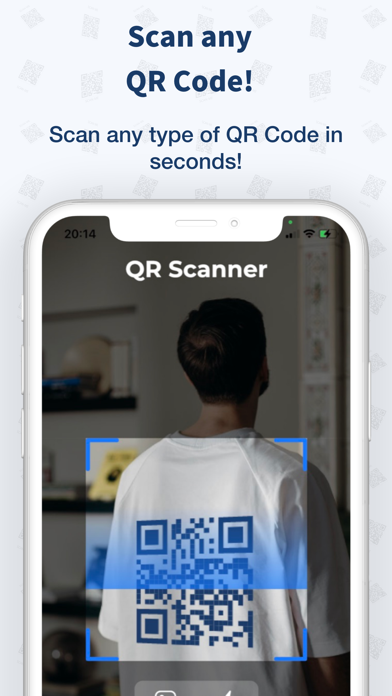
With this app, you can read, recognize, and decode all kinds of QR codes: WiFi QR code, URL, text, contacts, Email, phone number, business card, products, location, calendar, coupon codes, etc.
===== Look at how simple scan a QR Code =====
1 - Open the app.
2 - Point your camera to the QR Code.
3 - It automatically recognizes the QR Code and shows the result.
4 - This QR Code scanner is smart, it will show you the result with a relevant option to do. For example: if you read a phone number it will automatically show you a button to call this phone. Just tap it and call it.
===== Create is even more simple =====
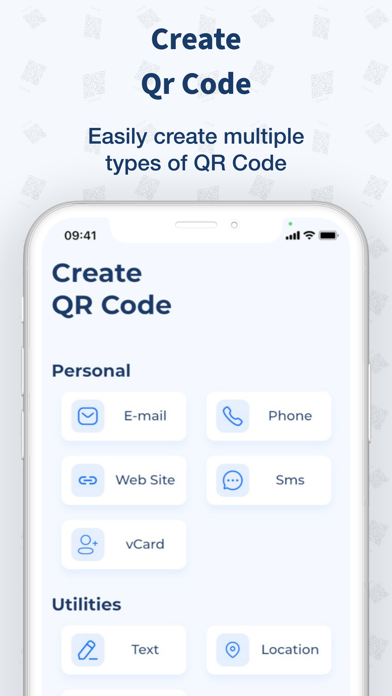
1 - In the second tab, you click on the QR Code type you want to create. It could be a QR Code contact, email, location, etc ...
2 - Fill your QR Code with the information you want.
3 - Tap Create and it's done!
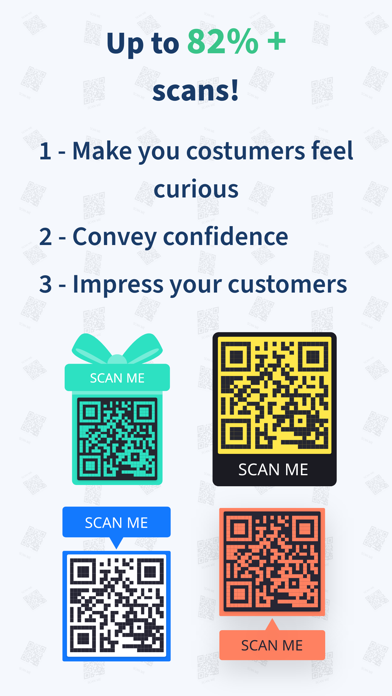
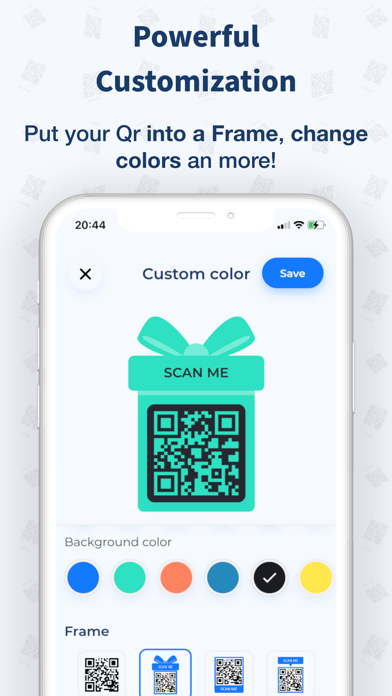
4 - You can also customize your QR code by choosing the background color, and the dot's colors. You can put your QR Code into a Frame too. If you want to create more interesting for peoples to scan your QR Code. PUT INTO A FRAME!
==== History ====
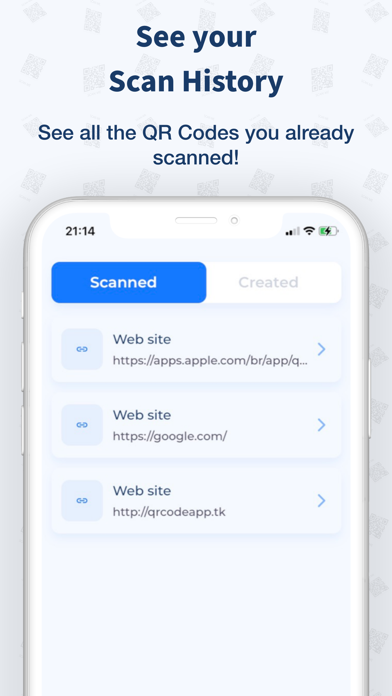
See your scan history! Every QR Code that you scan will be saved into your history so you can always check it later.
==== Features ====
- Use the flashlight to scan.
- Scan an imported image from your photos.
- Generate all types of Qr Codes.
- Save and share in HIGH RESOLUTION, 1080p, and 4K.
- Smart scan reader: Automatically identifies what type is the content in the QR Code and shows you a relevant option to do: as a call to the phone number, open the email app, add to contacts, etc ...
Download it Right now and start scanning, reading, and generating all QR Codes you wish!
Terms of services: https://qrly.tk/tos