

QuickScan PDF
QuickScan PDF is made and published by Franco Lautaro Solis Di Giorgio. AppBrain is an independent app data site and isn't affiliated with Franco Lautaro Solis Di Giorgio. The app name, icon, screenshots and description belong to Franco Lautaro Solis Di Giorgio and are shown as published on the App Store.
AppBrain's verdict
- Last updated
- May 26, 2026
Rankings
App Store top chartsApp Store Rankings for QuickScan PDF
Competitors
Similar apps and more from Franco Lautaro Solis Di GiorgioAlternatives to QuickScan PDF


Releases
Updates seen on the App Store- Version
- 1.10
- Launched
- May 2026
No changelog data
User feedback
Ratings and reviews on the App StoreComments on QuickScan PDF for iOS
We don't have enough comments to show example comments. Please check back later.
Technology
Found in the app by AppBrain- Price
- Free
- App size
- 84.5 MB
- Content rating
- High
Technologies used by QuickScan PDF
About the app and developer
About QuickScan PDF
QuickScan PDF is a productivity app developed by Franco Lautaro Solis Di Giorgio.
User Ratings
The app has no ratings yet.
App Information
QuickScan PDF is freely available from the App Store. The app size is 84.47 MB. The latest version available is 1.10. The last update was on May 26, 2026.
Technical Requirements
The app has a content rating of High Maturity. The app has been available on the App Store since May 2026.
Developer information for Franco Lautaro Solis Di Giorgio
Franco Lautaro Solis Di Giorgio
Address:
Frequently asked questions about QuickScan PDF
Is QuickScan PDF free?
Yes. QuickScan PDF is free on the App Store.
Is QuickScan PDF still available?
Yes. QuickScan PDF is on the App Store, and the last update we saw was on May 26, 2026.
How large is QuickScan PDF?
QuickScan PDF is 84.47 MB.
Is QuickScan PDF suitable for children?
App Store gives QuickScan PDF a high maturity rating. It is meant for adults.
Who made QuickScan PDF?
QuickScan PDF was developed by Franco Lautaro Solis Di Giorgio. It is listed in the productivity category on the App Store.
What are the best alternatives to QuickScan PDF?
People looking at QuickScan PDF also look at these productivity apps: Habitz • Daily Habit Tracker, NTV Tablet 2.0, PDFz: PDF Scanner & Editor, JPG To PDF: Converter Scanner, PDF Converter : Picture to PDF.
Store listing
By Franco Lautaro Solis Di Giorgio, from the App Store
Description by Franco Lautaro Solis Di Giorgio Written by the developer, not by AppBrain. Click to read.
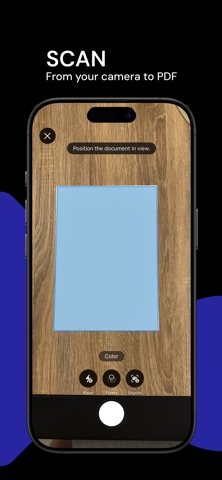
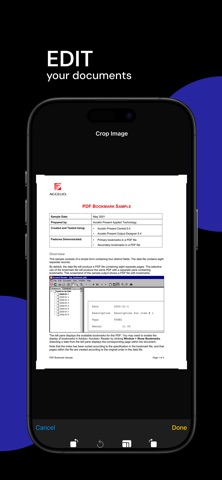
The app automatically detects document edges for precise and fast cropping. Plus, it enhances every scan with smart filters that optimize readability, adjust contrast, and give your files a cleaner, more professional finish, even in low light.
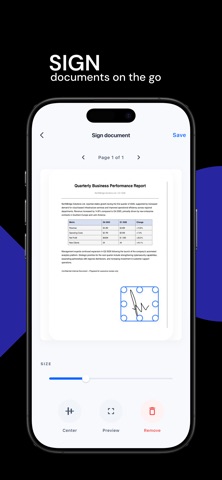
You can also sign documents directly from the app to complete your files in seconds, without printing or using external tools. Scan, import, sign, and export your documents from one place, simply and efficiently.
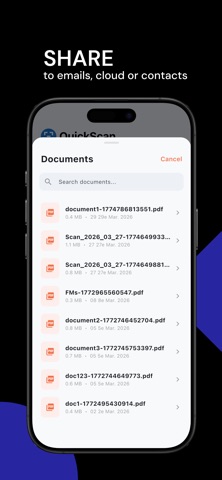
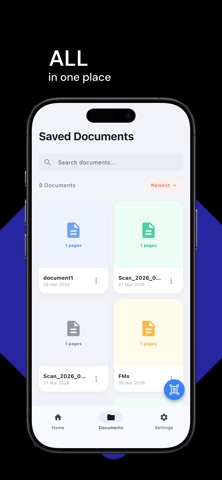
Easily organize your files and share, save, or print them whenever you want. It's a practical solution for students, professionals, and anyone who needs to digitize documents quickly, conveniently, and reliably.
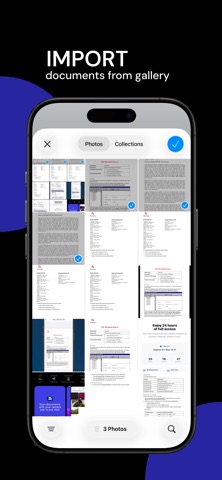
No bulky scanners or complicated processes: just open the app, scan or import, sign, and share.
https://www.apple.com/legal/internet-services/itunes/dev/stdeula/