

QuizCalc
QuizCalc is made and published by Ventura Educational Systems. AppBrain is an independent app data site and isn't affiliated with Ventura Educational Systems. The app name, icon, screenshots and description belong to Ventura Educational Systems and are shown as published on the App Store.
AppBrain's verdict
Established- Rating on App Store
- 5.00
- 1 ratings
- Last updated
- May 30, 2024
It doesn't have enough ratings yet to judge what users think.
Rankings
App Store top chartsApp Store Rankings for QuizCalc
Competitors
Similar apps and more from Ventura Educational SystemsAlternatives to QuizCalc




More from Ventura Educational Systems




Releases
Updates seen on the App Store- Version
- 4.0
- Launched
- August 2012
No changelog data
User feedback
Ratings and reviews on the App StoreComments on QuizCalc for iOS
We don't have enough comments to show example comments. Please check back later.
Technology
Found in the app by AppBrain- Price
- $1.99
- App size
- 65.6 MB
- Content rating
- Everyone
Technologies used by QuizCalc
About the app and developer
About QuizCalc
QuizCalc is an education app developed by Ventura Educational Systems.
User Ratings
QuizCalc is rated 5.00 out of 5 stars. The rating is based on one rating ratings.
App Information
QuizCalc costs $1.99. The app size is 65.55 MB. The latest version available is 4.0. The last update was on May 30, 2024.
Technical Requirements
The app has a content rating of Everyone. The app has been available on the App Store since August 2012.
Developer information for Ventura Educational Systems
Address:
Store listing
By Ventura Educational Systems, from the App Store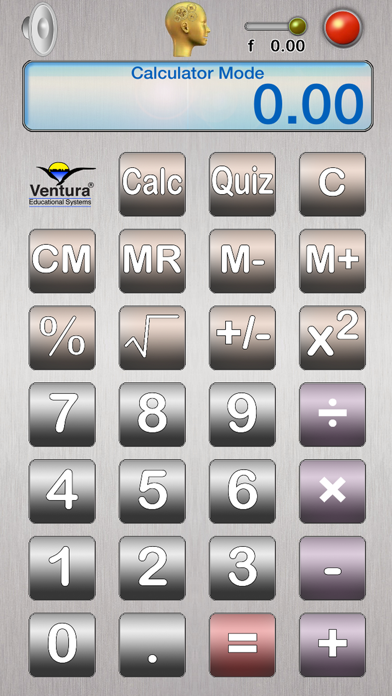

Description by Ventura Educational Systems Written by the developer, not by AppBrain. Click to read.
Here are a few of the ways you will use QuizCalc everyday with your elementary age students:
• Use QuizCalc just like any other calculator to help with math studies.
•Tap the Quiz button and QuizCalc shifts into a game where students practice arithmetic facts.
•Use QuizCalc everyday to improve scores on 8 different randomly generated quizzes at 2 levels.
In addition to functioning as a regular calculator, QuizCalc provides students with practice in the following mental math areas:
Math Objectives
Addition of Whole Numbers
•Addition Facts with Numbers from 0 to 10.
•Addition Facts with Numbers from 10 to 40.
Subtraction of Whole Numbers
•Subtraction Facts with Numbers from 0 to 20
•Subtraction Facts with Numbers from 10 to 60
Multiplication of Whole Numbers
•Multiplication Facts with Numbers from 0 to 10
•Multiplication Facts with Numbers from 0 to 20
Division of Whole Numbers
•Division Facts with Divisors from 1 to 10.
•Division Facts with Divisors from 1 to 20.
Percents
•Problems with Percents from 10 to 100.
•Problems with Percents from 10 to 200.
Roots of Perfect Squares
•Find Roots from 1 to 10.
•Find Roots from 5 to 12.
Addition of Integers
•Numbers from -5 to +5.
•Numbers from -10 to +10.
Perfect Squares
•Find the Square of Numbers from 1 to 10.
•Find the Square of Numbers from -10 to 10.
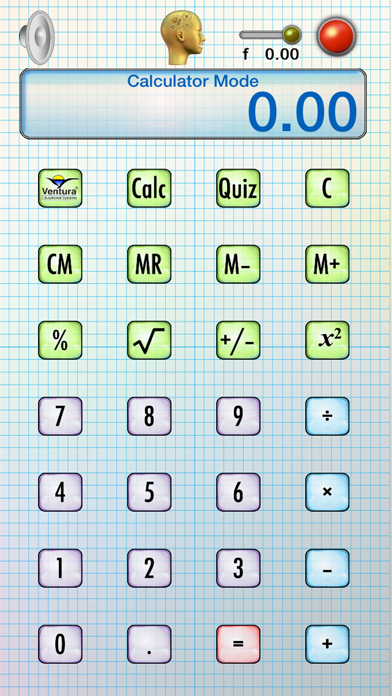
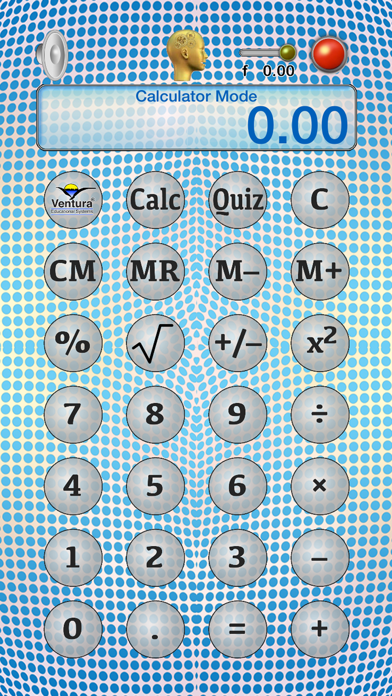
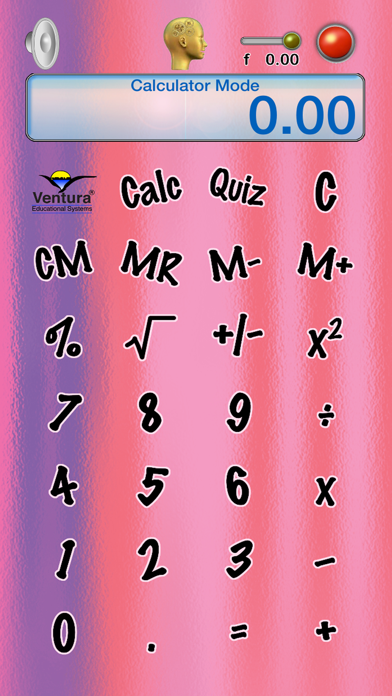
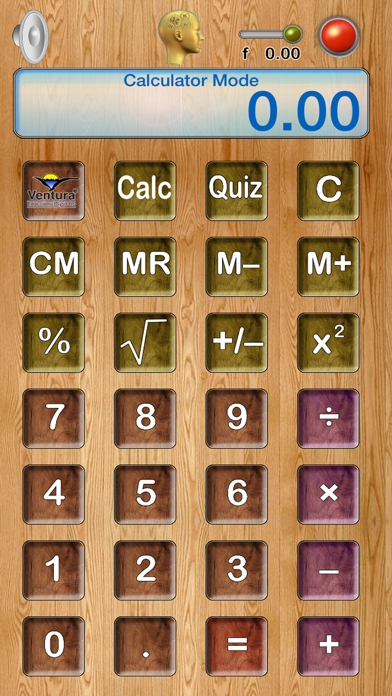
Tap the Calculator button to switch QuizCalc into Calculator Mode. In Calculator Mode, QuizCalc works just like any other algebraic calculator. Here are some examples of how to do some basic calculations:
Operation Keystrokes Display
addition 1 + 2 = 3
subtraction 10 - 7 = 3
multiplication 5 × 8 = 40
division 60 ÷ 12 = 5
percent 100 + 10 % = 110
square root 81 √ 9
integer 12 +/- -12