RAR Zip: Unzip File Manager is an utilities app developed by 小玲 黄.
What is the rating of RAR Zip: Unzip File Manager?
RAR Zip: Unzip File Manager is rated 5.00 out of 5 stars, based on one rating ratings.
Is RAR Zip: Unzip File Manager free?
RAR Zip: Unzip File Manager is free. The app size is 31.46 MB. The latest version available is 1.7. The last update was on September 30, 2024.
What are the requirements for RAR Zip: Unzip File Manager?
The app has a content rating of Everyone. The app has been available on the App Store since June 2024.
Description by 小玲 黄(from the App Store)
**File Unzip & Extract Manager** This app is designed to be your go-to solution for unzipping and managing files. It is more than just a basic unzipper; it is a comprehensive file management tool.
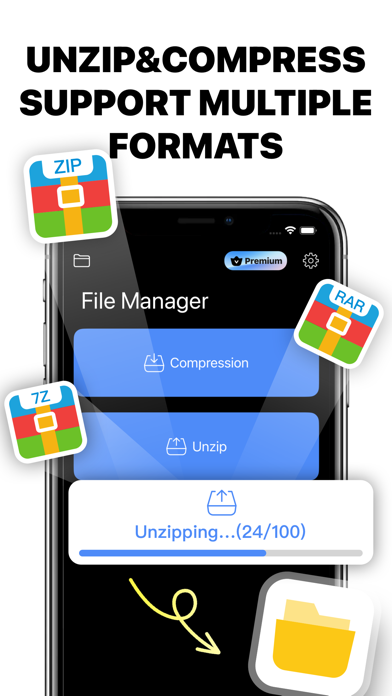
**ZIP, RAR, 7z Files Opener** Quickly open and decompress various common formats of compressed files, providing an all-in-one solution so you never have to worry about file formats again.
**7zip, 7z, Unzip** Compatible with 7zip and 7z formats, this app offers efficient file compression and decompression capabilities. You can quickly unzip any file type, saving both time and space.
**Archive, Extractor, Unzipper** With comprehensive archive management features, this app does more than just unzip files. It allows you to create and manage archives with an intuitive interface, letting you easily extract, browse, and manage all compressed files.
**Compression Tool, Unrar, Document** A high-efficiency compression tool that supports both compressing and decompressing files and folders. Optimized for document files to ensure no data loss or damage. The Unrar feature enables easy handling of RAR files, extracting content with a single click.
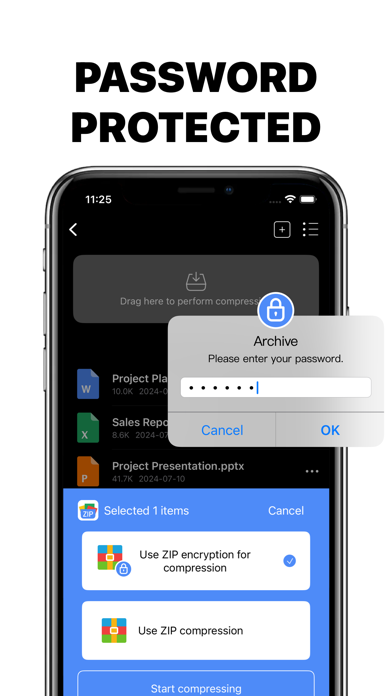
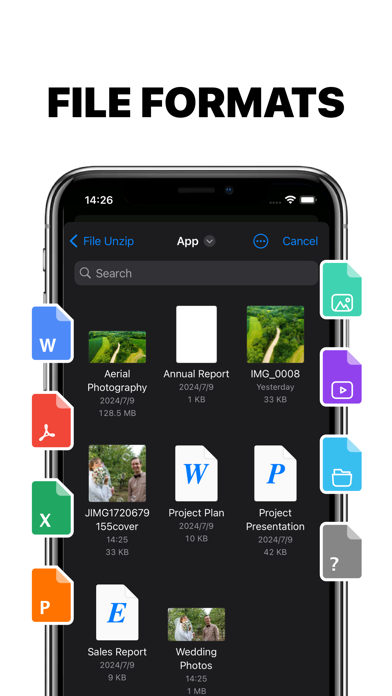
**Key Features**: 1. Multi-format Support: Handles ZIP, RAR, 7z, and more, covering all your decompression needs. 2. Efficient Extraction: Quickly extracts file contents with simple and effective operations. 3. File Management: Built-in file manager to easily browse, delete, move, and copy files. 4. Secure and Reliable: Supports decompression of encrypted files, ensuring the security of your data. 5. User-friendly Interface: Simple and intuitive user interface for convenient operations.
This unzip app is not only powerful but also easy to use, making it an essential file management assistant in your daily work and study. Whether unzipping files, installing applications, or managing archives, this tool provides you with the best solutions.
——————————————————————————————————
Subscription service: Payment: Debit through the user's iTunes account, and the user will pay after confirming the purchase, providing a variety of subscription models for free choice. Renewal: The Apple iTunes account will deduct the fee within 24 hours before the expiration date. After the deduction is successful, the subscription period will be extended by 1 subscription period. Cancel renewal: To cancel renewal, please manually turn off the automatic renewal function in Settings/Apple ID 24 hours before the current subscription expires.
Each subscription will automatically renew 3 days before the expiration date for
the same time period. Subscriptions can be cancelled at any time before the renewal.