It doesn't have enough ratings yet to judge what users think.
Remote Access Plus is made and published by
Zoho Corporation.
AppBrain is an independent app data site and isn't affiliated with Zoho Corporation.
The app name, icon, screenshots and description belong to Zoho Corporation and are shown as
published on the App Store.
About Remote Access Plus
Remote Access Plus is a business app developed by Zoho Corporation.
What is the rating of Remote Access Plus?
Remote Access Plus is rated 4.29 out of 5 stars, based on 7 ratings.
Is Remote Access Plus free?
Remote Access Plus is free. The app size is 93.81 MB. The latest version available is 26.09.01. The last update was on September 24, 2026.
What are the requirements for Remote Access Plus?
The app has a content rating of Everyone. The app has been available on the App Store since April 2020.
Description by Zoho Corporation(from the App Store)
Access and troubleshoot Windows, Mac and Linux endpoints anywhere, anytime!
Remote Access Plus is all you need to redefine your troubleshooting routine. Remote Access Plus helps you access remote computers irrespective of their location and lets you resolve troubleshooting requests at a lightning speed.
Remote Access Plus is available on cloud and on-premises. You can access both the instances from the mobile app.
What can I do using the Remote Access Plus application?
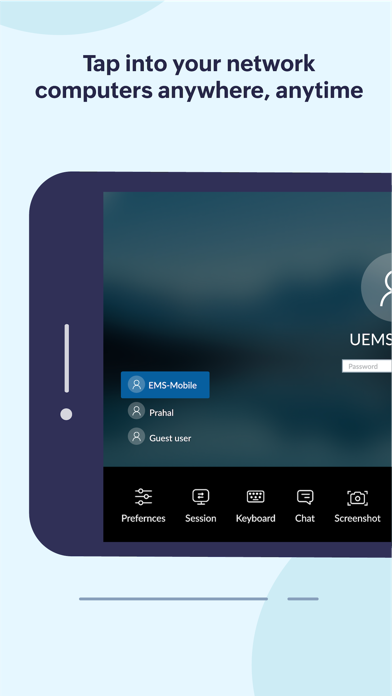
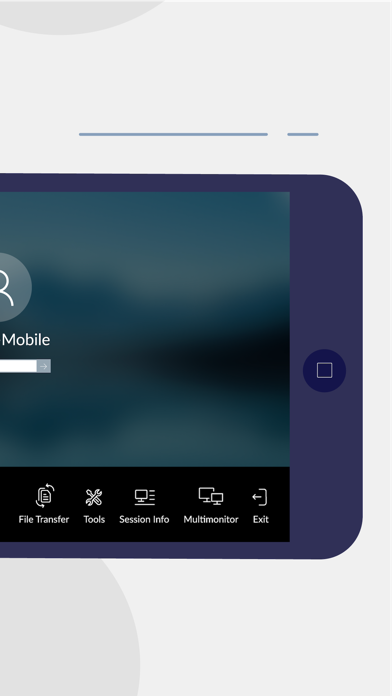
Access endpoints right from your mobile device 1. Connect to remote computers on the go with unattended remote access 2. Seamlessly switch between multiple monitors connected to client computers 3. Perform administrative operations using "Quick Launch"
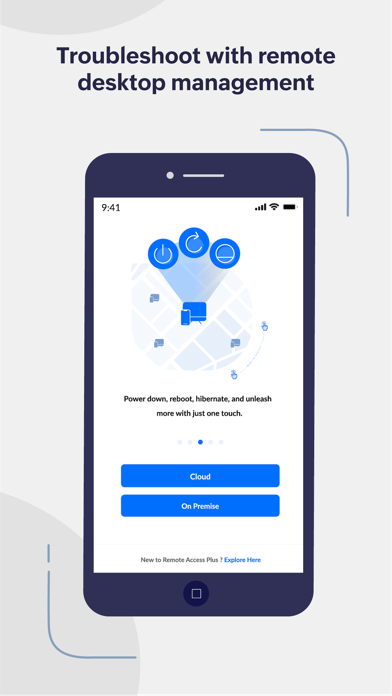
Diagnose computers without hindering productivity 1. Access command prompt and execute commands using systems account 2. Cut-down production costs by turning off the computers with no active users 3. Wake computers on LAN and kick-start your troubleshooting without hick-ups
How do I activate?
1. Install the Remote Access Plus mobile app on your mobile device. 2. If you are using the Remote Access Plus on-premises solution, provide the server name, the port being used, followed by the credentials. 3. If you are using the cloud edition, log-in to your Remote Access Plus account 4. You can now access your Remote Access Plus console from your mobile device
Each subscription will automatically renew 3 days before the expiration date for
the same time period. Subscriptions can be cancelled at any time before the renewal.