

Remote PLC
Remote PLC is made and published by Automationdirect.com. AppBrain is an independent app data site and isn't affiliated with Automationdirect.com. The app name, icon, screenshots and description belong to Automationdirect.com and are shown as published on the App Store.
AppBrain's verdict
- Rating on App Store
- 4.25
- 4 ratings
- Last updated
- June 18, 2026
It doesn't have enough ratings yet to judge what users think.
Rankings
App Store top chartsApp Store Rankings for Remote PLC
Competitors
Similar apps and more from Automationdirect.com









Releases
Updates seen on the App Store- Version
- 1.5
- Launched
- September 2024
No changelog data
User feedback
Ratings and reviews on the App StoreComments on Remote PLC for iOS
We don't have enough comments to show example comments. Please check back later.
Technology
Found in the app by AppBrain- Price
- Free
- App size
- 92.1 MB
- Content rating
- Everyone
Technologies used by Remote PLC
About the app and developer
About Remote PLC
Remote PLC is a productivity app developed by Automationdirect.com.
User Ratings
Remote PLC is rated 4.25 out of 5 stars. The rating is based on 4 ratings.
App Information
Remote PLC is freely available from the App Store. The app size is 92.09 MB. The latest version available is 1.5. The last update was on June 18, 2026.
Technical Requirements
The app has a content rating of Everyone. The app has been available on the App Store since September 2024.
Developer information for Automationdirect.com
Address:
Store listing
By Automationdirect.com, from the App Store


Description by Automationdirect.com Written by the developer, not by AppBrain. Click to read.
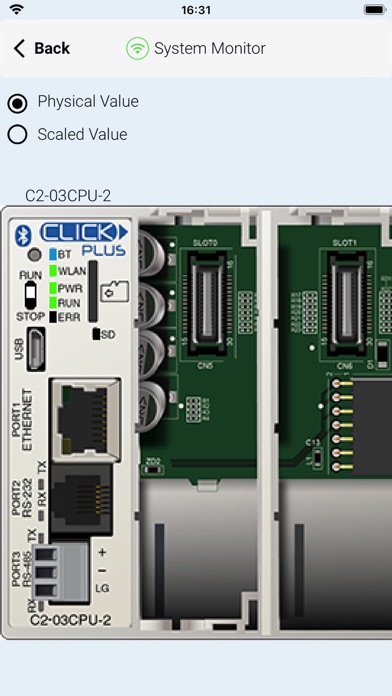
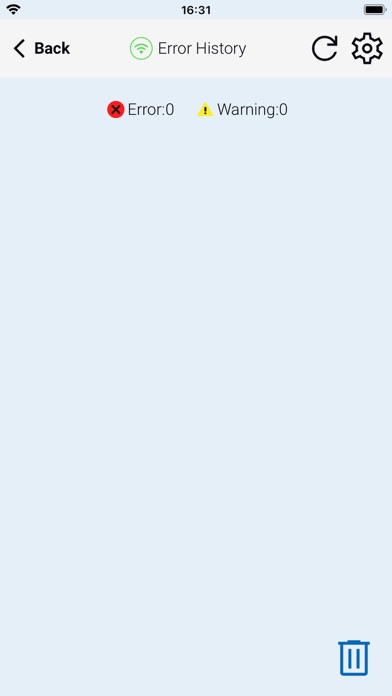
The Remote PLC app offers a quick method of connecting to a PLC to view and edit values in the PLC registers, as well as check the PLC project information, including the Error logs.
Main Features:
-Multiple Level User Accounts. Once connected, the authorized users can view and edit Monitor Windows based on their permission levels setup in the project file.
-Custom Monitor windows can be created and stored to the PLC using the CLICK Programming software version 3.60 or later. Monitor Window access can be based on the user permissions.
- Monitor and edit designated discrete and integer values within the PLC. Timer / Counter values can easily be viewed and edited.
- PLC type and status, such as PLC Error Logs, scan times (Min and Max), as well as Project file information.
Requirements:
• All current CLICK and CLICK PLUS PLCs with ethernet/Bluetooth support the Remote PLC app.
• The PLC must be using firmware Version 3.60 or later.
• CLICK Programming Software Version 3.60 or later is required to program and configure the PLC to support the Remote PLC App.
• The CPU must have compatible network settings with the device running the Remote PLC App.