

RideBLink - bike sharing
RideBLink - bike sharing is made and published by Ride Blink. AppBrain is an independent app data site and isn't affiliated with Ride Blink. The app name, icon, screenshots and description belong to Ride Blink and are shown as published on the App Store.
AppBrain's verdict
- Last updated
- July 29, 2026
Rankings
App Store top chartsApp Store Rankings for RideBLink - bike sharing
Competitors
Similar apps and more from Ride BlinkAlternatives to RideBLink - bike sharing





Releases
Updates seen on the App Store- Version
- 2.0.42
- Launched
- May 2023
No changelog data
User feedback
Ratings and reviews on the App StoreComments on RideBLink - bike sharing for iOS
We don't have enough comments to show example comments. Please check back later.
Technology
Found in the app by AppBrain- Price
- Free
- App size
- 45.4 MB
- Content rating
- Everyone
Technologies used by RideBLink - bike sharing
About the app and developer
About RideBLink - bike sharing
RideBLink - bike sharing is a lifestyle app developed by Ride Blink.
User Ratings
The app has no ratings yet.
App Information
RideBLink - bike sharing is freely available from the App Store. The app size is 45.44 MB. The latest version available is 2.0.42. The last update was on July 29, 2026.
Technical Requirements
The app has a content rating of Everyone. The app has been available on the App Store since May 2023.
Developer information for Ride Blink
Address:
Frequently asked questions about RideBLink - bike sharing
Is RideBLink - bike sharing free?
Yes. RideBLink - bike sharing is free on the App Store.
Is RideBLink - bike sharing still available?
Yes. RideBLink - bike sharing is on the App Store, and the last update we saw was on July 29, 2026.
How large is RideBLink - bike sharing?
RideBLink - bike sharing is 45.44 MB.
Is RideBLink - bike sharing suitable for children?
App Store rates the content of RideBLink - bike sharing as suitable for everyone.
Who made RideBLink - bike sharing?
RideBLink - bike sharing was developed by Ride Blink. It is listed in the lifestyle category on the App Store.
What are the best alternatives to RideBLink - bike sharing?
People looking at RideBLink - bike sharing also look at these lifestyle apps: おでかケア便, くじらスマートマンション, Anela'Eheu, デジタル会員白星社, とようけTV.
Store listing
By Ride Blink, from the App Store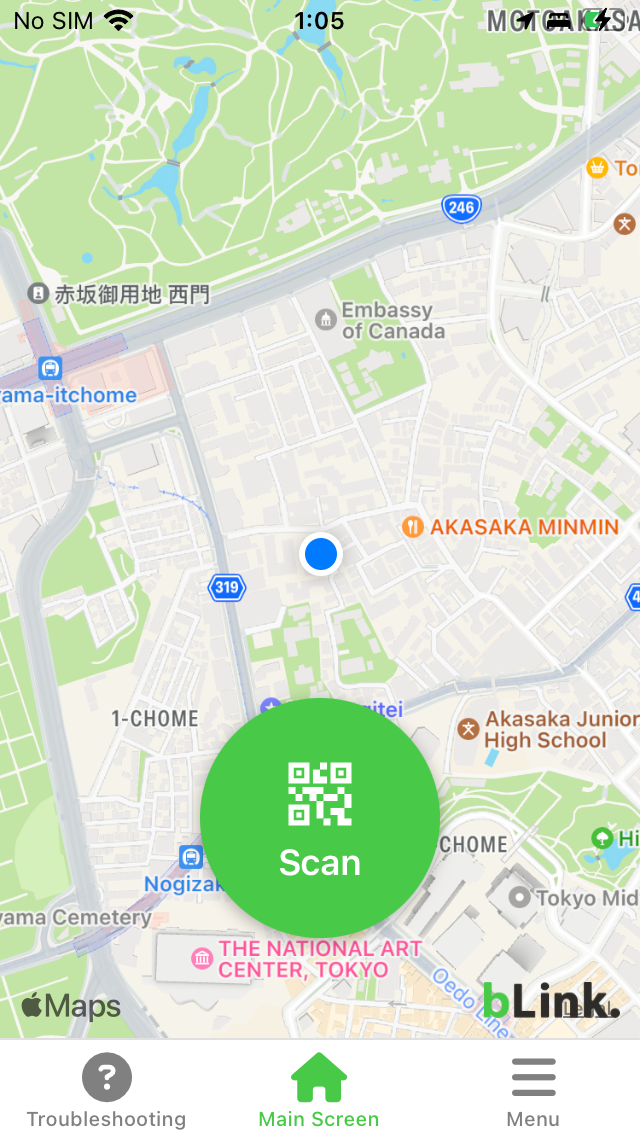

Description by Ride Blink Written by the developer, not by AppBrain. Click to read.
1. Create an Account - Start by creating an account with your email address and password. Then enter your name, mobile phone number, and payment method to complete registration.
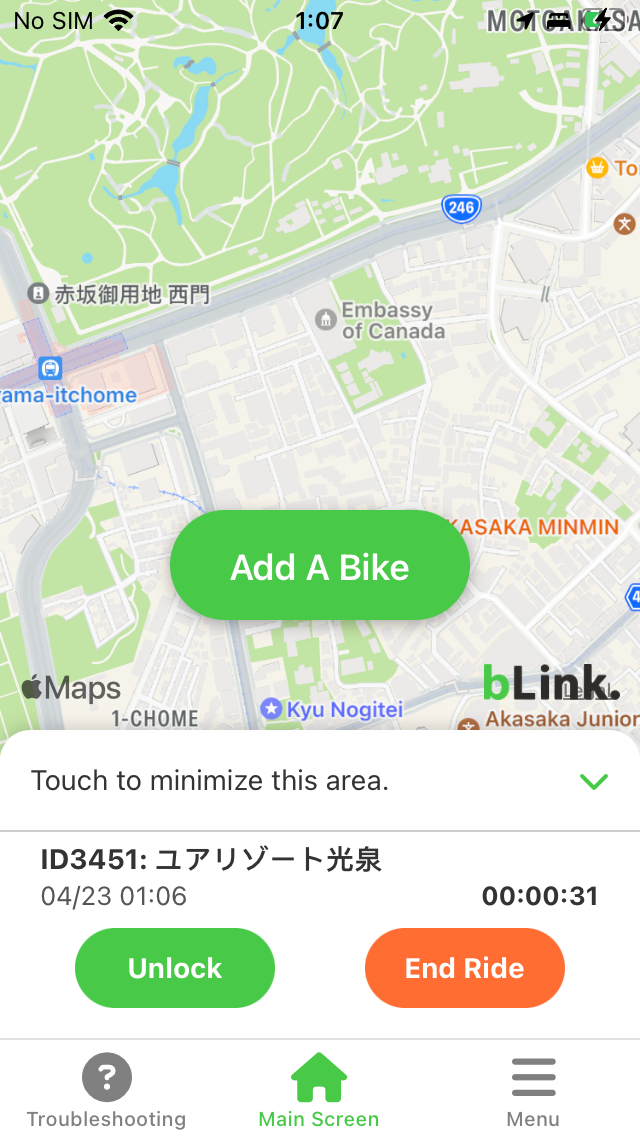
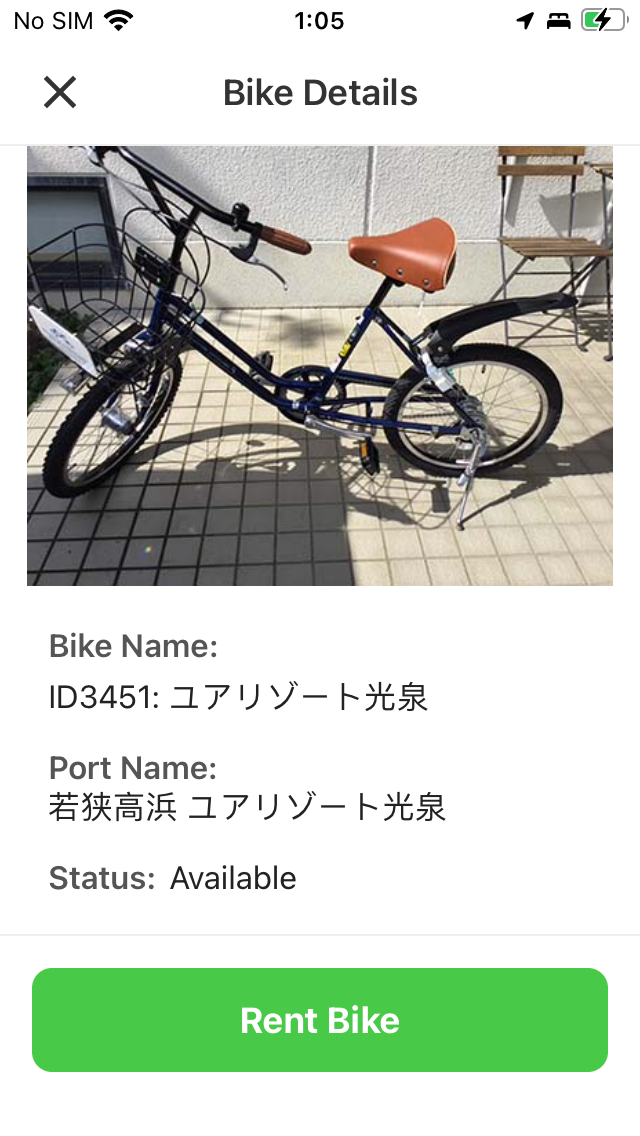
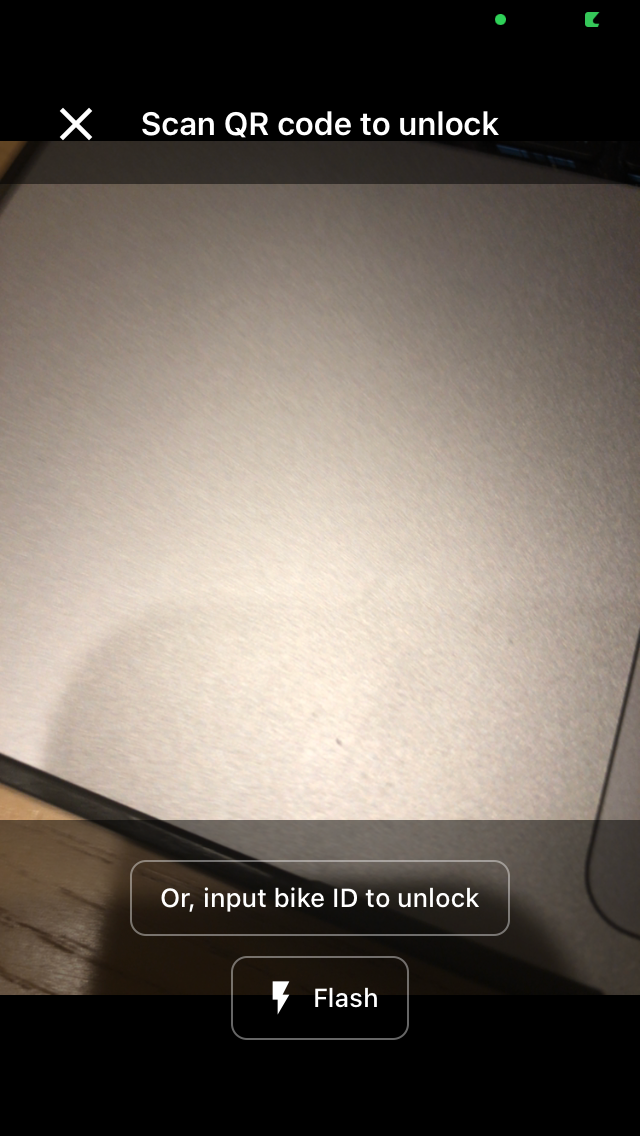
2. Unlocking a Bicycle - Scan the QR code attached to the bicycle to display its information. Tap the "Rent Bike" button on that screen, which will reveal the unlock button. Tap it to automatically unlock the bicycle.
3. Returning a Bicycle - Return the bicycle to the designated location, manually close the lock, then tap the Return button to end your session.
4. Payment - After tapping the Return button, a payment screen will appear showing your usage total. Tap the "Pay" button to complete the transaction.
5. Return Locations - Please follow the instructions provided by the rental operator for designated return locations. In most cases, the return location is the same as the pickup location, though some operators may offer multiple return points.
How to List a Bicycle
1. Contact Us - Please reach out to Takahashi on the bLink customer service team at admin@rideblink.net. At this time, we handle all registration and setup on your behalf.