

Rock Drum Machine Lite is made and published by Lumbeat. AppBrain is an independent app data site and isn't affiliated with Lumbeat. The app name, icon, screenshots and description belong to Lumbeat and are shown as published on the App Store.
AppBrain's verdict
EstablishedWell rated- Rating on App Store
- 4.31
- 130 ratings
- Last updated
- December 8, 2022
Users rate it well: 4.3 stars from 130 ratings.
Rankings
App Store top chartsApp Store Rankings for Rock Drum Machine Lite
Competitors
Similar apps and more from LumbeatAlternatives to Rock Drum Machine Lite






More from Lumbeat








Releases
Updates seen on the App Store- Version
- 5.1
- Launched
- October 2013
No changelog data
User feedback
Ratings and reviews on the App StoreComments on Rock Drum Machine Lite for iOS
We don't have enough comments to show example comments. Please check back later.
Technology
Found in the app by AppBrain- Price
- Free
- App size
- 241.0 MB
- Content rating
- Everyone
Technologies used by Rock Drum Machine Lite
About the app and developer
About Rock Drum Machine Lite
Rock Drum Machine Lite is a music app developed by Lumbeat.
User Ratings
Rock Drum Machine Lite is rated 4.31 out of 5 stars. The rating is based on 130 ratings.
App Information
Rock Drum Machine Lite is freely available from the App Store. The app size is 241.02 MB. The latest version available is 5.1. The last update was on December 8, 2022.
Technical Requirements
The app has a content rating of Everyone. The app has been available on the App Store since October 2013.
Developer information for Lumbeat
Address:
Store listing
By Lumbeat, from the App Store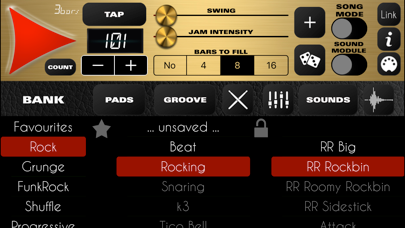
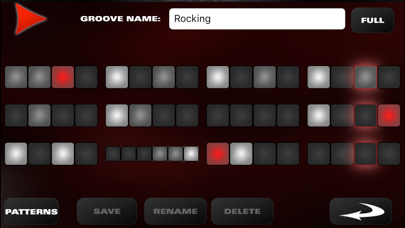
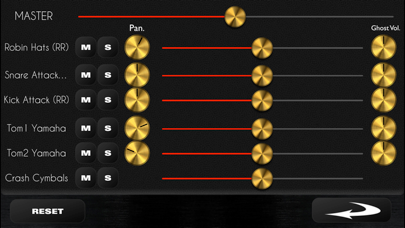
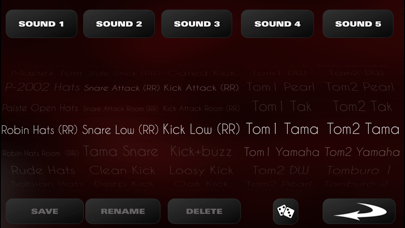
Description by Lumbeat Written by the developer, not by AppBrain. Click to read.
You can edit or create your own rhythms very easily in two modes:
* Edit Mode allows you to edit the whole rhythm quickly.
* Patterns Mode allows you to set the patterns for each component (hihat/ride cymbal, snare or kick )easily with a wheel.
Combine the best acoustic drum sounds with any rhythm to get top inspiring rocky grooves.
* In Groove Edit Mode you can set any subdivision to any beats. Just do a long press on the time until it shows a red border and drag up or down to rest or add notes. EASY and QUICK!