

rymdigare is made and published by Erik Sigth. AppBrain is an independent app data site and isn't affiliated with Erik Sigth. The app name, icon, screenshots and description belong to Erik Sigth and are shown as published on the App Store.
AppBrain's verdict
Established- Rating on App Store
- 4.72
- 58 ratings
- Last updated
- June 23, 2026
It doesn't have enough ratings yet to judge what users think.
Rankings
App Store top chartsApp Store Rankings for rymdigare
Competitors
Similar apps and more from Erik SigthAlternatives to rymdigare







More from Erik Sigth





Releases
Updates seen on the App Store- Version
- 1.0.13
- Launched
- October 2021
No changelog data
User feedback
Ratings and reviews on the App StoreComments on rymdigare for iOS
We don't have enough comments to show example comments. Please check back later.
Technology
Found in the app by AppBrain- Price
- $4.99
- App size
- 7.94 MB
- Content rating
- Everyone
Technologies used by rymdigare
About the app and developer
About rymdigare
rymdigare is a music app developed by Erik Sigth.
What is the rating of rymdigare?
rymdigare is rated 4.72 out of 5 stars, based on 58 ratings.
Is rymdigare free?
rymdigare costs $4.99. The app size is 7.94 MB. The latest version available is 1.0.13. The last update was on June 23, 2026.
What are the requirements for rymdigare?
The app has a content rating of Everyone. The app has been available on the App Store since October 2021.
Developer information for Erik Sigth
Address:
Store listing
By Erik Sigth, from the App Store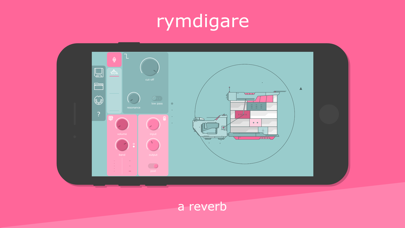
Description by Erik Sigth Written by the developer, not by AppBrain. Click to read.
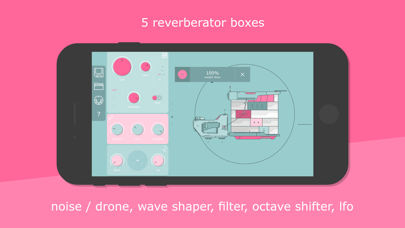
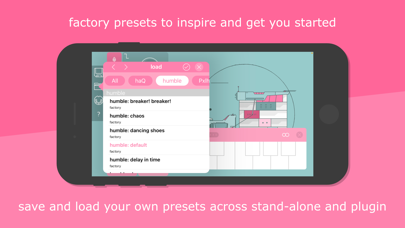
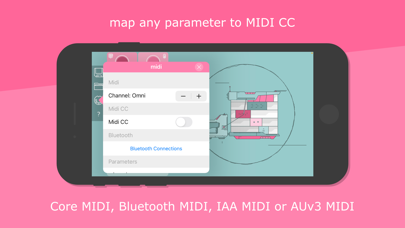
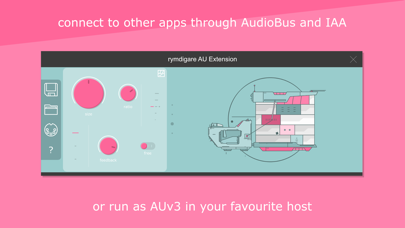
Rymdigare is part reverb, part noise and drone machine, part quality degrader and part wave shaper. The reverb is built from 5 reverberation boxes where you can control the sound with length and ratio parameters, tail and weight skew parameters and an internal feedback parameter, that could be used to create swelling tails. There is also a built in octave shifter, resonant filter, speed and level degrader and 4 LFO sources for modulating a selected set of parameters, including the LFO speeds themselves. The app can run stand-alone, connecting to other apps through Inter App Audio or AudioBus or it can run as an AUv3 plugin. Map and control any parameter with MIDI using Core MIDI, Bluetooth MIDI, Inter App Audio MIDI or AUv3 MIDI.
+ Resonant filter (low, band or high pass)
+ Noise and drone machine
+ Level and speed degrader
+ Wave shaper (input and output gain)
+ Reverb (length, ratio, skew, tail, feedback and type: free, bpm, tuned)
+ Reverb random variation controls
+ Octave shifter up and down
+ Planet orbits (LFO: double tap on parameter controls to map)
+ Inter App Audio, AudioBus and AUv3
+ Map Midi CC using Core MIDI, Bluetooth MIDI, IAA Midi or AUv3 MIDI.