

Satellite Tracker
Satellite Tracker is made and published by Craig Vosburgh. AppBrain is an independent app data site and isn't affiliated with Craig Vosburgh. The app name, icon, screenshots and description belong to Craig Vosburgh and are shown as published on the App Store.
AppBrain's verdict
Established- Rating on App Store
- 3.38
- 13 ratings
- Last updated
- August 19, 2026
It doesn't have enough ratings yet to judge what users think.
Rankings
App Store top chartsApp Store Rankings for Satellite Tracker
Competitors
Similar apps and more from Craig VosburghAlternatives to Satellite Tracker






Releases
Updates seen on the App Store- Version
- 10.3.9
- Launched
- May 2019
No changelog data
User feedback
Ratings and reviews on the App StoreComments on Satellite Tracker for iOS
We don't have enough comments to show example comments. Please check back later.
Technology
Found in the app by AppBrain- Price
- Free
- App size
- 23.3 MB
- Content rating
- Everyone
Technologies used by Satellite Tracker
About the app and developer
About Satellite Tracker
Satellite Tracker is an utilities app developed by Craig Vosburgh.
User Ratings
Satellite Tracker is rated 3.38 out of 5 stars. The rating is based on 13 ratings.
App Information
Satellite Tracker is freely available from the App Store. The app size is 23.34 MB. The latest version available is 10.3.9. The last update was on August 19, 2026.
Technical Requirements
The app has a content rating of Everyone. The app has been available on the App Store since May 2019.
Developer information for Craig Vosburgh
Address:
Store listing
By Craig Vosburgh, from the App Store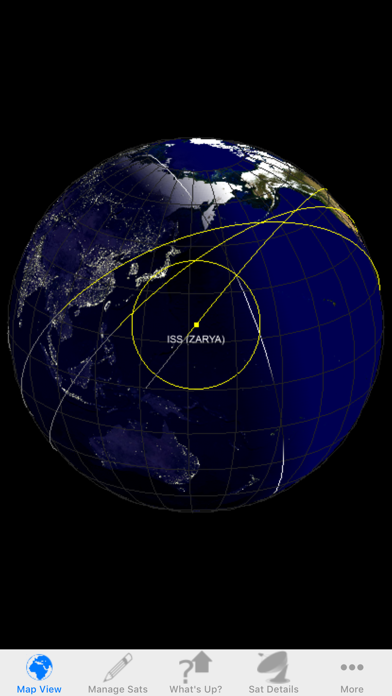
Description by Craig Vosburgh Written by the developer, not by AppBrain. Click to read.
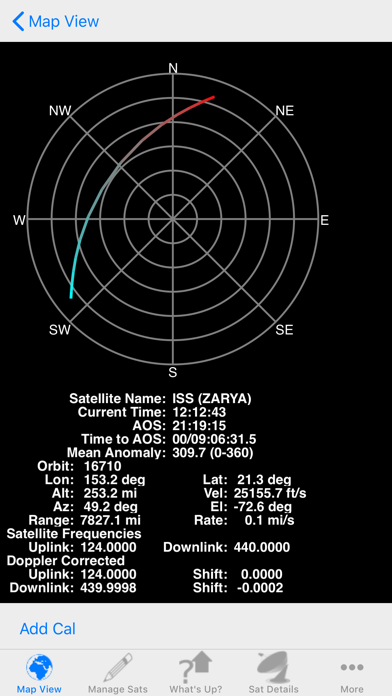
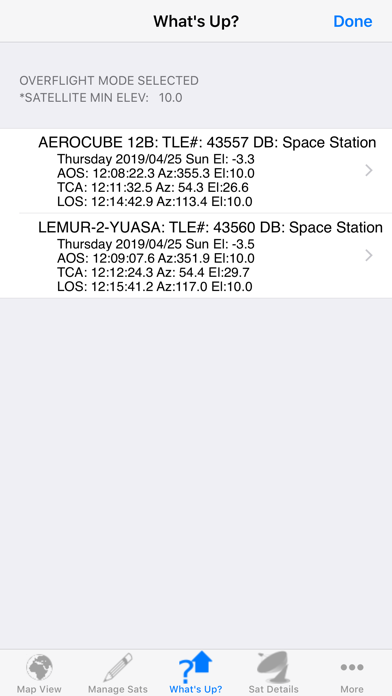
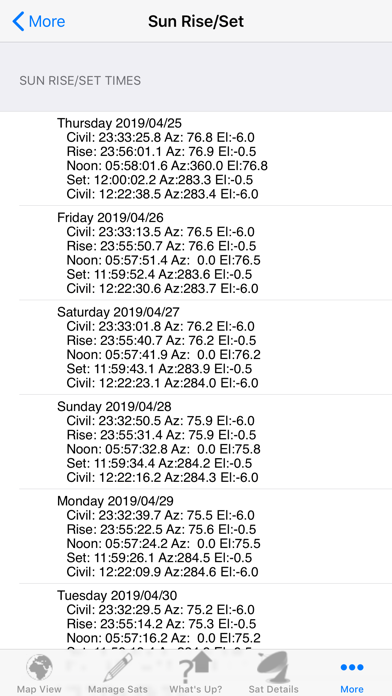
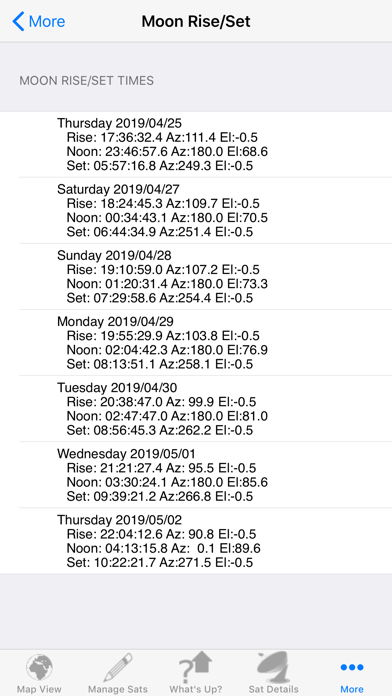
The application will calculate the rise/set times and associated azimuth and elevation for the selected satellite, Sun or Moon given either the user entered or network retrieved location.
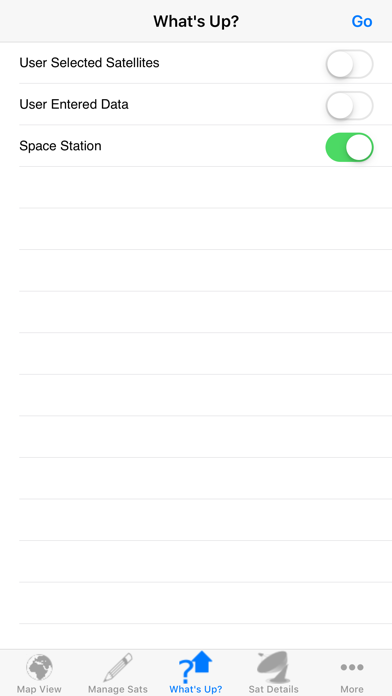
There are two modes for satellite rise/set calculations. The first is for those folks wanting to know all overflights for a given location (like Ham radio operators) while the second mode computes only those passes where the satellite would be visible to a ground observer. In the ground observer mode, the calculations not only take into account that the ground is dark but also that the satellite is in sunlight (it even takes into account if the satellite becomes lit or unlit during the pass)
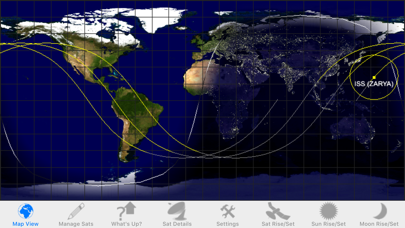
In addition, you can see the Earth rendered either as a 3D globe or a 2D map using photo realistic texture maps for the Earth model. The orientation of the map is easily changed by a simple rotation of the device from portrait (3D) to landscape (2D). In either orientation you can zoom in and out as well as pan using the touch screen.
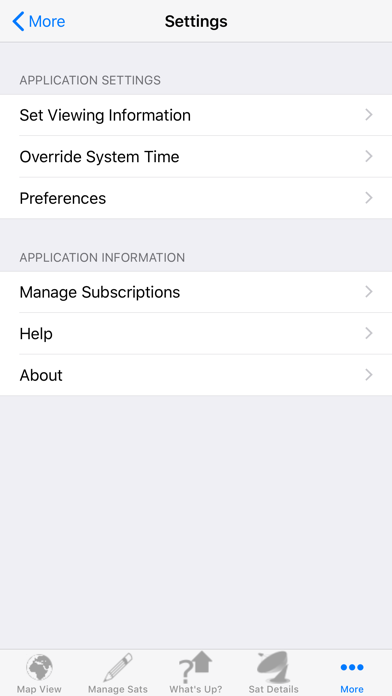
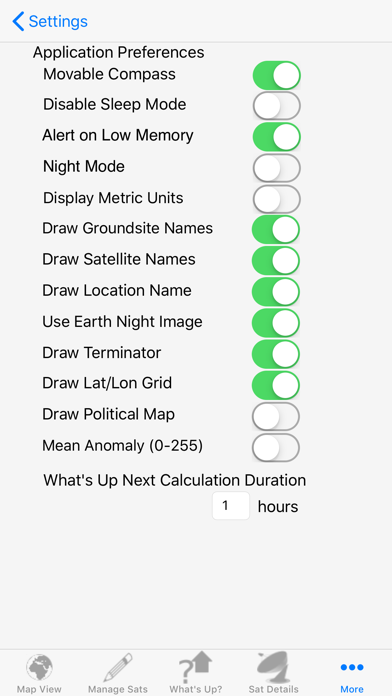
There are more than a dozen controls provided to allow you to customize how the application works to meet your specific needs (type of Earth texture used, location, type of overflight calculated…)
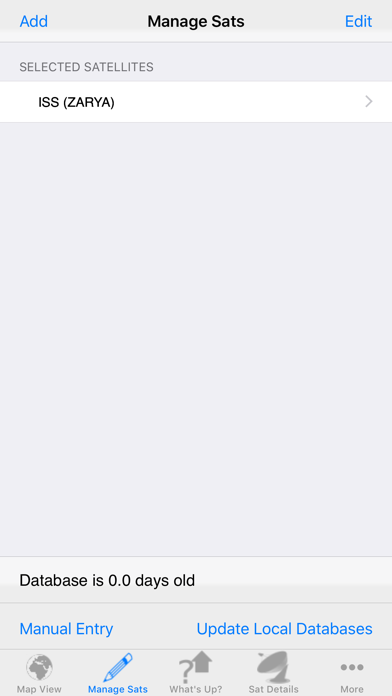
Finally, the application is now free to download and provides full functionality for tracking, viewing and communicating with the International Space Station (what was the capability of the ISS family of paid apps). The following subscriptions are available for tracking and communicating with a larger set of satellites:
-HamSat (Annual and Monthly): Provides access to the NORAD and AMSAT two line element sets which cover all amateur related satellites.
-ProSat (Annual and Monthly): Provides access to thousands of satellites grouped into the following categories (from www.celestrak.com):
-100 (or so) Brightest
-Last 30 Day’s Launches (or so)
-Amateur Ham Radio Satellites
-CubeSats
-Disaster Monitoring
-Earth Resources
-Education
-Engineering
-Geodetic
-Geostationary
-GOES
-GPS Operational
-Intelsat
-Iridium
-Molniya
-NOAA
-Orbcomm
-Search & Rescue (SARSAT)
-Space & Earth Science
-Space Station
-Weather
To get a feel for the apps, please checkout the iPad quickstart video (http://www.youtube.com/watch?v=tiHCGxV0WM8) and associated user’s guide (http://www.vosworx.com/wp-content/uploads/2017/05/SatSeriesHD.pdf) or the iPhone quickstart video (http://www.youtube.com/watch?v=iuPccQI9oSg) and it’s user’s guide (http://www.vosworx.com/wp-content/uploads/2017/05/SatSeries.pdf).
Please note that InApp payments will be charged to your AppleID account at the confirmation of purchase. Subscriptions automatically renews unless it is canceled at least 24 hours before the end of the current period. Your account will be charged for renewal within 24 hours prior to the end of the current period. You can manage and cancel your subscription by going to your account settings on the App Store after purchase. For more information, please visit our Terms of Service at http://www.vosworx.com/terms-of-service-for-app and our Privacy Policy at http://www.vosworx.com/privacy-policy-for-apps.
Thanks to everyone who has sent in their questions/requests and keep them coming!
-Craig (support@vosworx.com)