

Scanner Document PDF Converter
Scanner Document PDF Converter is made and published by Jasper Reynolds. AppBrain is an independent app data site and isn't affiliated with Jasper Reynolds. The app name, icon, screenshots and description belong to Jasper Reynolds and are shown as published on the App Store.
AppBrain's verdict
- Rating on App Store
- 4.47
- 86 ratings
- Last updated
- October 11, 2024
- Size
- 23.0 MB
It doesn't have enough ratings yet to judge what users think.
User feedback
Ratings and reviews on the App StoreComments on Scanner Document PDF Converter for iOS
We don't have enough comments to show example comments. Please check back later.
Store listing
By Jasper Reynolds, from the App Store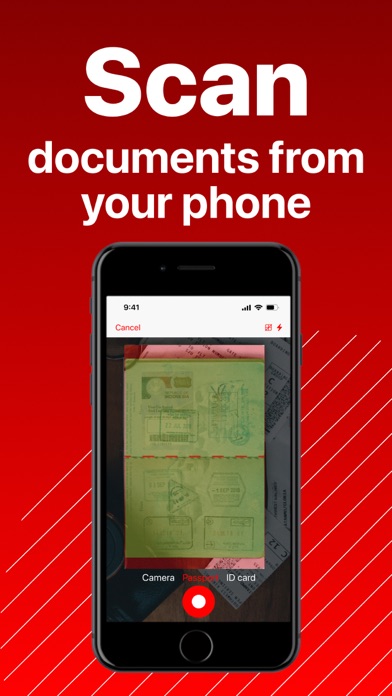
Description by Jasper Reynolds Written by the developer, not by AppBrain. Click to read.
Key Features:
Quick Scanning:
Effortlessly process various documents, from IDs and passports to bills and letters. Convert them into popular formats like TXT, PDF, and JPEG quickly and accurately. Enjoy high-quality, color-corrected scans, and merge multiple pages into a single document using our PDF scanner app.
Effective Text Conversion and Recognition:
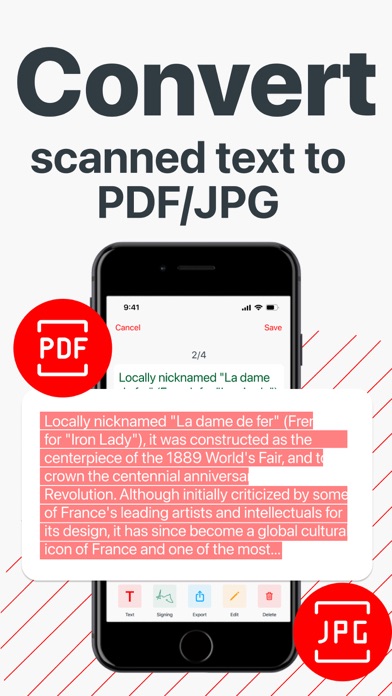
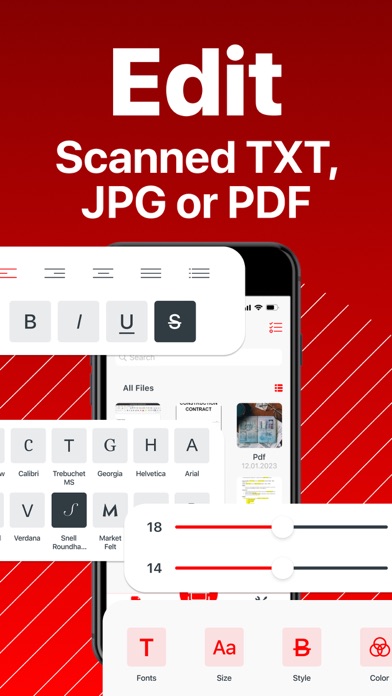
Convert text from images in seconds, eliminating the need for manual rewriting. The OCR technology ensures quick and accurate extraction of text from scanned materials. Edit extracted text with customizable settings such as fonts, colors, and sizes.
Effective File Management:
Navigate through an advanced file management system with folders, tags, and other features. Easily change file names and organize your documents efficiently using our scan app.
Quick Document Sharing:
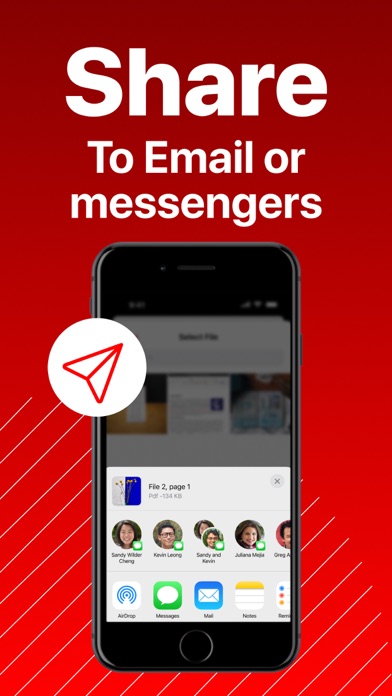
Share processed files or obtained scans swiftly via email or messengers.
Storage Ensured:
Access all exported or scanned documents quickly and securely. Our scanner app ensures data privacy, with no third-party access to your directory and uninterrupted access even without an internet connection.
Subscriptions:
Unlock premium features with weekly, monthly, or annual subscriptions. All subscriptions can include a 3 Days Free Trial Period. Enjoy the flexibility to manage your subscription and turn off auto-renewal in your Account Settings.
Please note that your iTunes account will be charged upon purchase confirmation. Subscriptions will auto-renew unless disabled at least 24 hours before the current period ends. Manage your subscriptions and auto-renewal settings in your Account Settings post-purchase.
Privacy and Terms:
Privacy Policy: Dive into our Privacy Policy at https://scadopdfdap.info/IOS_ScannerDocumentPDFDocApp_PrivacyPolicy.html
Terms of Use: Explore the app's Terms of Use at https://scadopdfdap.info/IOS_ScannerDocumentPDFDocApp_TermsOfUse.html
Need Support?
Questions or concerns? Connect with our dedicated support team at tyler.butler@roysl6purple.info. We're here to assist you!
Download Scanner Document PDF Converter now and experience the ultimate pocket scanner. Scan, recognize, convert, edit, store, secure, and elevate your productivity seamlessly.
Safety and technology
Found in the app by AppBrain- Price
- Free
- App size
- 23.0 MB
- Content rating
- Everyone
Technologies used by Scanner Document PDF Converter
Releases
Updates seen on the App Store- Version
- 1.0.2
- Launched
- March 2024
No changelog data
Alternatives
Similar apps and more from Jasper ReynoldsMore from Jasper Reynolds





Rankings
App Store top chartsApp Store Rankings for Scanner Document PDF Converter
About the app and developer
About Scanner Document PDF Converter
Scanner Document PDF Converter is a business app developed by Jasper Reynolds.
User Ratings
Scanner Document PDF Converter is rated 4.47 out of 5 stars. The rating is based on 86 ratings.
App Information
Scanner Document PDF Converter is freely available from the App Store. The app size is 22.97 MB. The latest version available is 1.0.2. The last update was on October 11, 2024.
Technical Requirements
The app has a content rating of Everyone. The app has been available on the App Store since March 2024.
Developer information for Jasper Reynolds
Address: