

Scanning translation is made and published by 湾湾 胡. AppBrain is an independent app data site and isn't affiliated with 湾湾 胡. The app name, icon, screenshots and description belong to 湾湾 胡 and are shown as published on the App Store.
AppBrain's verdict
EstablishedLoved by users- Rating on App Store
- 4.78
- 471 ratings
- Last updated
- November 21, 2022
Users love it: 4.8 stars from 471 ratings.
Rankings
App Store top chartsApp Store Rankings for Scanning translation
Competitors
Similar apps and more from 湾湾 胡Alternatives to Scanning translation








More from 湾湾 胡

Releases
Updates seen on the App Store- Version
- 6.0.1
- Launched
- March 2018
No changelog data
User feedback
Ratings and reviews on the App StoreComments on Scanning translation for iOS
We don't have enough comments to show example comments. Please check back later.
Technology
Found in the app by AppBrain- Price
- Free
- App size
- 54.0 MB
- Content rating
- Everyone
Technologies used by Scanning translation
About the app and developer
About Scanning translation
Scanning translation is an education app developed by 湾湾 胡.
User Ratings
Scanning translation is rated 4.78 out of 5 stars. The rating is based on 470 ratings.
App Information
Scanning translation is freely available from the App Store. The app size is 54.04 MB. The latest version available is 6.0.1. The last update was on November 21, 2022.
Technical Requirements
The app has a content rating of Everyone. The app has been available on the App Store since March 2018.
Developer information for 湾湾 胡
Address:
Store listing
By 湾湾 胡, from the App Store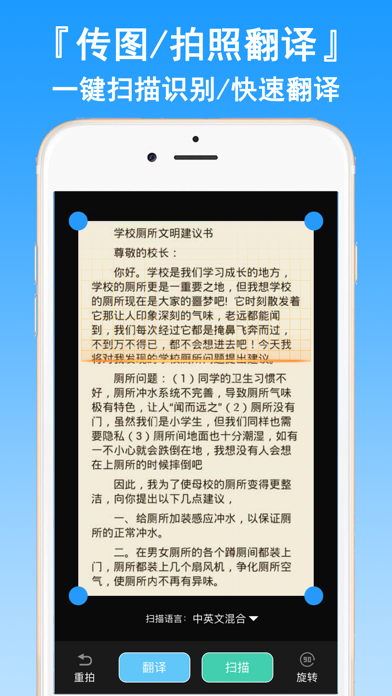

Description by 湾湾 胡 Written by the developer, not by AppBrain. Click to read.
"Scanning translation features"
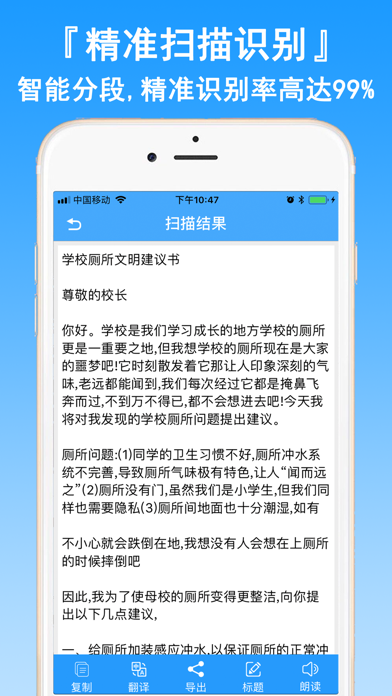
[text extraction master] picture translated text, accurate recognition rate 99%+!
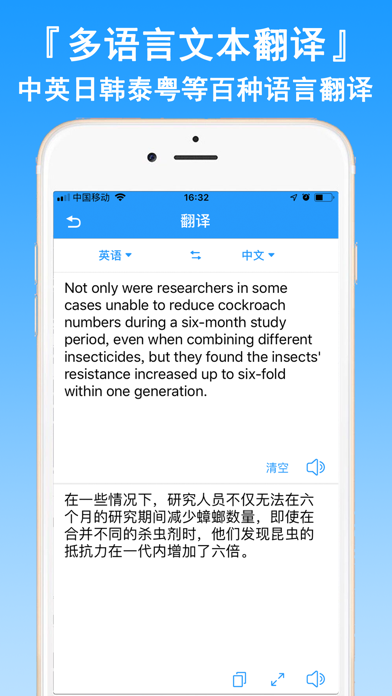
The assistant of foreign language learning can recognize 100+ languages, such as Chinese, English, Japanese and Korean.
(Intelligent collation and export) scanning results intelligent segmentation, one key read / export TXT/PDF
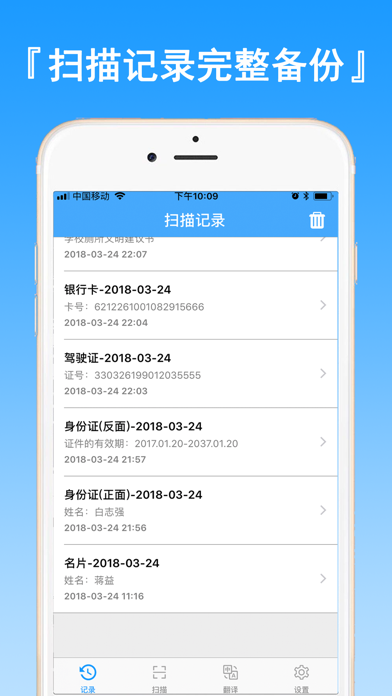
Rapid identification of translation pictures / documents /PDF/ ID card / bank card / business card and so on
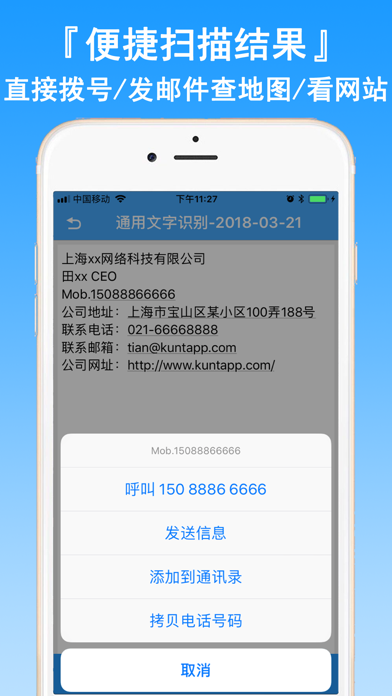
[Edit] identification results support the fast scan results to make phone calls, send e-mail, access to web sites, see the calendar of events, check the map, check number, machine number Chabang goods etc.
"use of advice"
To make sure that you can get a clear scan, please take a photo:
* enough light to avoid jitter
* try to make the picture take up the screen