

ScanSnap Connect Application
ScanSnap Connect Application is made and published by PFU LIMITED. AppBrain is an independent app data site and isn't affiliated with PFU LIMITED. The app name, icon, screenshots and description belong to PFU LIMITED and are shown as published on the App Store.
AppBrain's verdict
EstablishedPoorly rated- Rating on App Store
- 2.38
- 108 ratings
- Last updated
- August 5, 2025
- Size
- 211.0 MB
Users are critical: 2.4 stars from 108 ratings.
User feedback
Ratings and reviews on the App StoreComments on ScanSnap Connect Application for iOS
We don't have enough comments to show example comments. Please check back later.
Store listing
By PFU LIMITED, from the App Store

Description by PFU LIMITED Written by the developer, not by AppBrain. Click to read.
New mobile scanning app ScanSnap Home is now available. Try out the improved operability and usability of ScanSnap Home!
*ScanSnap Home can be used with iX1600/iX1500/iX1300/iX100.
[About ScanSnap Connect Application]
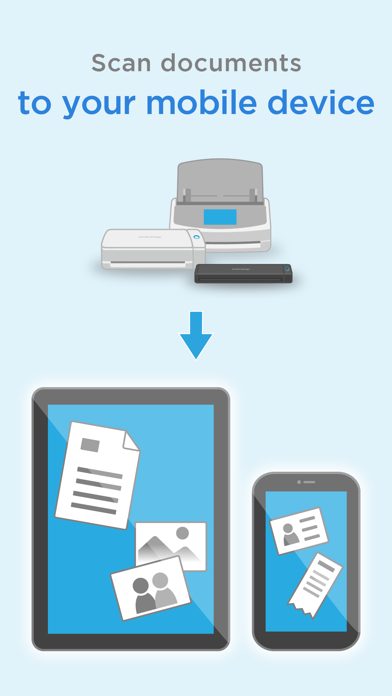
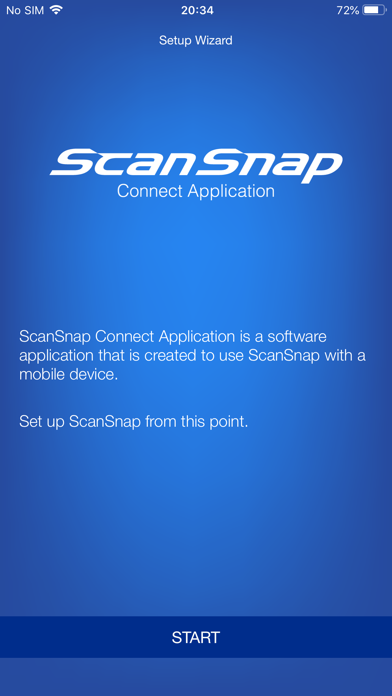
This application easily allows your iPad, iPhone or iPod touch to handle images scanned with the personal document scanner “ScanSnap”.
[What you need]
To use ScanSnap Connect Application, you need to have Wi-Fi connection (via direct connection or your router) and the following devices.
・Wi-Fi-supported ScanSnap
Computer may be required for initial setup.
・iPad / iPhone / iPod touch series
[Main features of ScanSnap Connect Application]
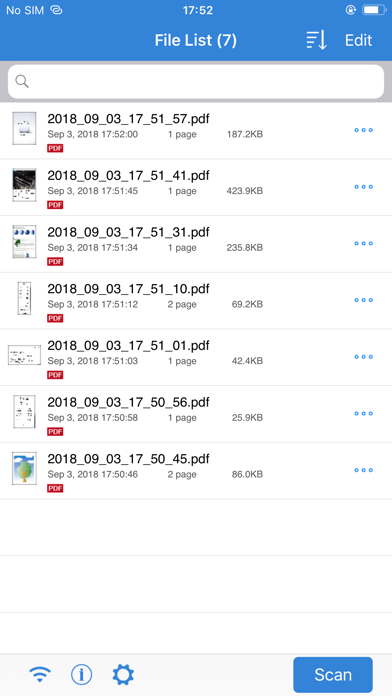
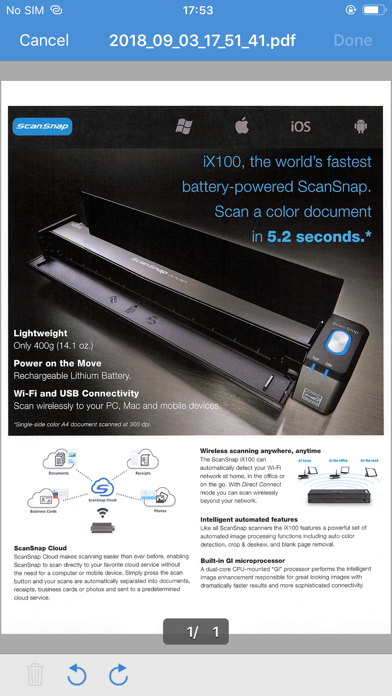
-Receive and view PDF/JPEG images scanned with ScanSnap in a seamless manner.
-Receive ready-to-use files already corrected with various features (automatic paper size detection/auto color detection/blank page removal/deskew).
-View images offline.
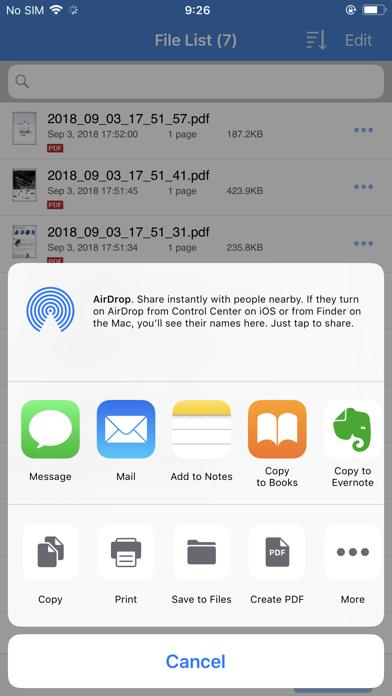
-Use images in "Mail", "Print", "Photos" or an application that supports PDF/JPEG on your iPad, iPhone or iPod touch.
[How to use ScanSnap Connect Application]
-For details how to set up / use this application, select the [i] icon at lower left corner of the screen after you start up the application, then refer to [Help].
-For details about using ScanSnap, refer to the Basic Operation Guide, Advanced Operation Guide or Help bundled with ScanSnap.
Safety and technology
Found in the app by AppBrain- Price
- Free
- App size
- 211.0 MB
- Content rating
- Everyone
Technologies used by ScanSnap Connect Application
Releases
Updates seen on the App Store- Version
- 2.8.22
- Launched
- September 2011
No changelog data
Alternatives
Similar apps and more from PFU LIMITEDAlternatives to ScanSnap Connect Application


More from PFU LIMITED


Rankings
App Store top chartsApp Store Rankings for ScanSnap Connect Application
About the app and developer
About ScanSnap Connect Application
ScanSnap Connect Application is an utilities app developed by PFU LIMITED.
What is the rating of ScanSnap Connect Application?
ScanSnap Connect Application is rated 2.38 out of 5 stars, based on 110 ratings.
Is ScanSnap Connect Application free?
ScanSnap Connect Application is free. The app size is 211.00 MB. The latest version available is 2.8.22. The last update was on August 5, 2025.
What are the requirements for ScanSnap Connect Application?
The app has a content rating of Everyone. The app has been available on the App Store since September 2011.
Developer information for PFU LIMITED
Address: