Screen Mirror to TV & Device is made and published by
Raymond NG.
AppBrain is an independent app data site and isn't affiliated with Raymond NG.
The app name, icon, screenshots and description belong to Raymond NG and are shown as
published on the App Store.
About Screen Mirror to TV & Device
Screen Mirror to TV & Device is a productivity app developed by Raymond NG.
What is the rating of Screen Mirror to TV & Device?
Screen Mirror to TV & Device has no ratings yet.
Is Screen Mirror to TV & Device free?
Screen Mirror to TV & Device is free. The app size is 3.87 MB. The latest version available is 2.3.4. The last update was on May 28, 2025.
What are the requirements for Screen Mirror to TV & Device?
The app has a content rating of Everyone. The app has been available on the App Store since March 2020.
Description by Raymond NG(from the App Store)
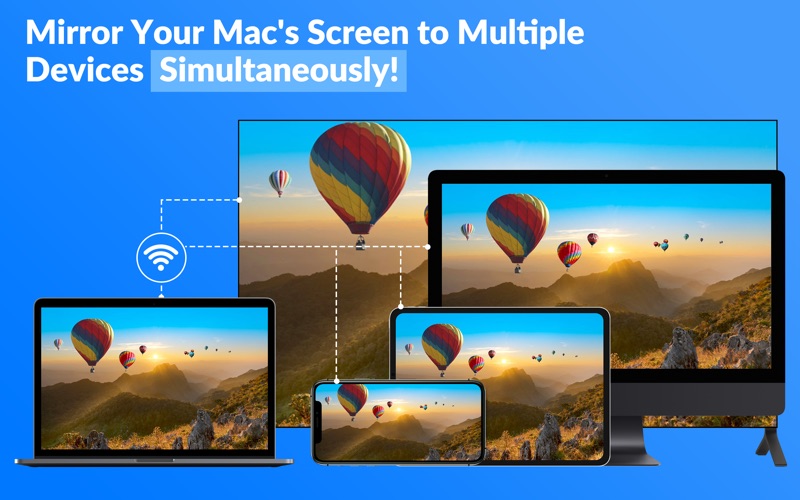
*** Mirror your Mac's screen to multiple devices simultaneously – with virtually zero-second delay!
You can mirror your Mac's screen to multiple devices simultaneously. Any digital device with a web browser can view the mirrored screen with almost no delay. This app is very easy to use.
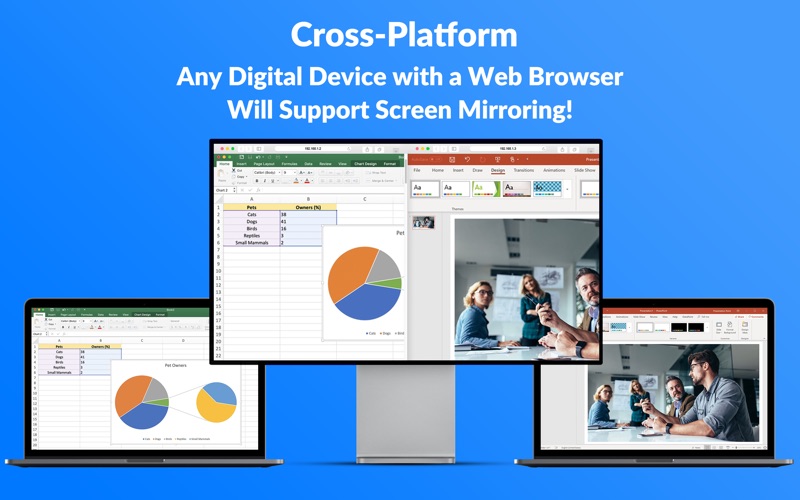
Wirelessly mirror your Mac's screen on your Smart TV, Mac, PC, Laptop, Smartphones, Tablets, Game Console, etc. No additional hardware or software is required on your device.
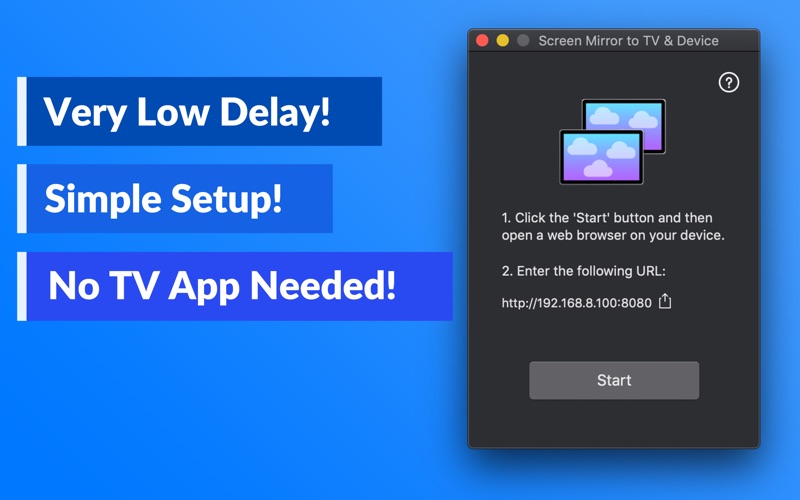
Six Unique Features You Can't Find Elsewhere: * Multi-Screen Mirroring - Mirror your Mac to multiple devices simultaneously. * Screen or Media Mirroring - Cast videos and photos to multiple devices simultaneously! * Cross-Platform - Any digital device with a web browser will support the screen mirroring. * Very Low Delay - It has an almost zero-second delay during screen mirroring. * Mirror Multiple Screens - One device can view multiple mirrored screens simultaneously. * Simple and Easy Setup - Setup is easy. You can begin mirroring immediately. ^ Most features require a subscription or IAP.
SIMPLE SETUP: * Notice for macOS 15 or later users * If you're using macOS 15 or later, you'll see a system prompt the first time you launch this app: "Screen Mirror to TV & Device is requesting to bypass the system private window picker and directly access your screen and audio. This will allow Screen Mirror to TV & Device to record your screen and system audio, including personal or sensitive information that may be visible or audible." This is a standard macOS system message. Please rest assured that our app is safe and secure. To continue using the app, simply click "Allow".
1. Click the 'Start' button and then open a web browser on your digital device. 2. Enter the URL as shown in the Screen Mirror to TV & Device app. You can also share the URL via AirDrop. 3. Your Mac's screen should appear in the device's web browser. * You can adjust the Frame Rate and Refresh Time in the file menu.
NOTES: * Please make sure all of your digital devices are connected to the same network. Screen Mirror to TV & Device app doesn't work on complex networks such as VLANs (Virtual LANs), VPNs (Virtual Private Networks), or Subnets. * Actual mirroring performance depends on your network condition. * Sound is not supported at the moment.
Get it now!
Privacy Policy: http://www.99mobileapp.com/pp.html Service Terms: http://www.99mobileapp.com/terms/index.html
Each subscription will automatically renew 3 days before the expiration date for
the same time period. Subscriptions can be cancelled at any time before the renewal.