

Screen recorder. Recording app
Screen recorder. Recording app is made and published by Mobime. AppBrain is an independent app data site and isn't affiliated with Mobime. The app name, icon, screenshots and description belong to Mobime and are shown as published on the App Store.
AppBrain's verdict
EstablishedWell rated- Rating on App Store
- 4.30
- 1,727 ratings
- Last updated
- November 18, 2025
Users rate it well: 4.3 stars from 1,727 ratings.
Rankings
App Store top chartsApp Store Rankings for Screen recorder. Recording app
Competitors
Similar apps and more from MobimeAlternatives to Screen recorder. Recording app








More from Mobime






Releases
Updates seen on the App Store- Version
- 5.6.3
- Launched
- February 2021
No changelog data
User feedback
Ratings and reviews on the App StoreComments on Screen recorder. Recording app for iOS
We don't have enough comments to show example comments. Please check back later.
Technology
Found in the app by AppBrain- Price
- Free
- App size
- 12.0 MB
- Content rating
- Everyone
Technologies used by Screen recorder. Recording app
About the app and developer
About Screen recorder. Recording app
Screen recorder. Recording app is a productivity app developed by Mobime.
User Ratings
Screen recorder. Recording app is rated 4.30 out of 5 stars. The rating is based on 1.7 thousand ratings.
App Information
Screen recorder. Recording app is freely available from the App Store. The app size is 11.98 MB. The latest version available is 5.6.3. The last update was on November 18, 2025.
Technical Requirements
The app has a content rating of Everyone. The app has been available on the App Store since February 2021.
Developer information for Mobime
Address:
Store listing
By Mobime, from the App Store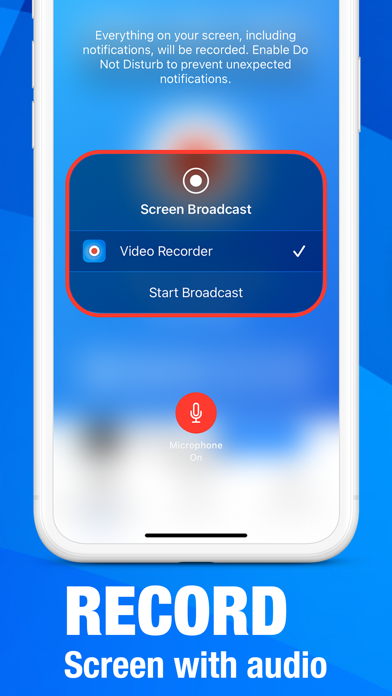
Description by Mobime Written by the developer, not by AppBrain. Click to read.
KEY FEATURES
Advanced Recording Capabilities
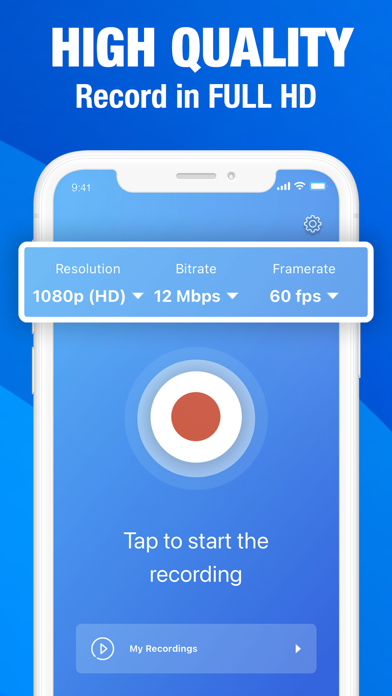
• Customizable resolution and bitrate settings for optimal quality
• Unlimited recording duration with no restrictions
• Professional-grade microphone integration for crystal-clear audio
Dual Camera System
• Front and rear camera support with flexible positioning
• Picture-in-picture functionality for enhanced presentations
• Seamless camera switching during recording
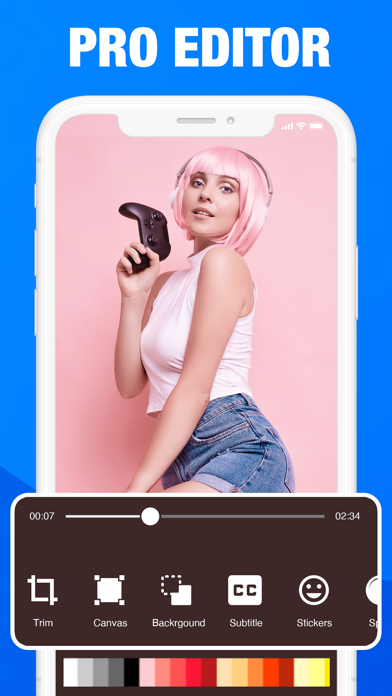
Professional Editing Suite
• Integrated video editor for studio-quality post-production
• Advanced audio recording and commentary tools
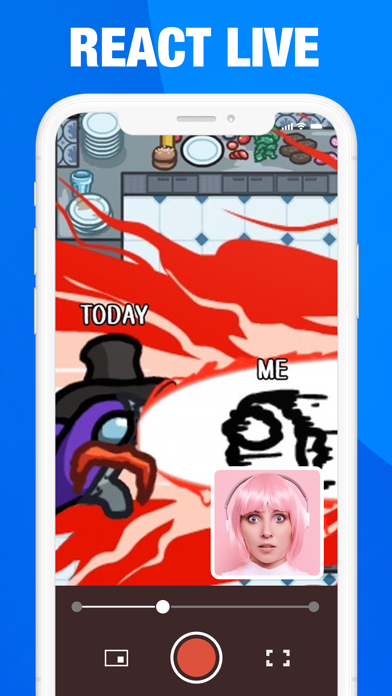
• Live reaction streaming capabilities for YouTube content
Content Creation Tools
• Real-time streaming integration
• High-quality commentary recording
• Professional-grade output formats
PREMIUM SUBSCRIPTION
Unlock the full potential of Record Me with our premium subscription, providing access to advanced features and ongoing updates.
Subscription Options:
• Annual Plan: $24.99/year (Best Value)
• Monthly Plan: $9.99/month
• Pricing may vary by region
Subscription Terms:
Payment charged to iTunes account upon purchase confirmation. Auto-renewal unless disabled 24+ hours before period end. Account charged for renewal within 24 hours of current period expiration. Manage subscriptions via iTunes Account Settings. No refunds for unused subscription periods.
LEGAL & SUPPORT
Terms of Service: https://mobime.org/terms
Privacy Policy: https://mobime.org/privacy
For technical assistance or inquiries, contact our support team at support@mobime.org
Experience professional-grade screen recording with Record Me. Download now and elevate your content creation.