

Screenly - Mockup Screenshots
Screenly - Mockup Screenshots is made and published by Jem Alvarez. AppBrain is an independent app data site and isn't affiliated with Jem Alvarez. The app name, icon, screenshots and description belong to Jem Alvarez and are shown as published on the App Store.
AppBrain's verdict
- Rating on App Store
- 4.73
- 26 ratings
- Last updated
- December 31, 2021
It doesn't have enough ratings yet to judge what users think.
Rankings
App Store top chartsApp Store Rankings for Screenly - Mockup Screenshots
Competitors
Similar apps and more from Jem AlvarezAlternatives to Screenly - Mockup Screenshots


More from Jem Alvarez


Releases
Updates seen on the App Store- Version
- 0.5.1
- Launched
- November 2021
No changelog data
User feedback
Ratings and reviews on the App StoreComments on Screenly - Mockup Screenshots for iOS
We don't have enough comments to show example comments. Please check back later.
Technology
Found in the app by AppBrain- Price
- Free
- App size
- 47.5 MB
- Content rating
- Everyone
Technologies used by Screenly - Mockup Screenshots
About the app and developer
About Screenly - Mockup Screenshots
Screenly - Mockup Screenshots is an overall app developed by Jem Alvarez.
What is the rating of Screenly - Mockup Screenshots?
Screenly - Mockup Screenshots is rated 4.73 out of 5 stars, based on 26 ratings.
Is Screenly - Mockup Screenshots free?
Screenly - Mockup Screenshots is free. The app size is 47.53 MB. The latest version available is 0.5.1. The last update was on December 31, 2021.
What are the requirements for Screenly - Mockup Screenshots?
The app has a content rating of Everyone. The app has been available on the App Store since November 2021.
Developer information for Jem Alvarez
Address:
Frequently asked questions about Screenly - Mockup Screenshots
Is Screenly - Mockup Screenshots free?
Yes. Screenly - Mockup Screenshots is free on the App Store.
Is Screenly - Mockup Screenshots still available?
Yes. Screenly - Mockup Screenshots is on the App Store, and the last update we saw was on December 31, 2021.
How large is Screenly - Mockup Screenshots?
Screenly - Mockup Screenshots is 47.53 MB.
Is Screenly - Mockup Screenshots suitable for children?
App Store rates the content of Screenly - Mockup Screenshots as suitable for everyone.
How do people rate Screenly - Mockup Screenshots?
Screenly - Mockup Screenshots scores 4.73 out of 5 stars, from 26 ratings on the App Store.
Who made Screenly - Mockup Screenshots?
Screenly - Mockup Screenshots was developed by Jem Alvarez. It is listed in the overall category on the App Store.
What are the best alternatives to Screenly - Mockup Screenshots?
People looking at Screenly - Mockup Screenshots also look at these overall apps: Appuly Put Screenshot in Frame, Inaugurate: Mockup Screenshot, Kolibri for SwiftUI, DittoChat, Linked List.
Store listing
By Jem Alvarez, from the App Store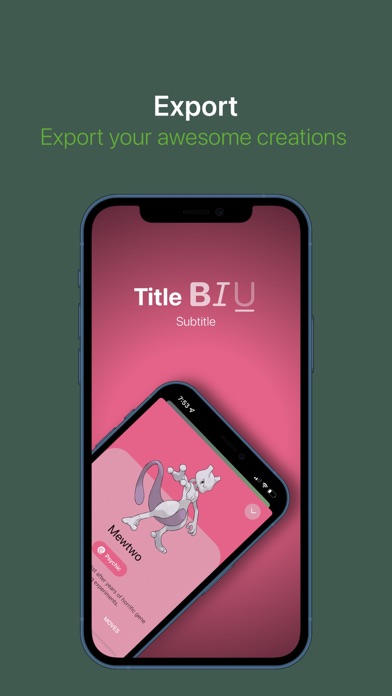
Description by Jem Alvarez Written by the developer, not by AppBrain. Click to read.
* Main Features:
- Customization
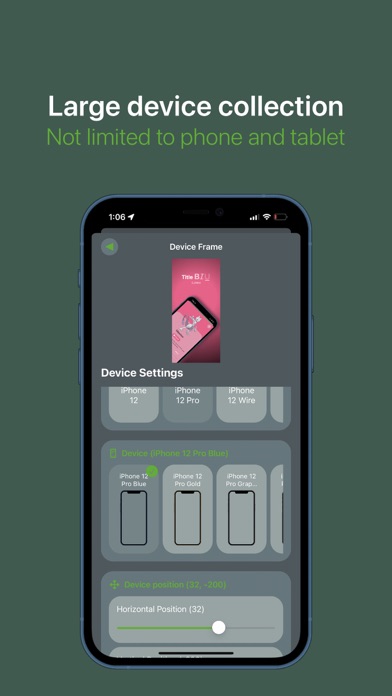
—— Many devices, not limited to mobile or iOS only (phones, tablets, computers, browsers, and more).
—— Customize the device/screenshot position, scale, rotation, add a shadow, or hide the frame altogether.
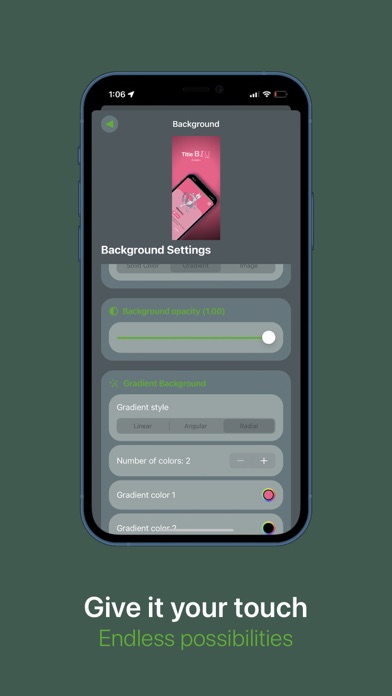
—— Background color, multiple gradient styles, background image, blur, and more.
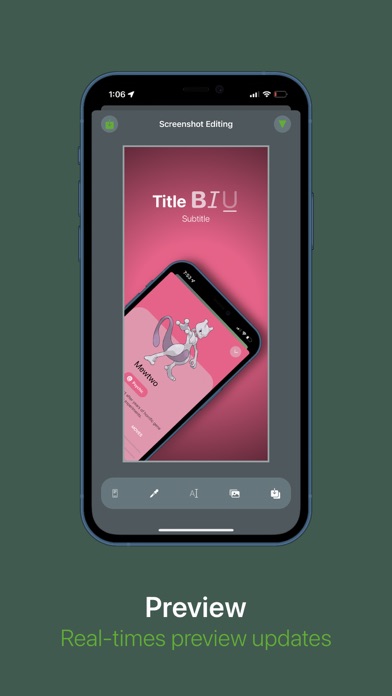
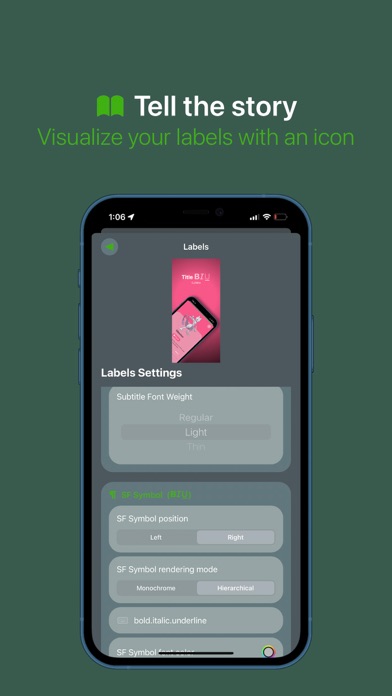
—— Labels (title, subtitle, and a symbol) with customizable position, color, z-index, font size, weight, symbol rendering mode, italics, underline, strikethrough, and more. *The symbols used for the labels are Apple’s SF Symbols, download their app or find the symbols names another way.*
—— Customize the image inside the device.
- Exporting
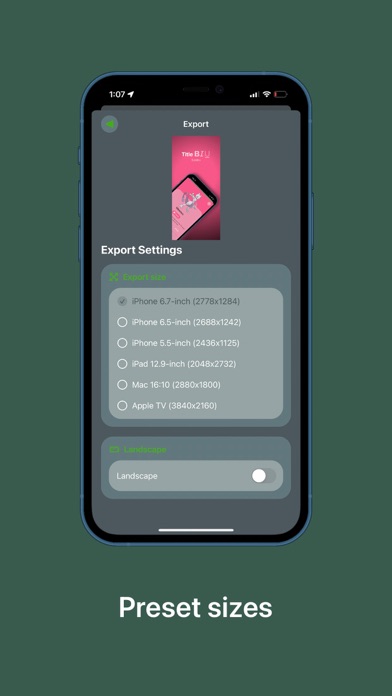
—— Multiple exporting sizes for all required AppStore sizes (6.7 in, 6.5 in, 5.5 in, 12.9 in, 16:10, an more).
—— Export in landscape mode.
—— Save PNGs with clear background
* Things to look forward to:
- More device frames (and will keep being added with almost every update, as they are released, or as they are requested by users).
- Projects, keep screenshots organized and saved with projects.
- Multiple languages (Spanish first).
- Screenshot position presets.
- More customization options (feel free to request).
- Other export sizes.
- More supported devices (iPad OS and MacOS). *App is only supported on iOS 14 and above.*
- Apple’s drag and drop for easily dropping images into your screenshots.
Feel free to contact me by sending me an email through the app settings, or just manually send one, contact@jemalvarez.com .